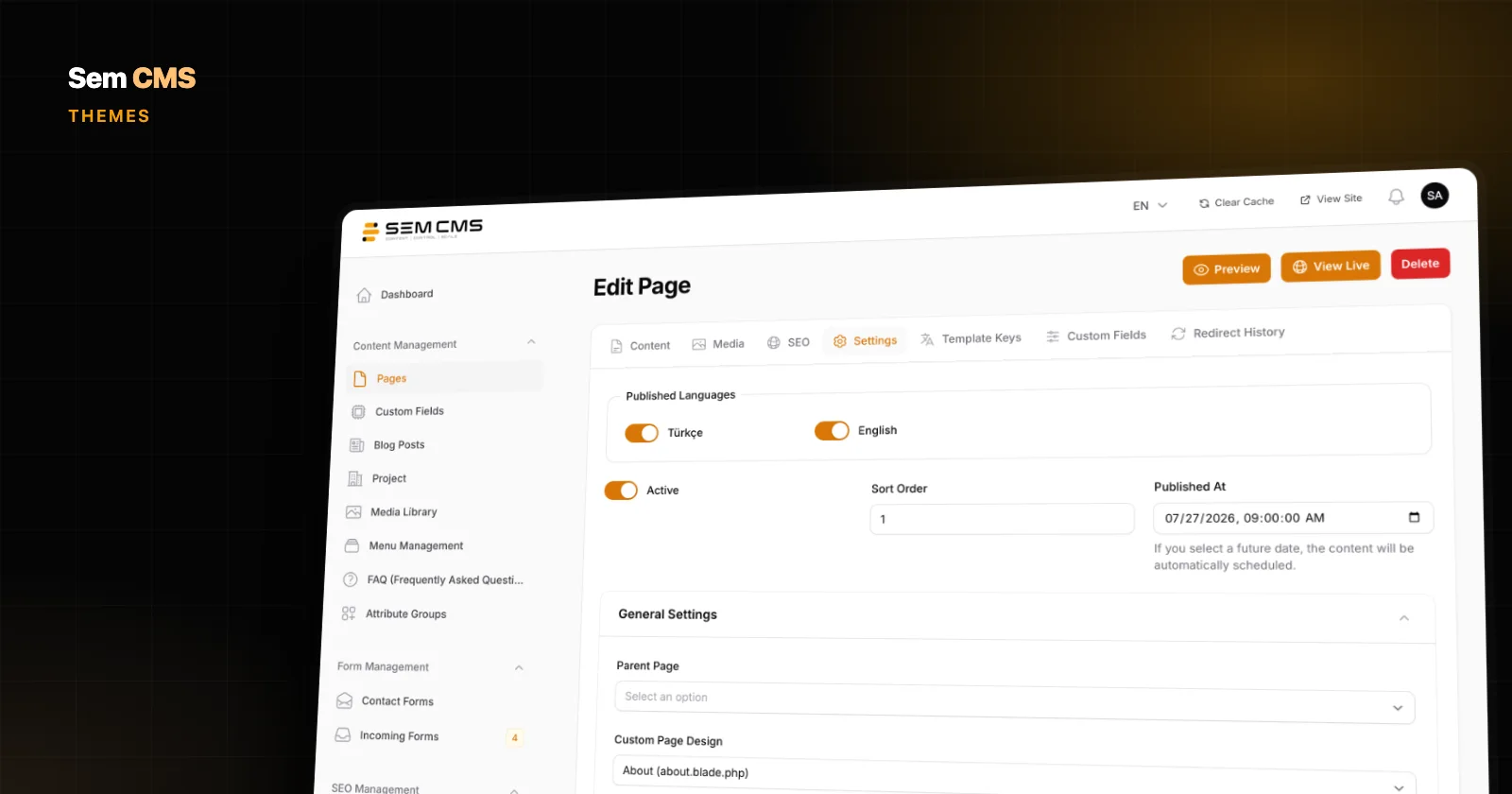
Build Web Pages Without Code: A Multilingual Page Editor
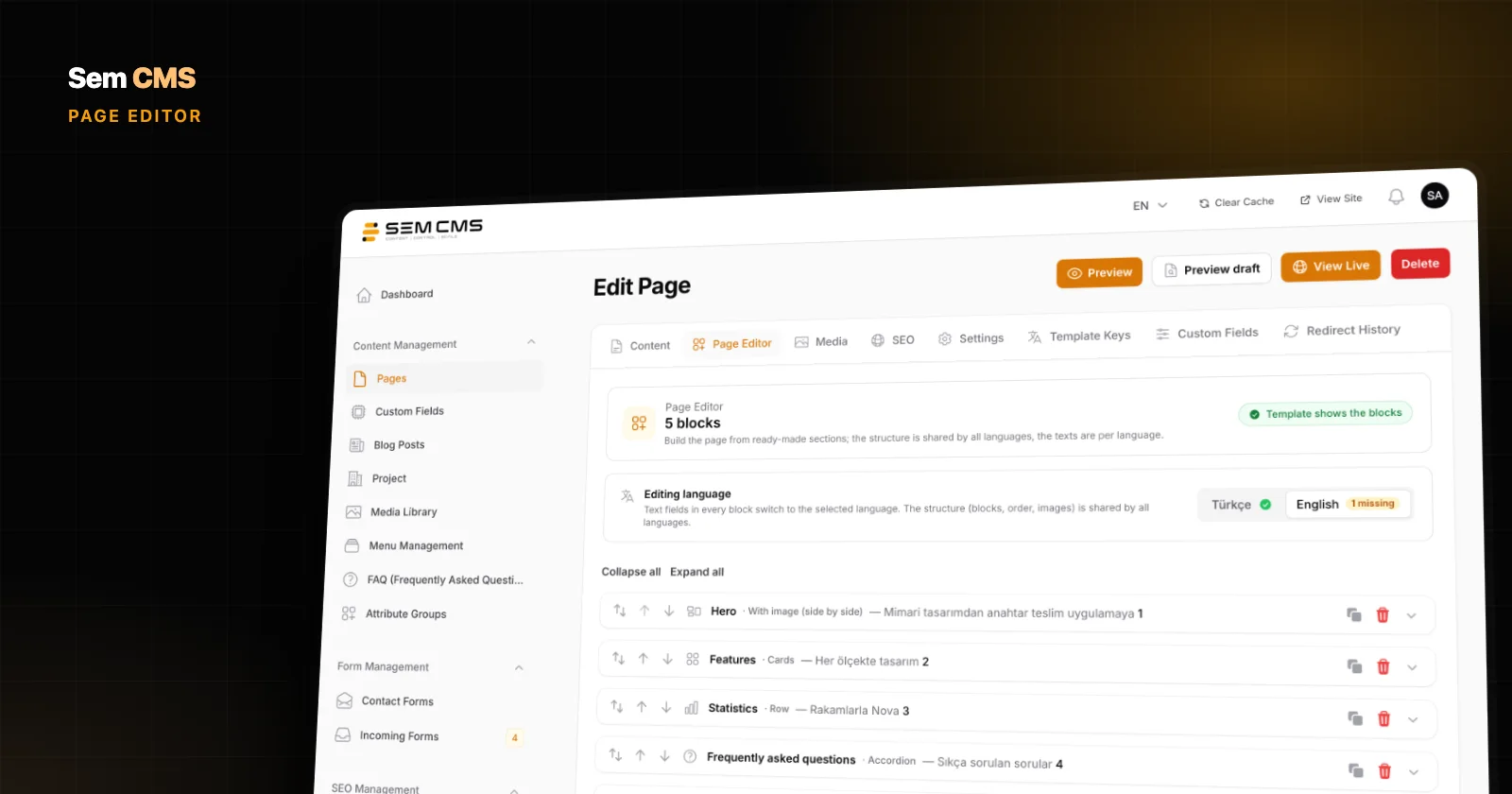
Build on-brand corporate pages and landing pages from ready-made blocks, with separate copy for every language. Here is how the Sem CMS Page Editor works.
Practical guides on SEO, multilingual sites and content management, each shown with screenshots from the Sem CMS panel.
Build on-brand corporate pages and landing pages from ready-made blocks, with separate copy for every language. Here is how the Sem CMS Page Editor works.
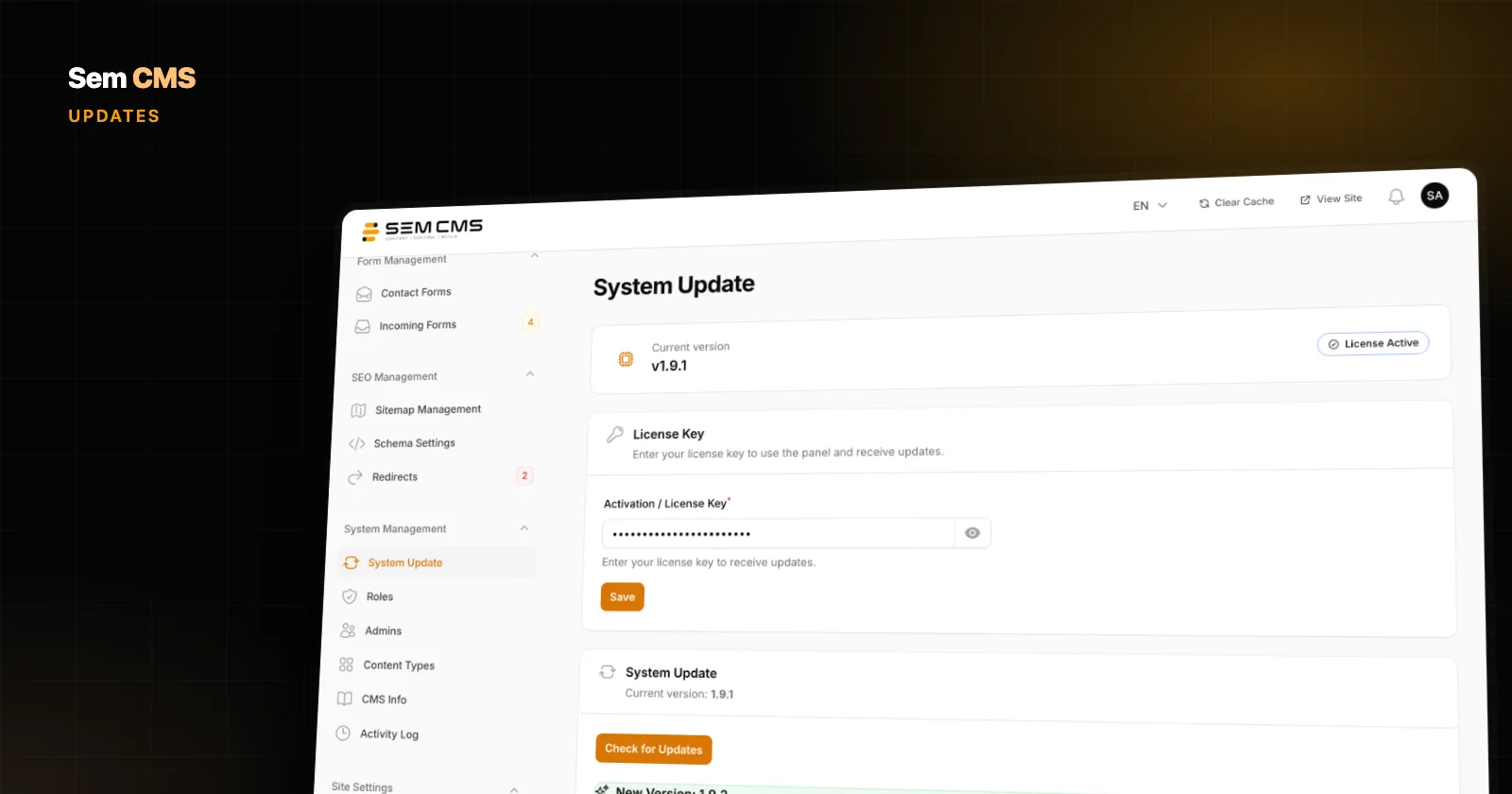
Automatic backup before every update, rollback on failure, protected customisations and a separate theme channel: how safe updates and maintenance work in Sem CMS.
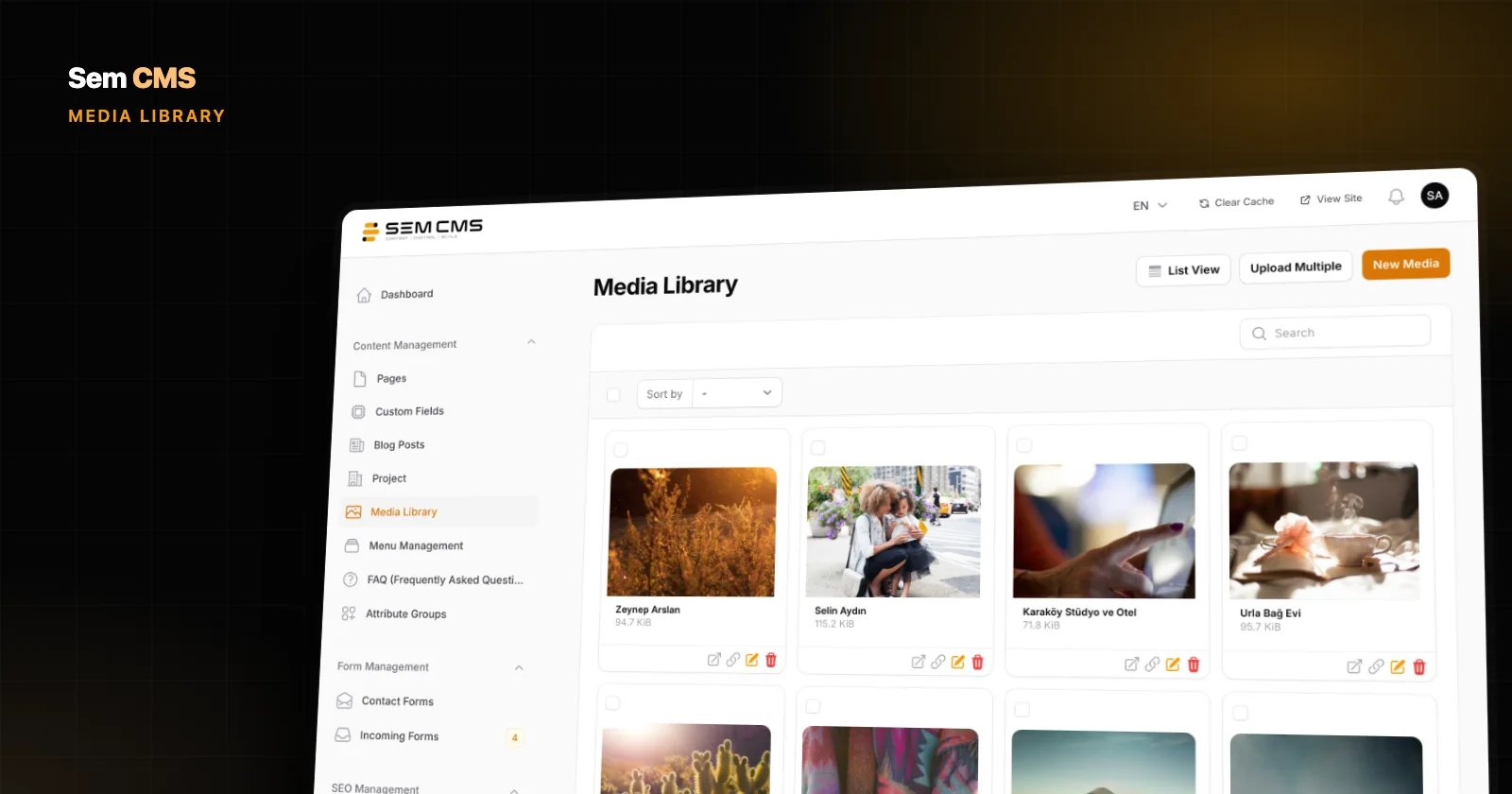
A media library that keeps your originals, serves device-sized WebP on the site, sanitizes SVG files and switches to a CDN in one click: here is how it works in Sem CMS.
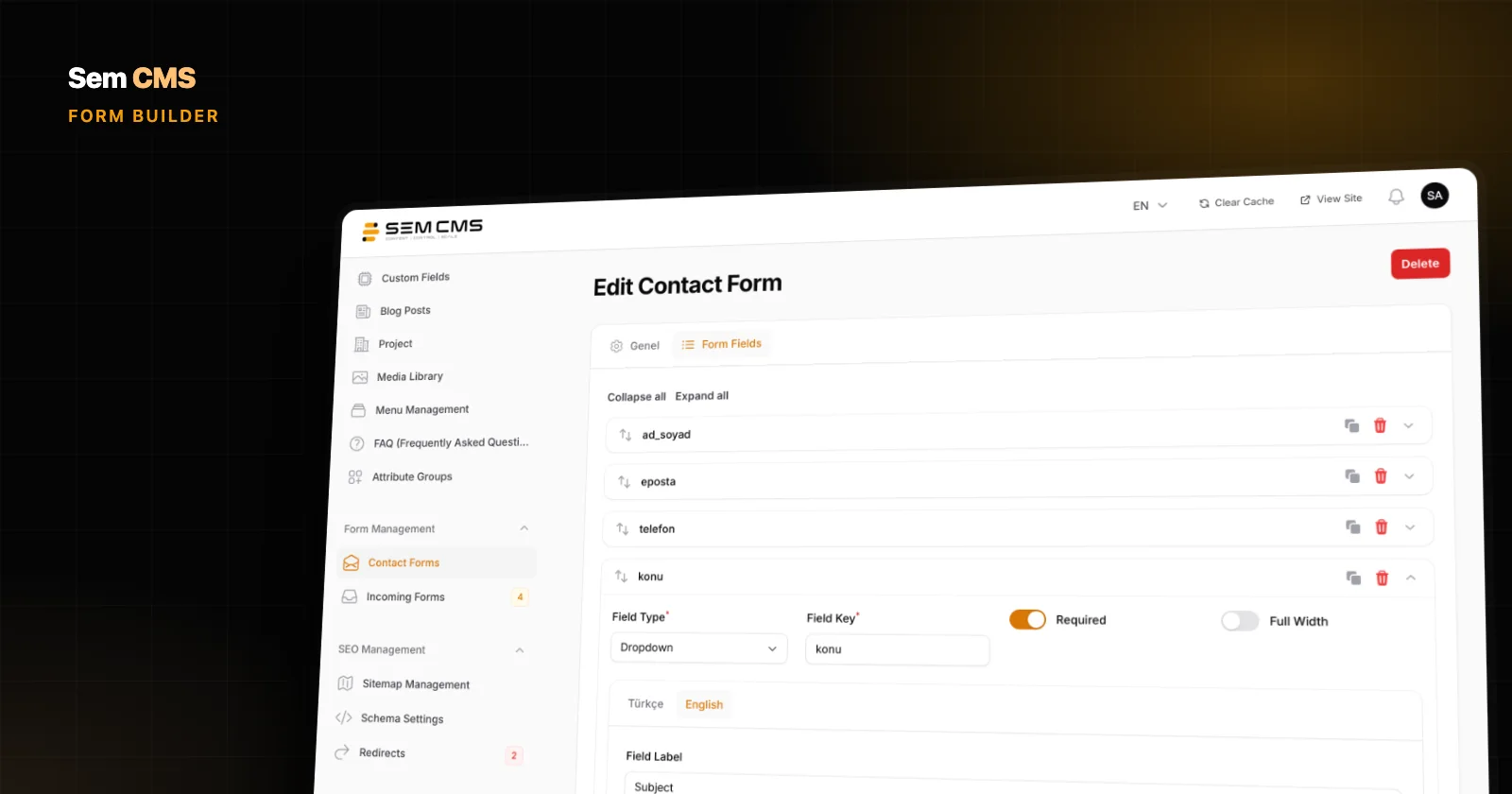
Build forms with drag and drop in Sem CMS, write labels per language, validate every submission on the server and manage enquiries from an inbox inside the panel.
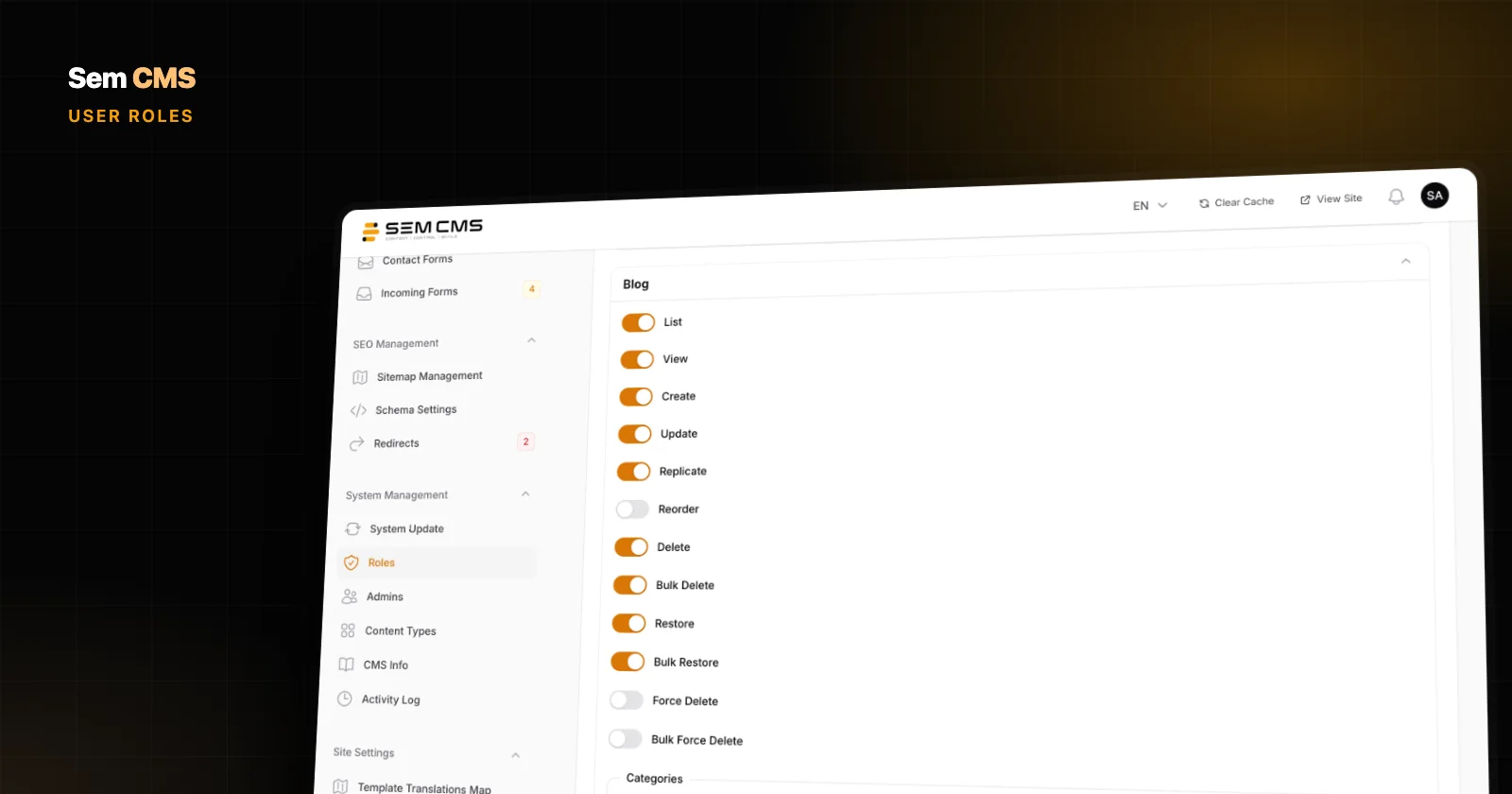
In Sem CMS, user roles are set per content area and per action, new content types bring their own permissions and every content change is logged with a before/after view.
In Sem CMS the theme lives apart from the core, so core updates don't touch your design. Pick page templates in the panel and let the template hierarchy handle the rest.
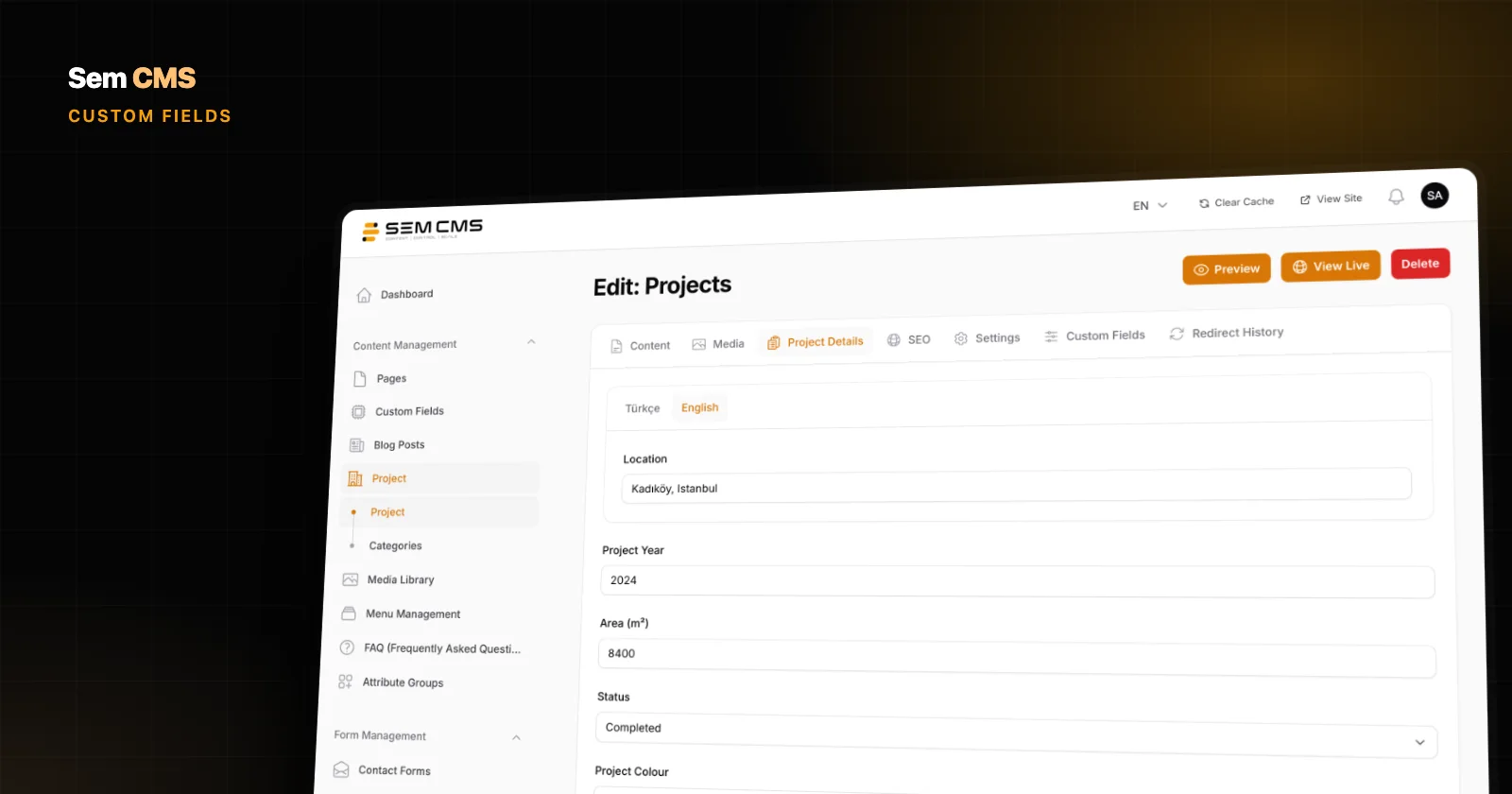
Pull details like year, location or price out of body text: define custom fields of 14 types in the Sem CMS panel, use them in every language, search and filter them.
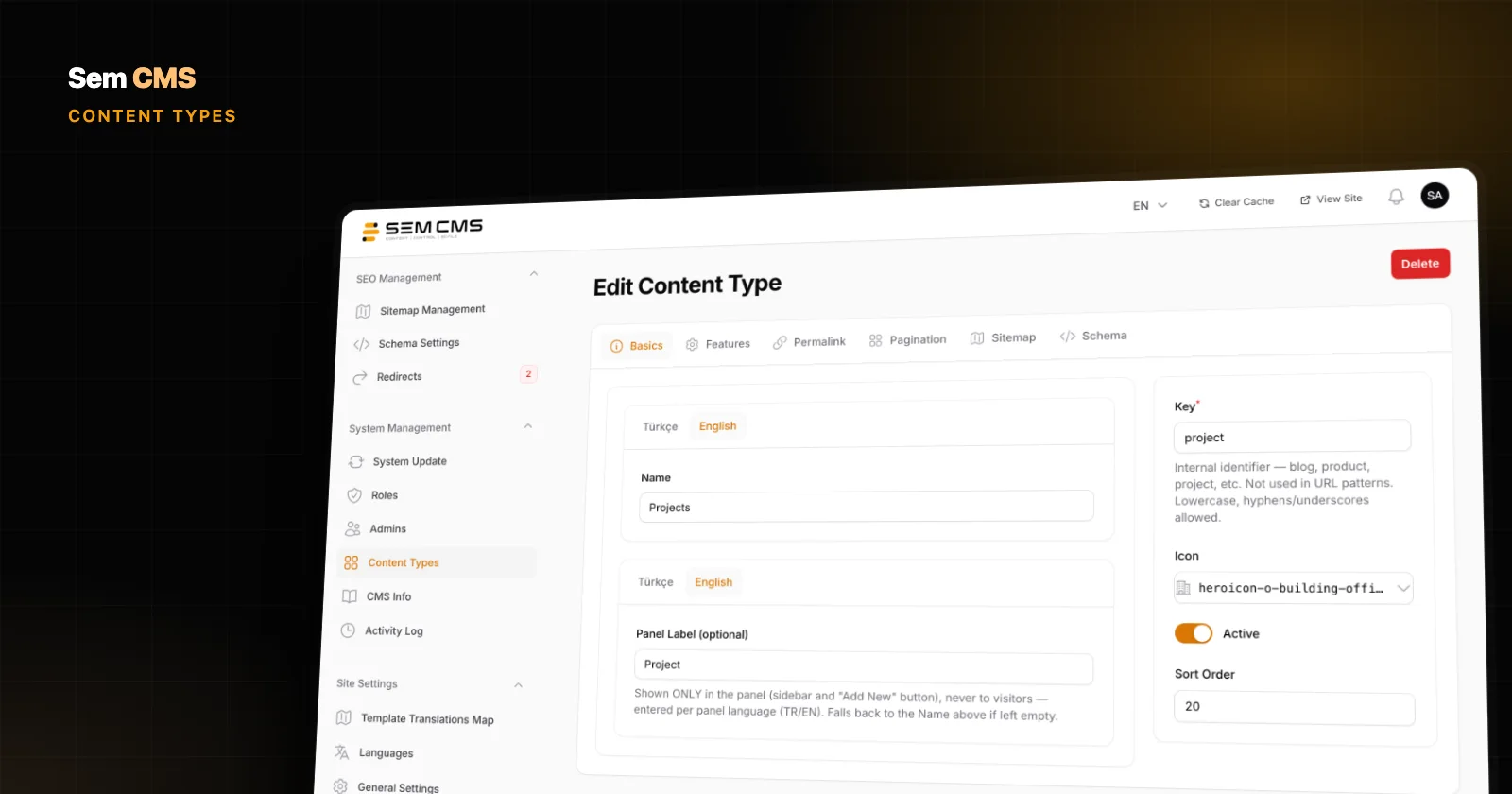
Build your own content types for projects, services or events in the panel, with multilingual URLs, templates, pagination, sitemap, schema and permissions included.
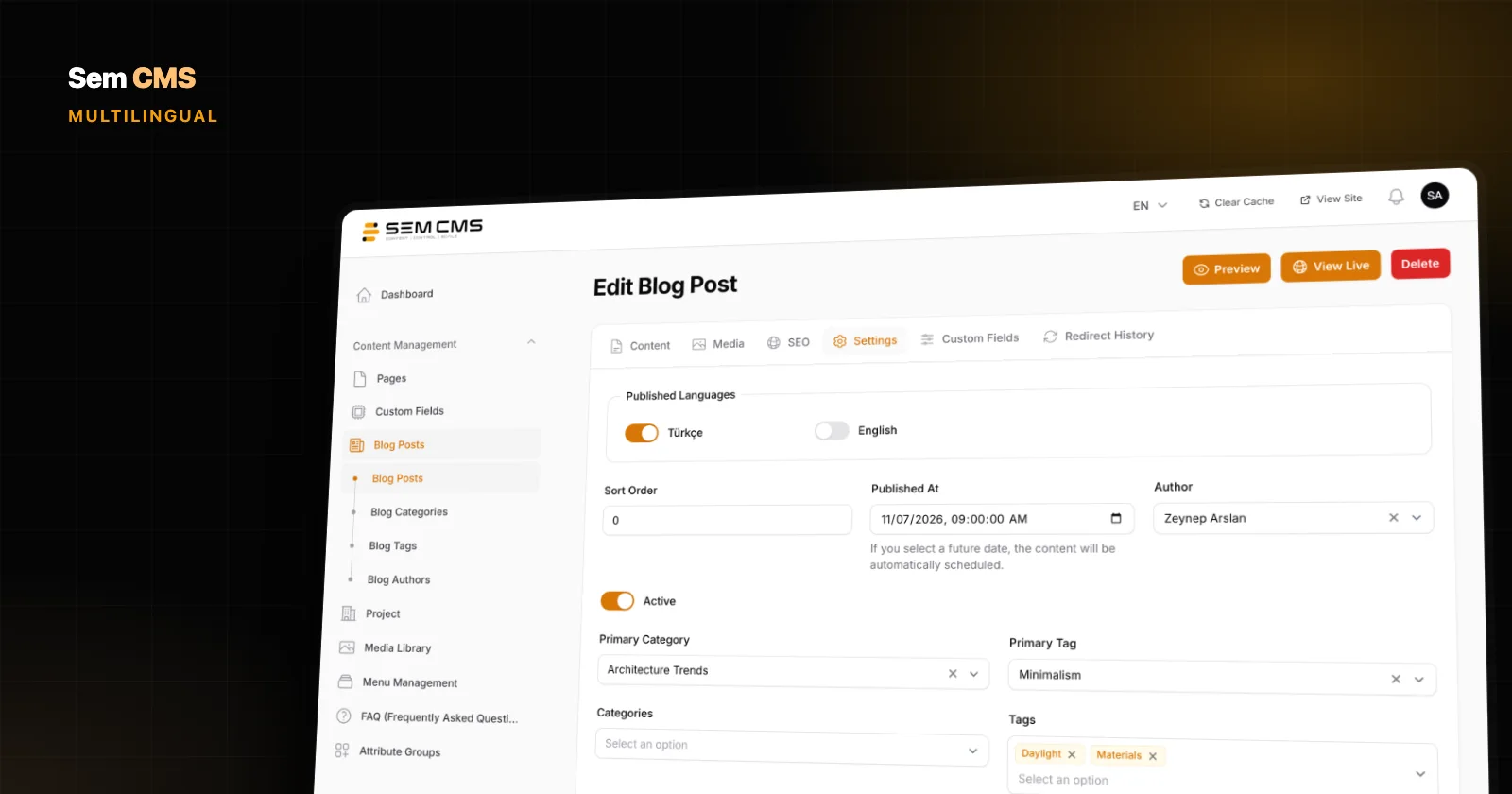
Adding languages, per-language publishing, clean URLs, accurate hreflang, shared settings and interface translations: run a multilingual site from one panel with Sem CMS.
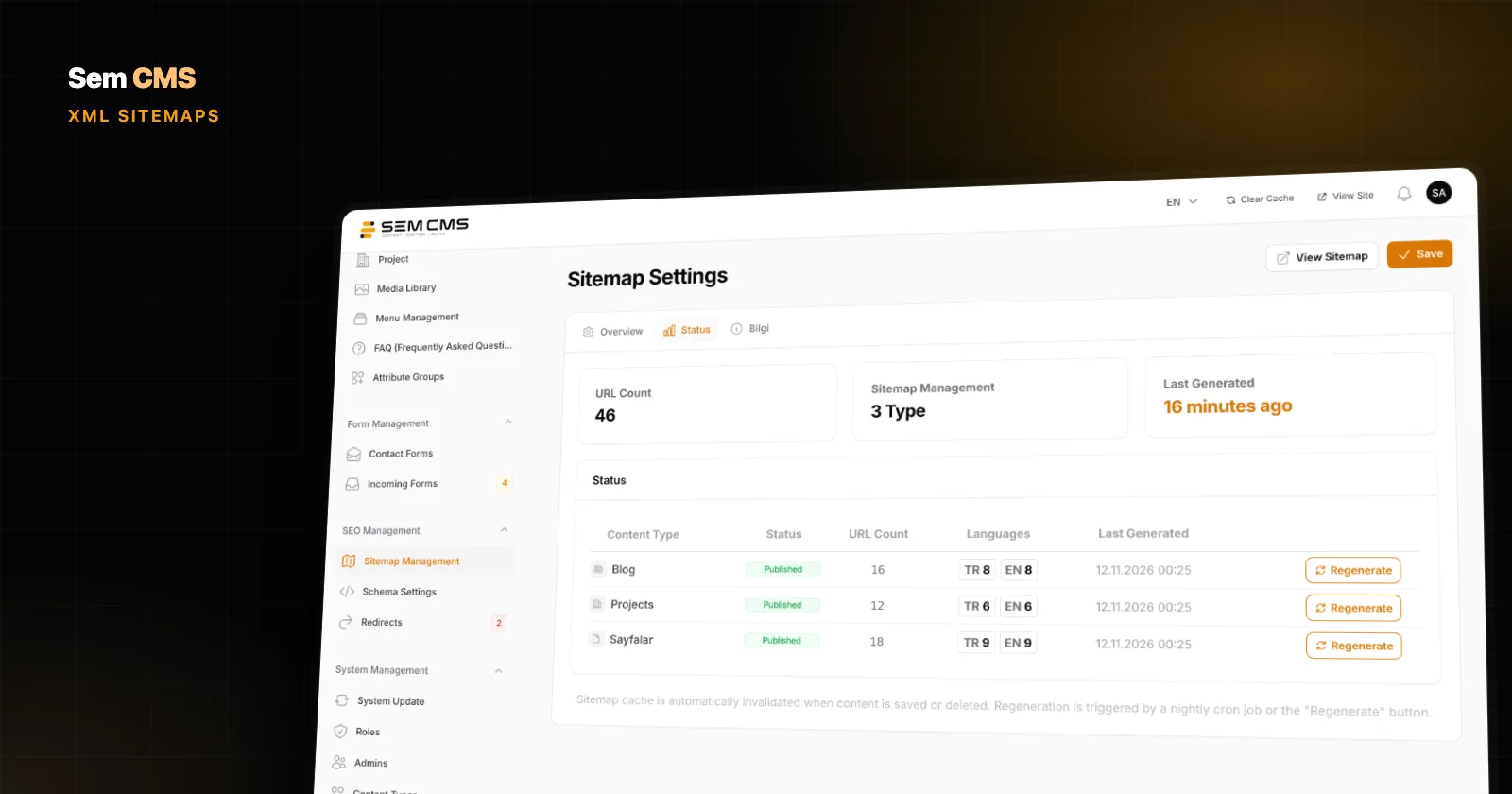
Per-language, per-module files, content type settings, image entries and Google News support: see how Sem CMS keeps your XML sitemaps automatic and current.
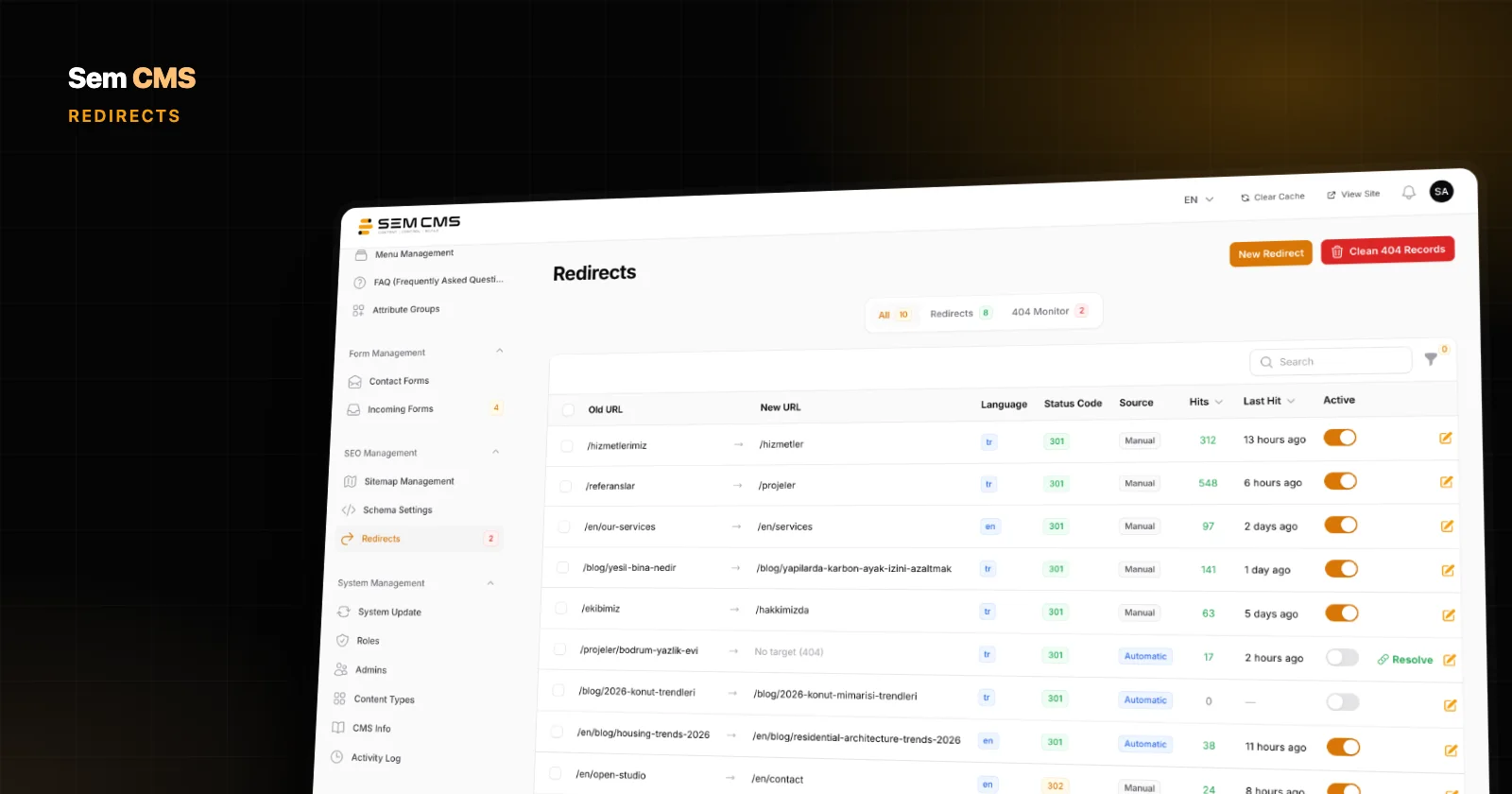
Per-language URL patterns, 301s prepared automatically when slugs change, 404 monitoring and conflict protection: URL management in Sem CMS, with screenshots.
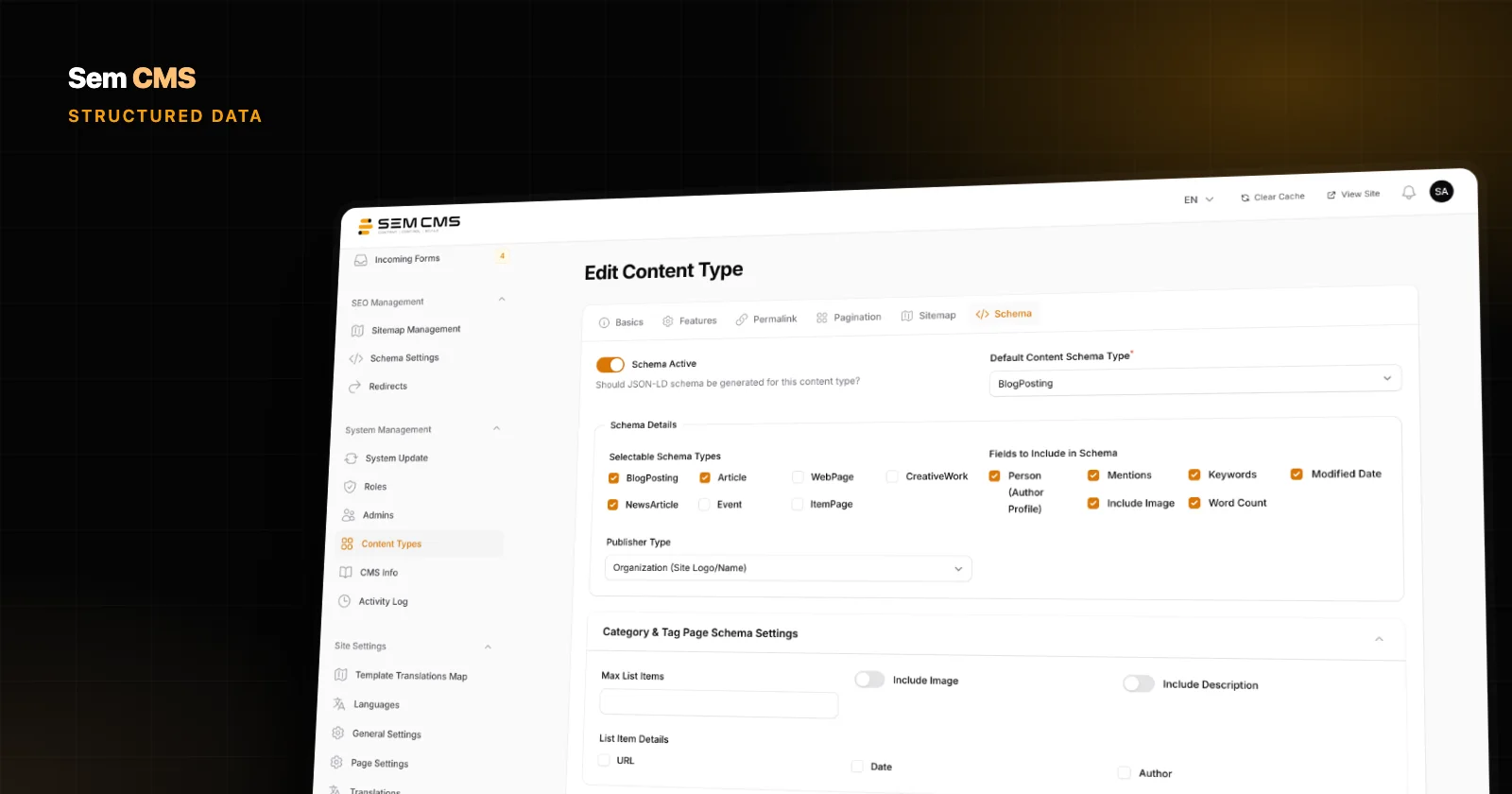
What structured data is, why it matters, and how Sem CMS generates one connected JSON-LD @graph for every page type, with no code and no plugins. Screenshots included.
Choose which types of cookies you allow. Necessary cookies are required for the site to work and cannot be switched off. Cookie Policy
Required for core features such as sessions, security and remembering your choices.
Help us measure anonymously how visitors use the site (e.g. Google Analytics).
Used to show ads relevant to your interests and to measure ad campaigns.
Enable embedded content such as videos, maps and live chat.