Most companies go multilingual the hard way. Someone copies the key pages into English by hand, then a translation plugin gets bolted on, and before long menus, contact details and SEO tags start drifting apart in every language. Half-translated pages go live, the language switcher sends visitors to URLs that don't exist, and nobody can say for sure which pages are actually ready in which language.
Running a multilingual website is about much more than translating text. Languages, URLs, publishing status, shared settings and interface strings all have to be managed together. In this post we cover what a multilingual CMS should handle for you and show how Sem CMS does it in the admin panel.
6 things a multilingual CMS should do
- Language management in the panel: Add a language, switch one off or change the default without calling a developer.
- Per-language publishing: Decide, for each item, which languages it is live in.
- Clean URLs: A separate slug per language and no prefix on the default language.
- Accurate hreflang: Only tell search engines about language versions that really exist.
- Shared and per-language settings: Enter your logo or phone number once, and split them by language only when you need to.
- Interface translation: Translate theme strings like "Read more" without touching code.
Manage languages from the panel
In Sem CMS, languages live on the Languages screen. Each one gets a name, an ISO code, a native name (say, "Deutsch") and a sort order. Activating a language, deactivating it or making it the default is a single switch.
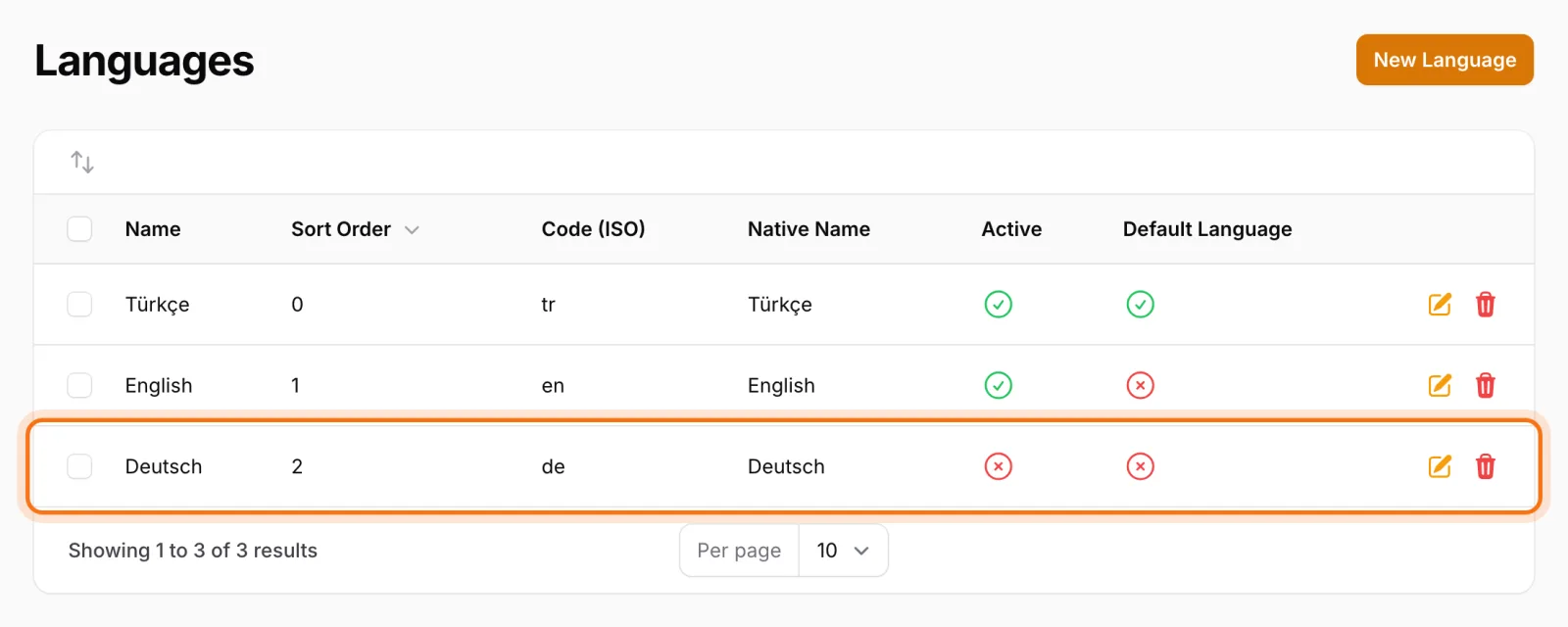
What matters is the automation behind those switches:
- Activate a new language and every setting that is shared across languages is copied to it automatically. The new version of your site doesn't open without a logo or contact details.
- Deactivate a language and it is removed from the published languages of every record. A language you switched off doesn't linger in some forgotten corner of the site.
- Change the default language and the system copies content, recalculates URLs and creates redirects for the old addresses in the background, then notifies the admin when it's done.
Switching the default language is one of the riskiest SEO moves a site can make, because every URL changes. Automatic redirects mean the authority your pages have built up follows them to their new addresses. We go deeper into how redirects work in our post on URL management and 301 redirects.
Every item, with its own publishing decision per language
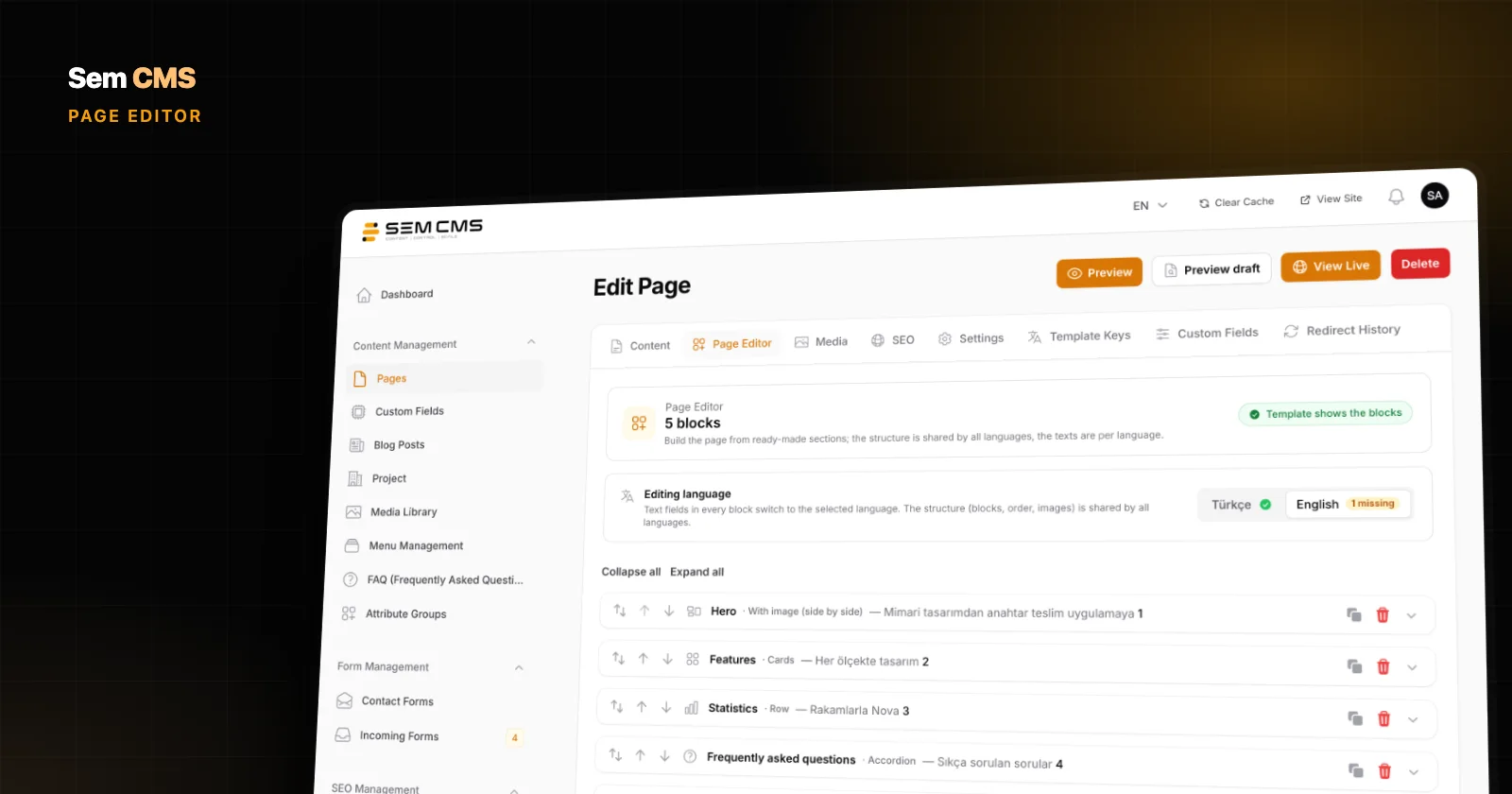
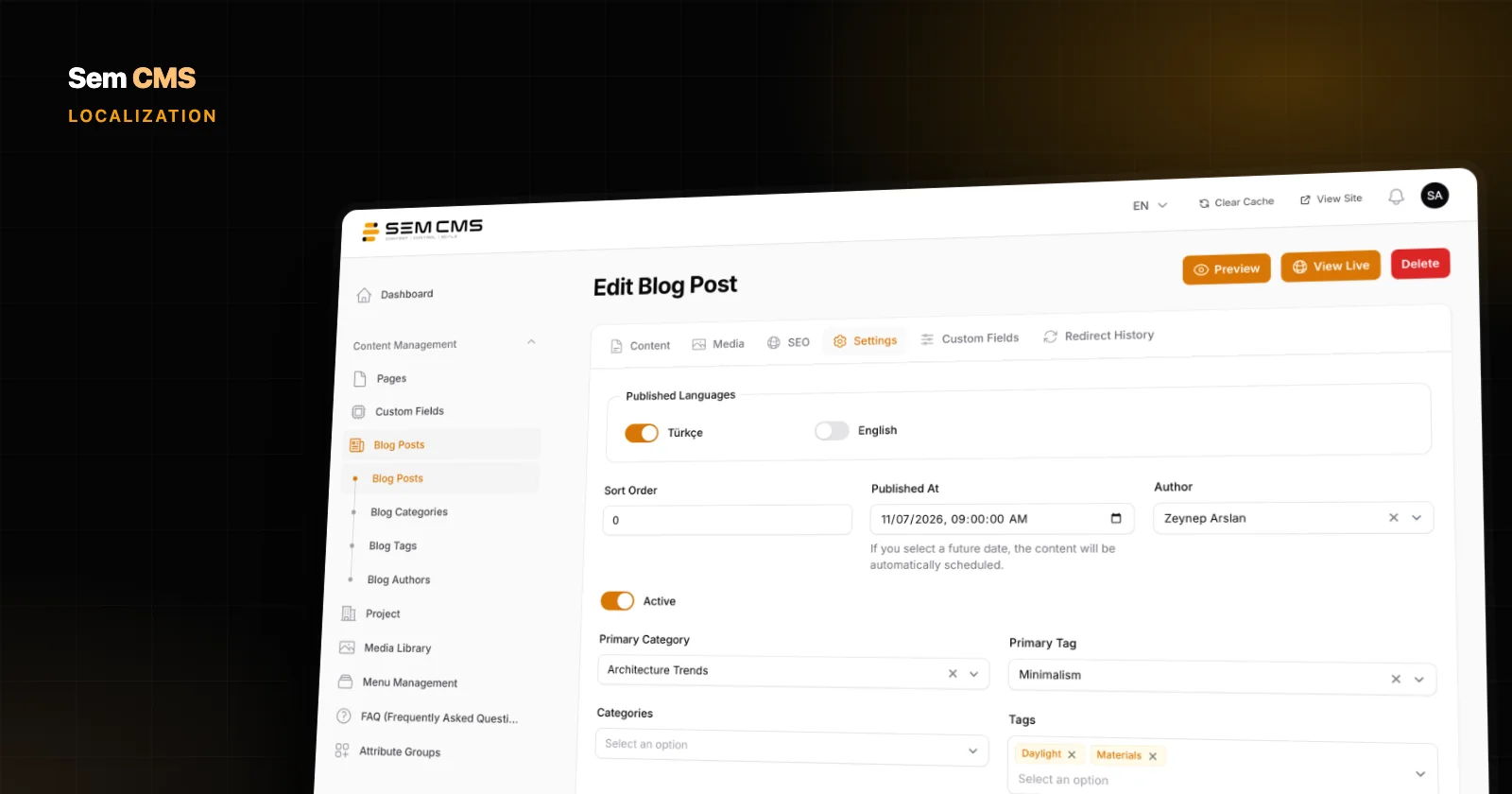
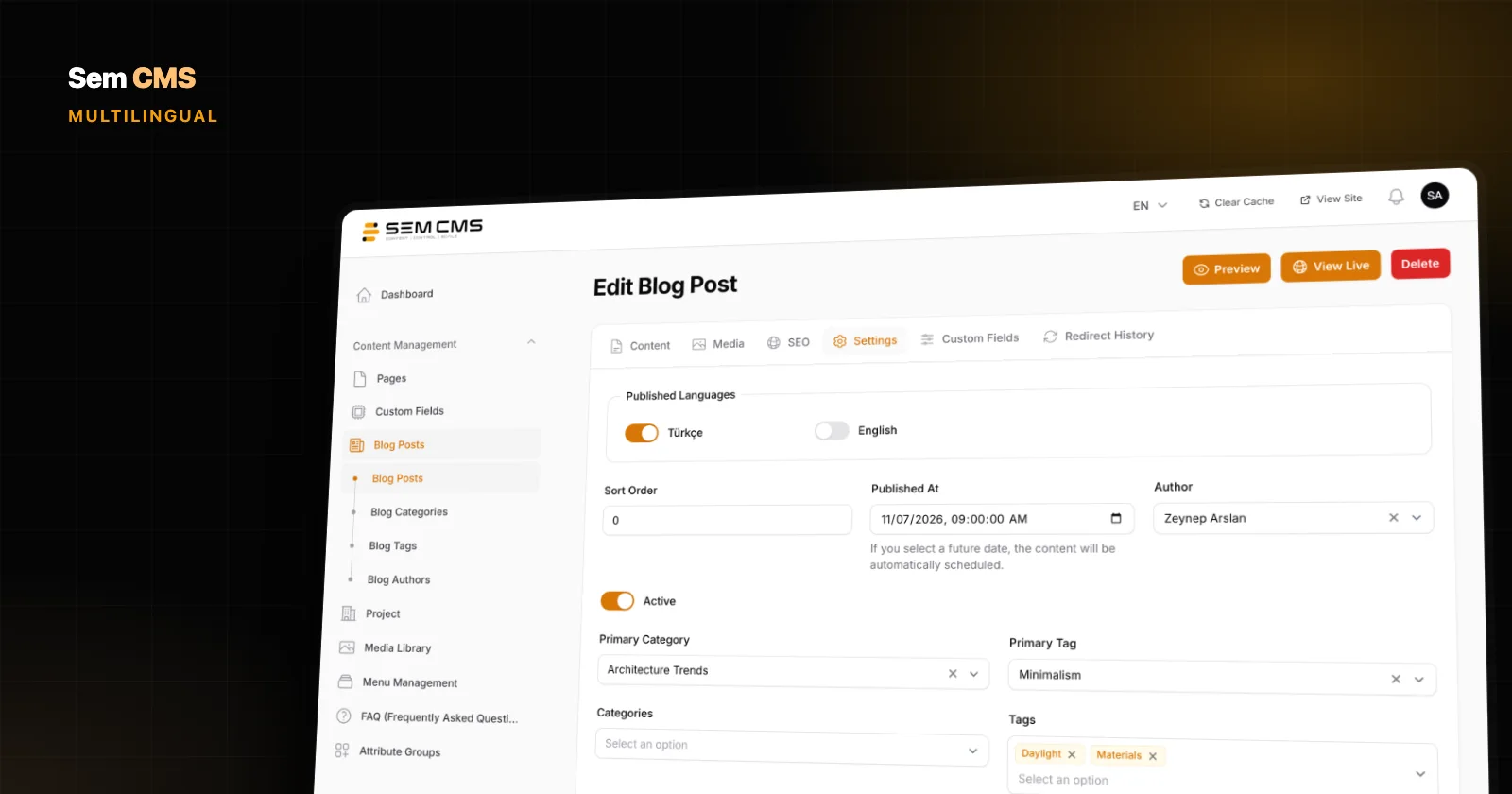
Want to publish a post in Turkish today and finish the English version next week? You don't need draft copies for that. Content, pages, categories and tags each have a publishing switch per language on their Settings tab.
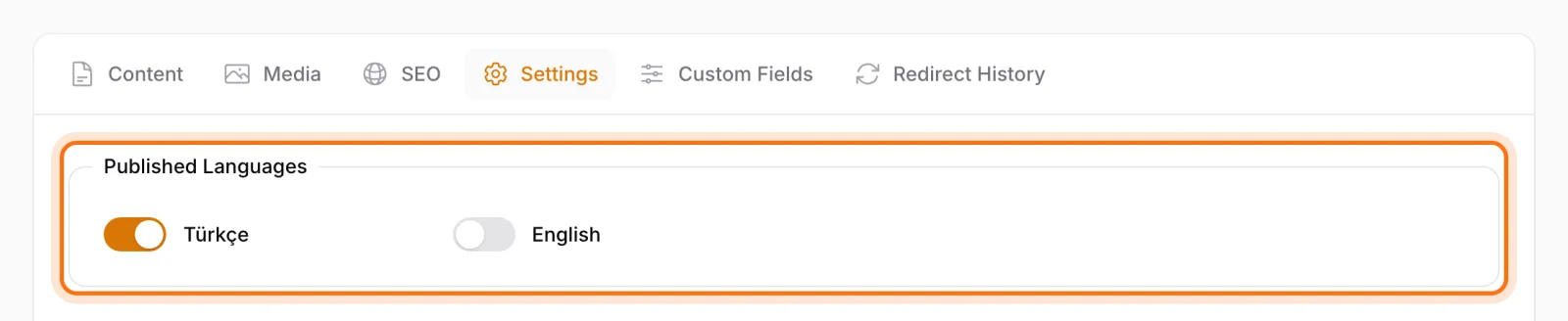
That switch comes with a safety rule: a language is only saved as published if it has a title and a slug in that language. An English page with no title and no URL can't slip out by accident.
Content lists show badges for the languages each record is published in. Your editors can see at a glance which posts are still missing a translation, without opening them one by one.
Clean URLs and per-language publishing
Your default language gets no URL prefix. If English is the default, your addresses stay as /blog/post-title, while other languages are served under their own prefix, such as /de/blog/beitragstitel. Slugs are separate per language, so your German URLs don't carry English words.
During translation, some pages won't be ready in every language yet, and that's fine. Sem CMS keeps it simple: a page goes live only in the languages you have filled in. A missing language version never shows another language's text, so visitors never land on a half-translated or mixed-language page. If you want to speed things up, the AI assistant in the panel translates a page into the language you choose without breaking its block layout; you review it and publish.
Language switcher and hreflang only show real versions
The language switcher in Sem CMS themes lists only the languages a page has actually been translated into. On a page with no German version, there's no "Deutsch" link waiting to dump visitors on the homepage or a 404, because it isn't shown at all. If only one language is active, the switcher disappears entirely.
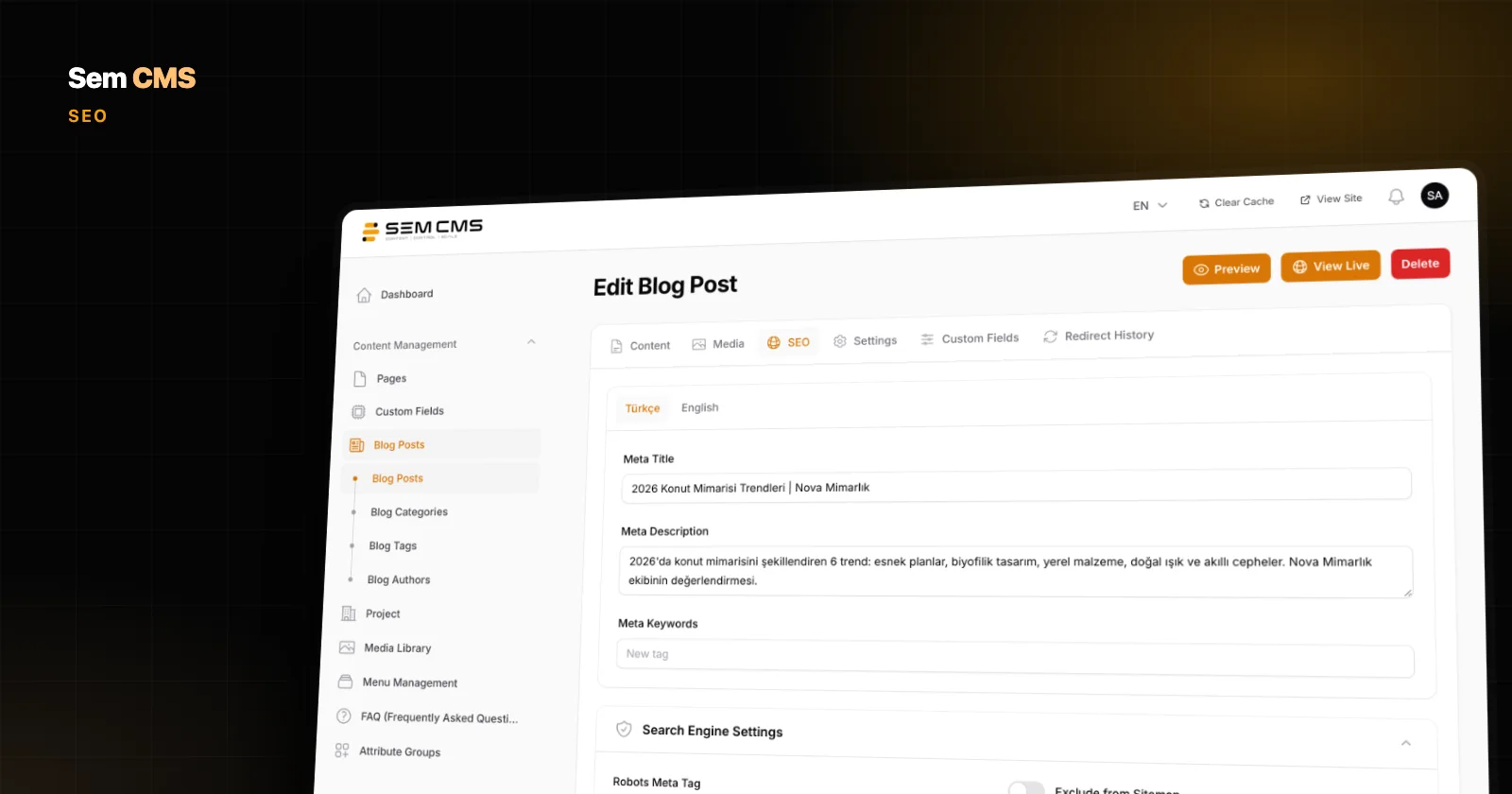
Search engines get the same treatment. Hreflang tags are generated only for versions that have a slug, are published and belong to an active language, plus an x-default tag. You never point Google to a page that isn't there, and hreflang errors don't pile up in Search Console. We also touched on this in our SEO-friendly CMS post.
Shared settings: enter once, split when needed
Some settings simply have to match across languages. In Sem CMS, the homepage, contact and search page selections, CDN, maintenance mode and the active theme are always shared. You can't end up with one homepage in English and a different one in Turkish; the structure doesn't allow it.
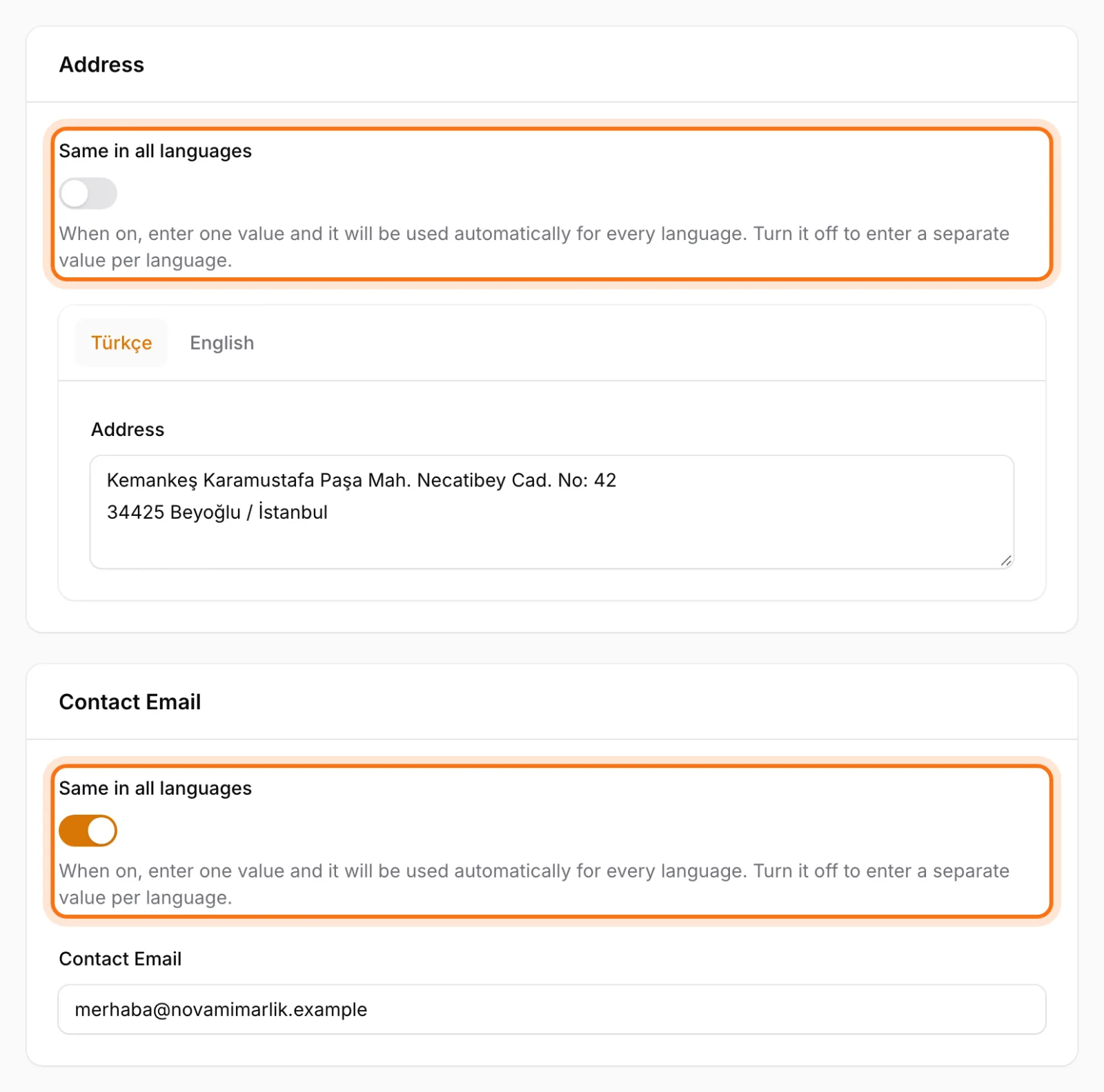
For address, email, phone, links, logo, favicon and the default share image, it's your call. Each of these has a "Same in all languages" switch next to it. Leave it on and you enter one value that every language uses. Turn it off and you can set a different value per language, for example the phone number of your international sales office on the English site.
A translation screen for interface strings
Not every piece of text on a site is content. "Read more", "Get in touch", form messages and footer copy belong to the theme. The Translations screen in Sem CMS lets you manage those strings with a tab for each language.
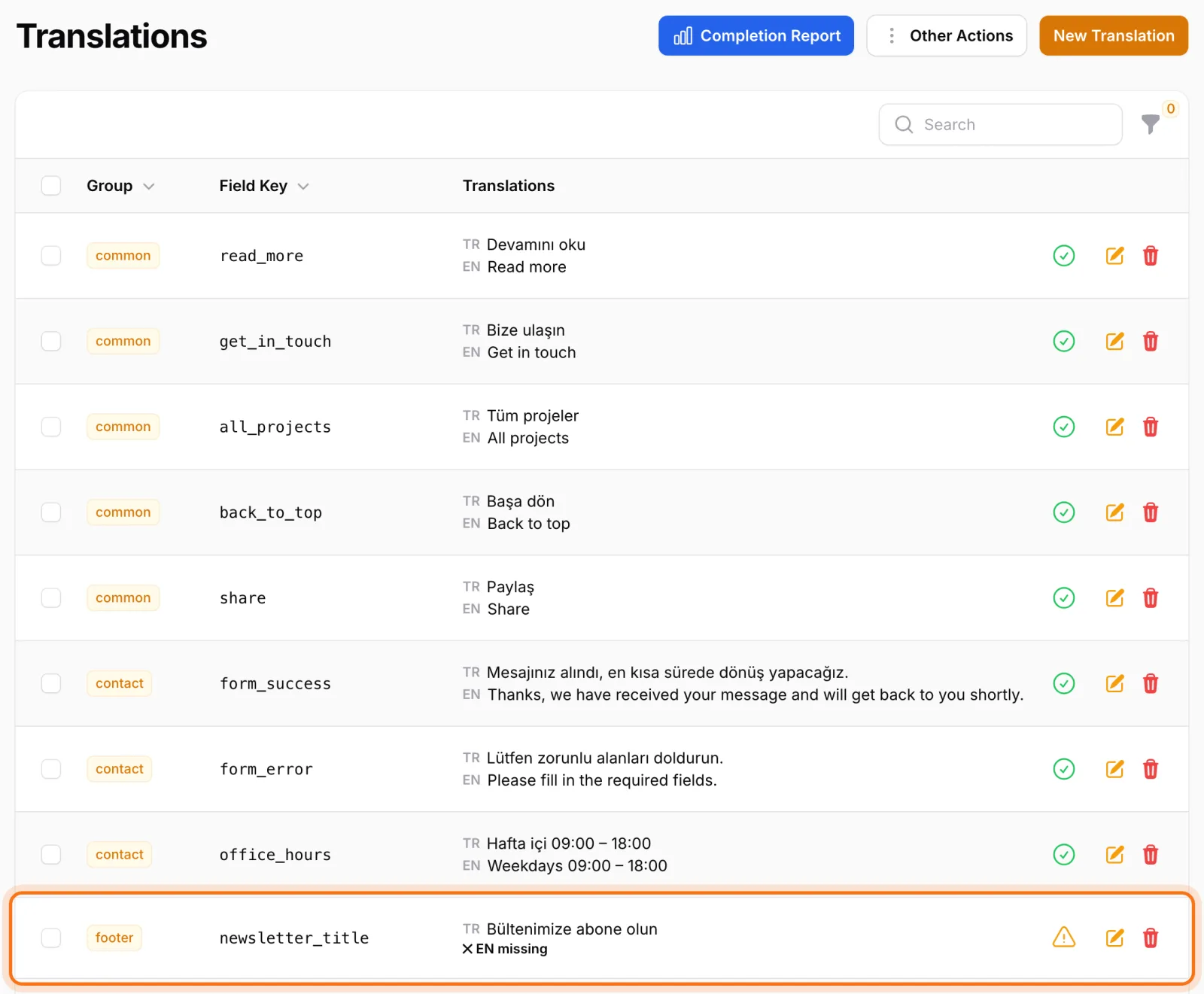
- The Incomplete translations filter lists every key that hasn't been translated yet in a given language.
- The Completion report shows the translation status of every language on one screen.
- JSON export and import lets you send strings to a translator and bring them back in.
- Template scanning finds new text keys used in the theme and adds them to the list, while cleaning unused keys removes the ones nothing references anymore.
There's a nice touch for the team, too: the panel's own interface language is independent of your content languages and set per user. The panel is available in Turkish and English, so an English-speaking editor can work in an English panel while entering German content.
In practice: adding a new language to your site
Say your site runs in English and Turkish and you want to add German. In Sem CMS, it goes like this:
- Add the language: Create German on the Languages screen with its code, native name and sort order, then activate it. Shared settings are copied over automatically.
- Translate what matters first: Fill in the German tab on your key pages, such as the homepage, services and contact, and switch on German publishing.
- Finish the interface strings: On the Translations screen, use the incomplete translations filter to find theme strings still missing in German, or export them as JSON for your translator.
- Split settings where needed: If the German site should show a different phone number or address, turn off "Same in all languages" on that field.
Untranslated pages don't cause trouble along the way. A page without German publishing switched on never shows up as German in the language switcher or in hreflang tags. You go multilingual at your own pace, not overnight.
Bottom line: run your multilingual site on one system
On multilingual websites, problems rarely come from the translations themselves. They come from the gaps between the moving parts. In Sem CMS, language management, per-language publishing, URLs, hreflang, shared settings and interface translations are part of the same system and aware of each other. Opening a new market stops being a plugin project and becomes a few steps in the panel.
If you want your own content structures to be multilingual too, read our post on creating custom content types without code. Browse the full list on our Features page, or request a demo to talk through your multilingual setup.