Build Web Pages Without Code: A Multilingual Page Editor
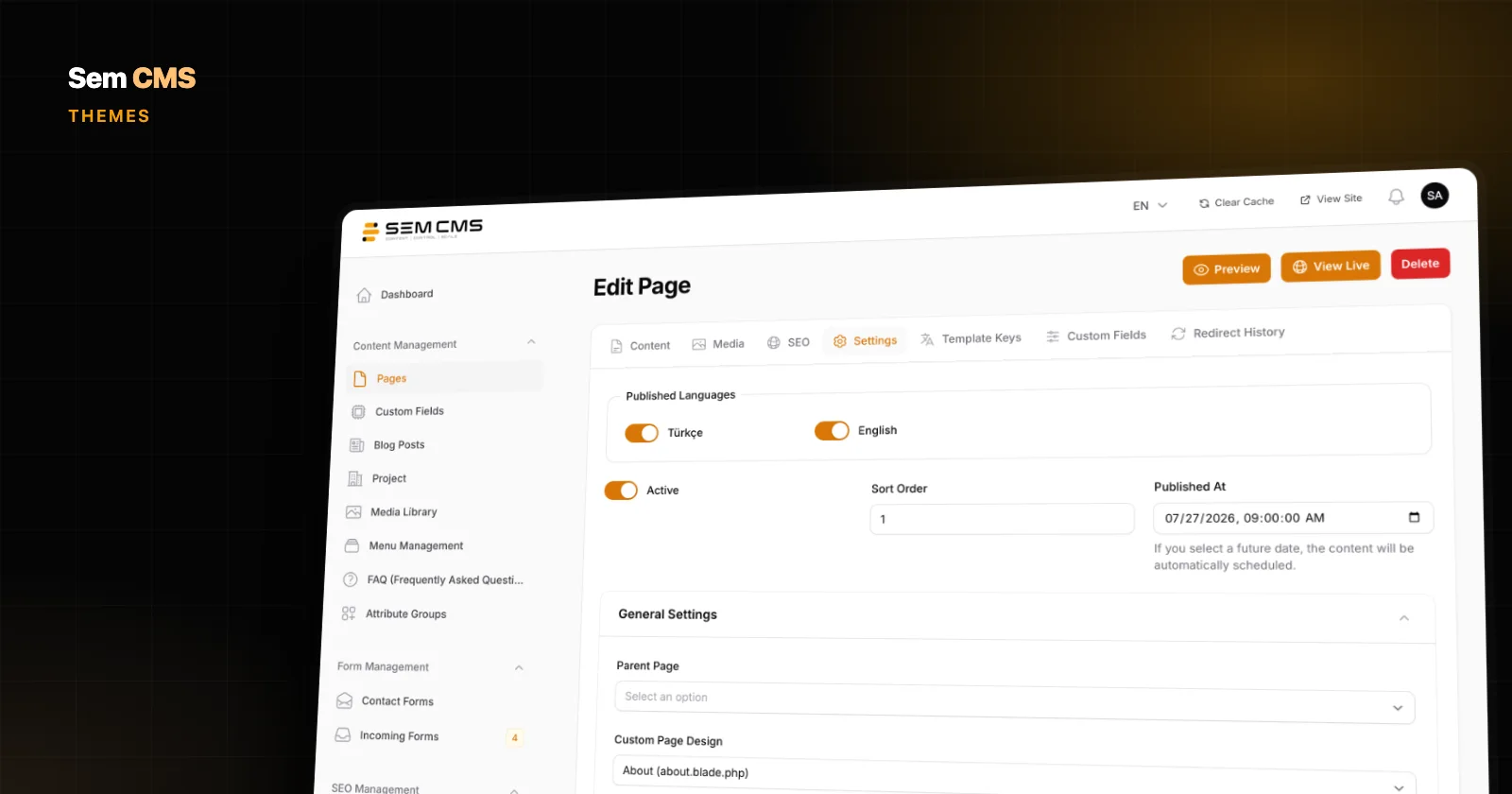
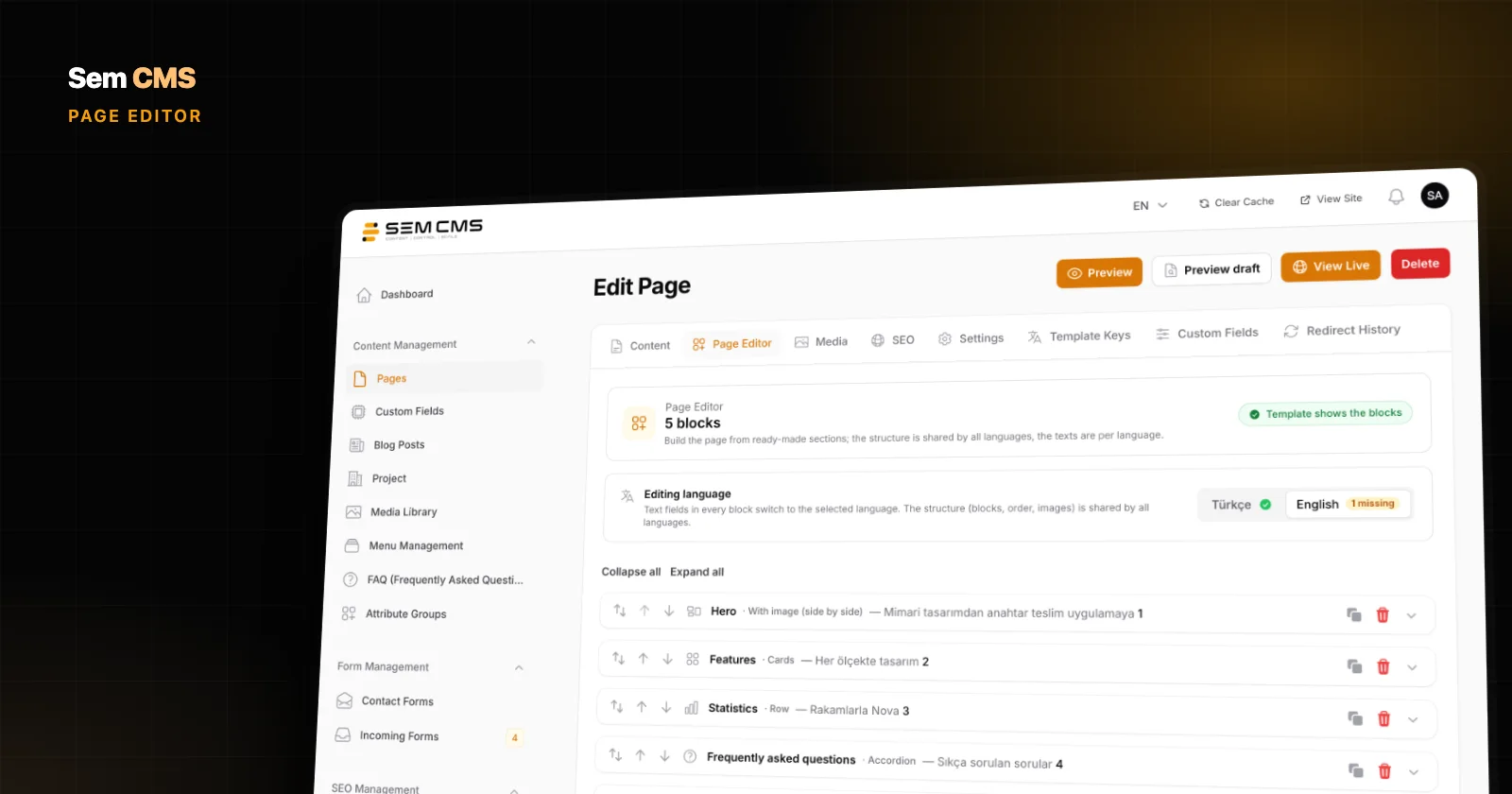
Build on-brand corporate pages and landing pages from ready-made blocks, with separate copy for every language. Here is how the Sem CMS Page Editor works.
No-code content types, custom fields, forms, media and theme management.
Build on-brand corporate pages and landing pages from ready-made blocks, with separate copy for every language. Here is how the Sem CMS Page Editor works.
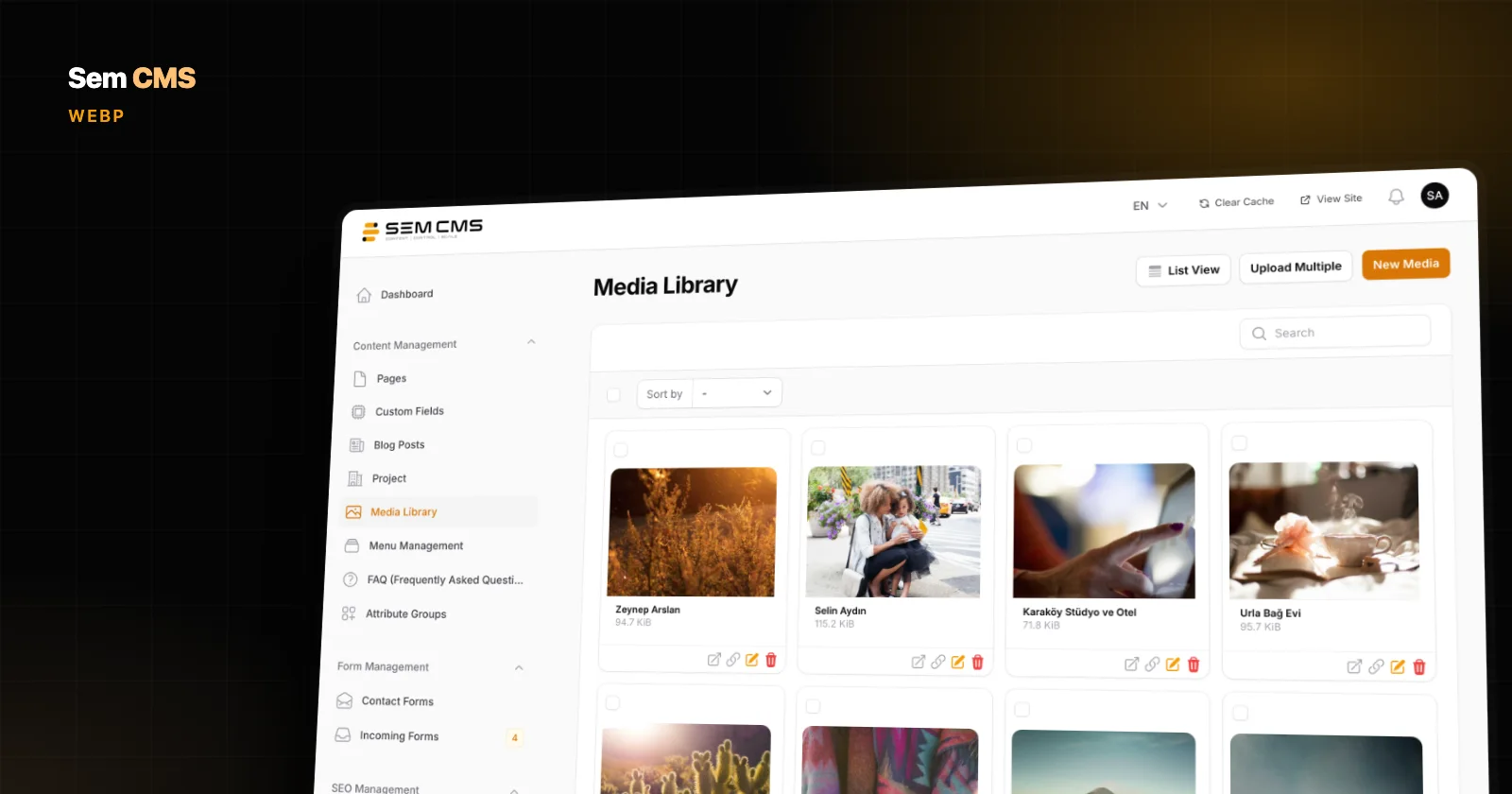
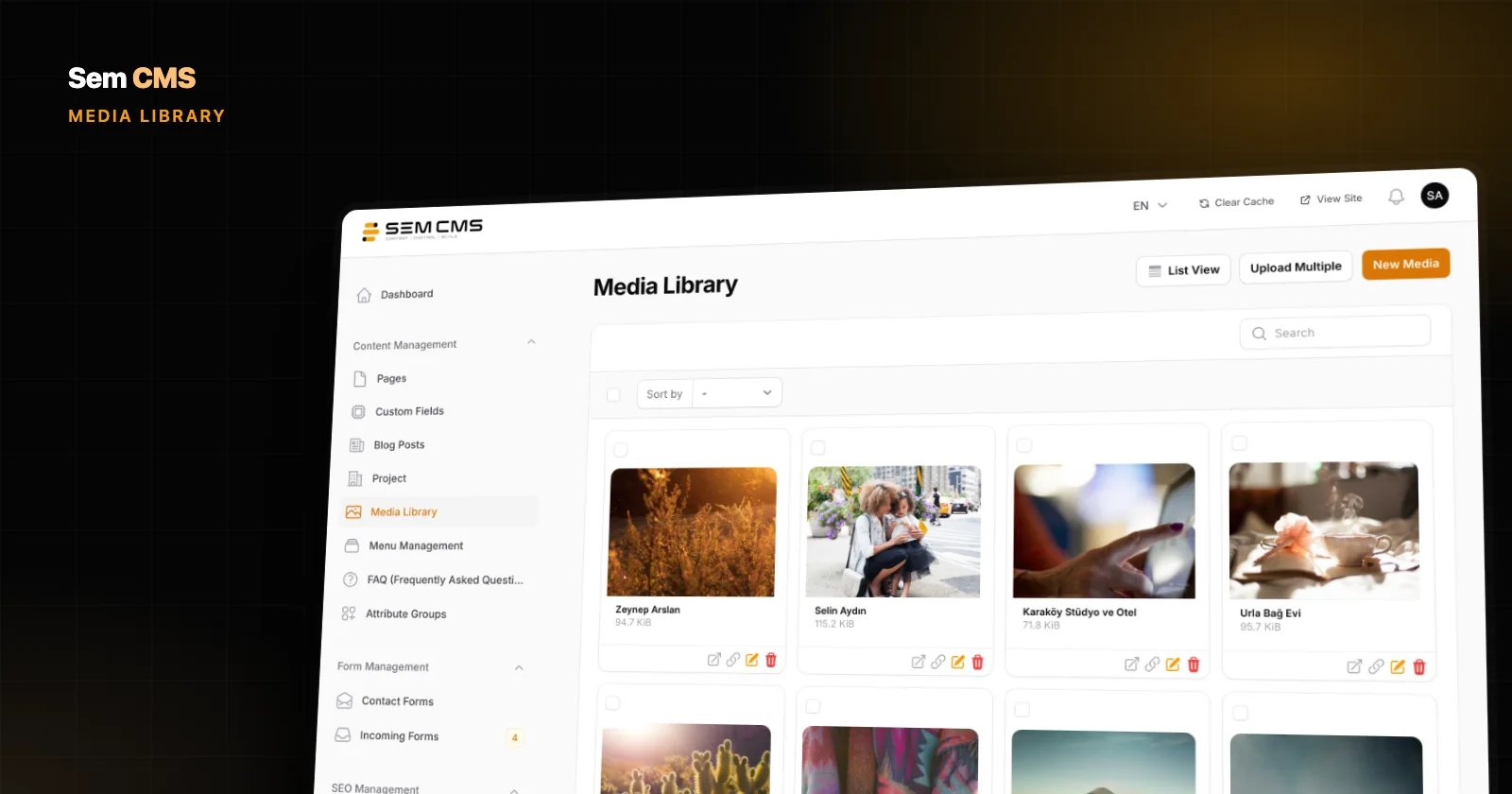
A media library that keeps your originals, serves device-sized WebP on the site, sanitizes SVG files and switches to a CDN in one click: here is how it works in Sem CMS.
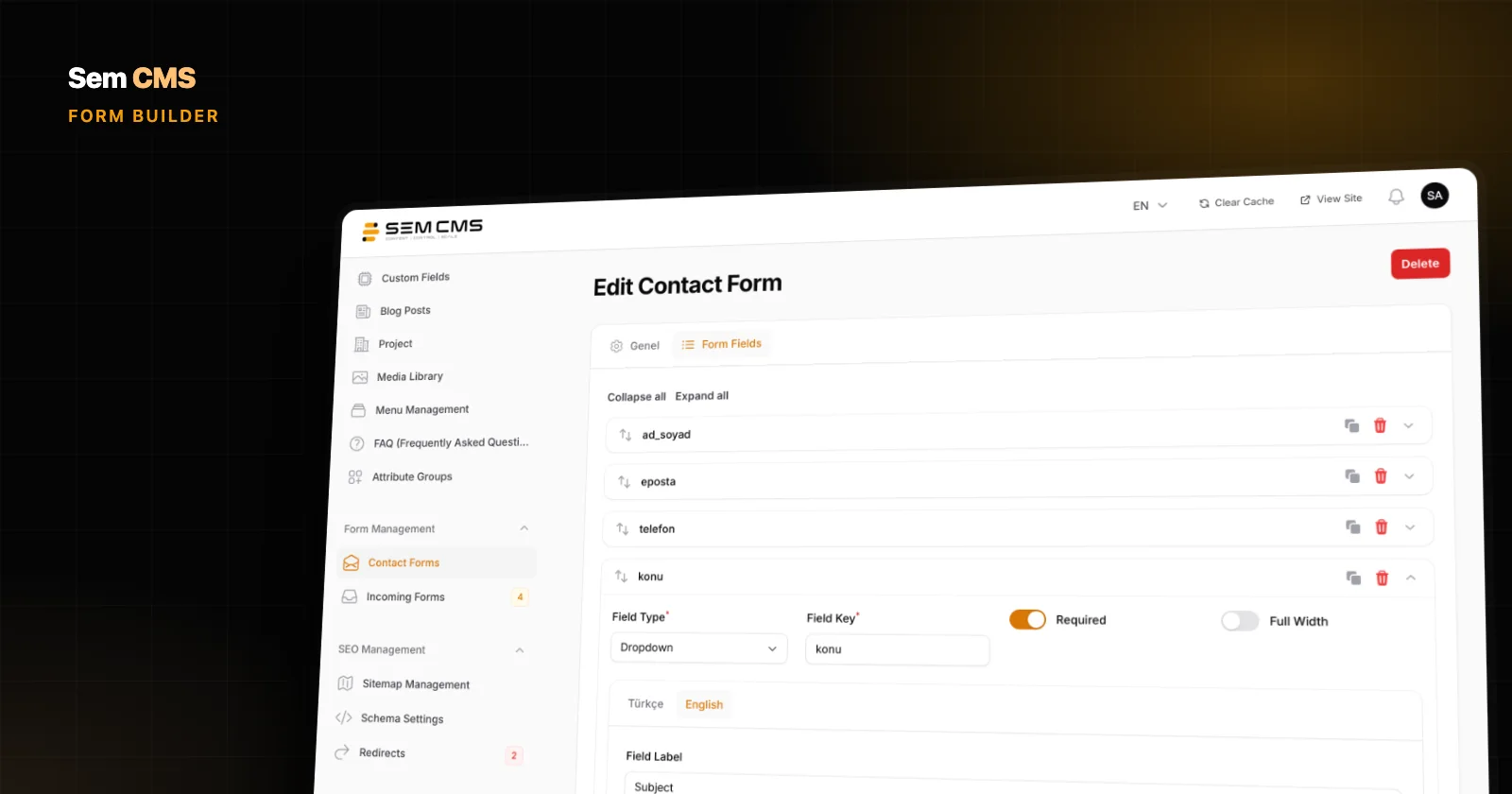
Build forms with drag and drop in Sem CMS, write labels per language, validate every submission on the server and manage enquiries from an inbox inside the panel.
In Sem CMS the theme lives apart from the core, so core updates don't touch your design. Pick page templates in the panel and let the template hierarchy handle the rest.
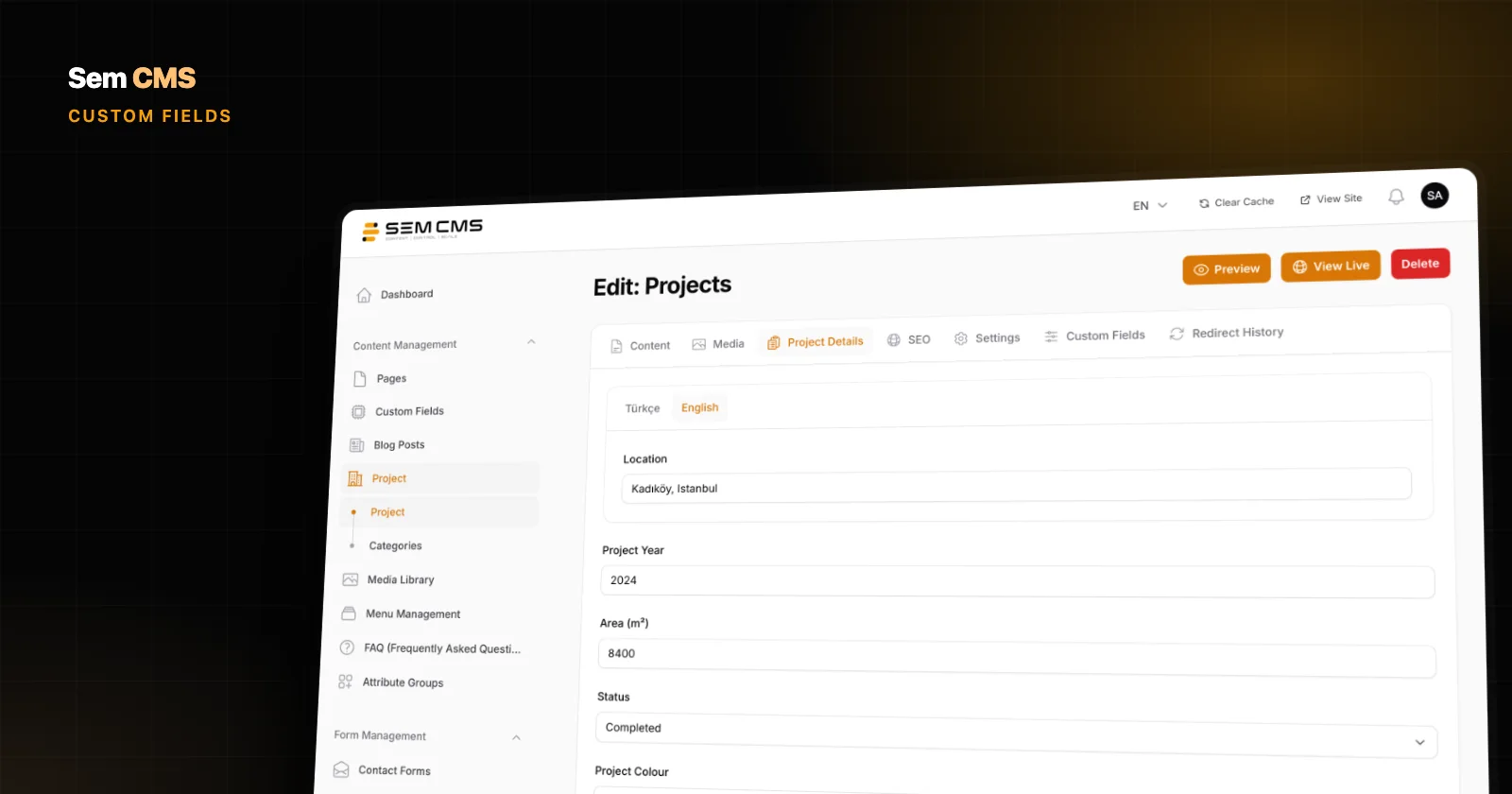
Pull details like year, location or price out of body text: define custom fields of 14 types in the Sem CMS panel, use them in every language, search and filter them.
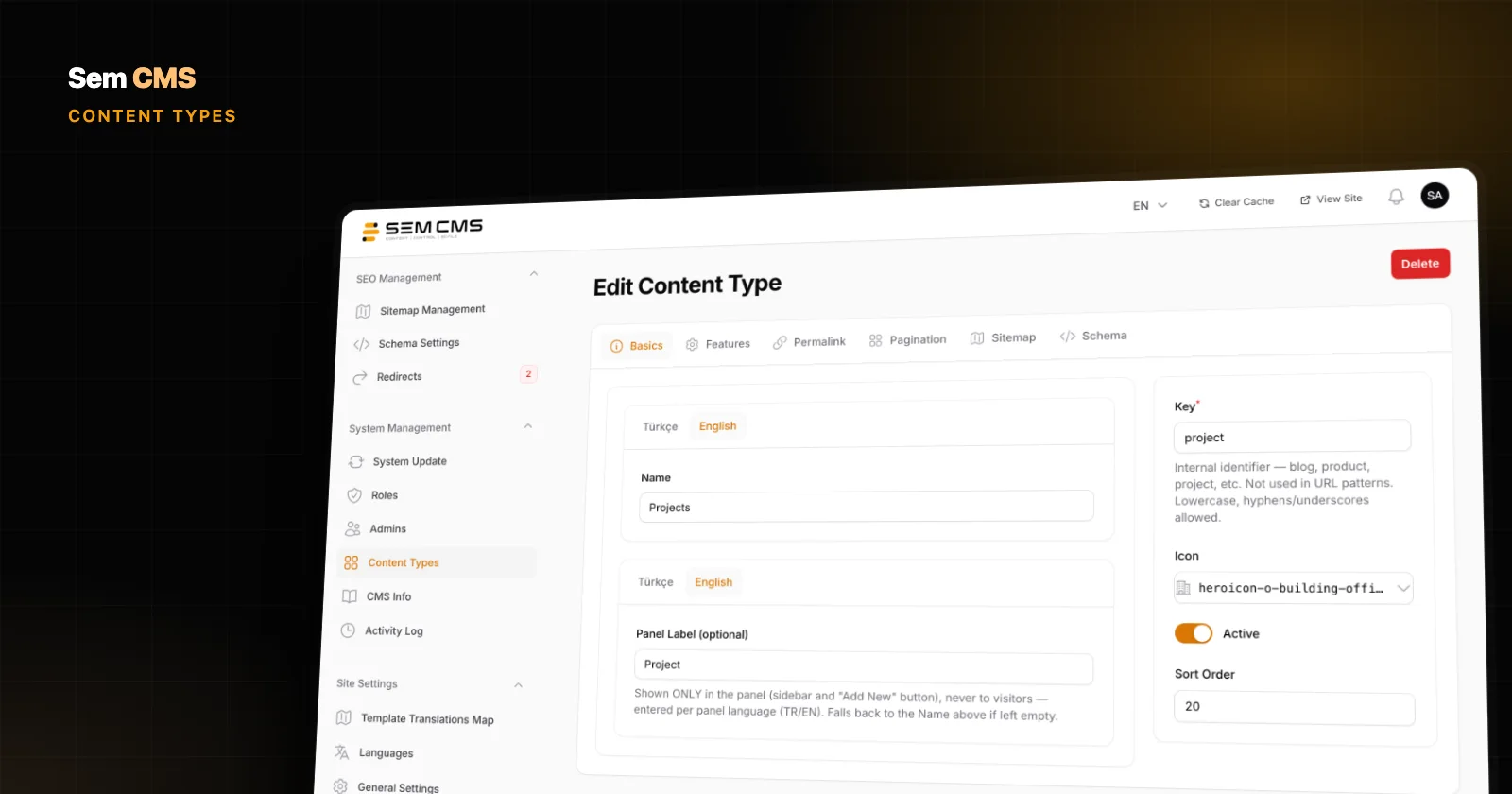
Build your own content types for projects, services or events in the panel, with multilingual URLs, templates, pagination, sitemap, schema and permissions included.
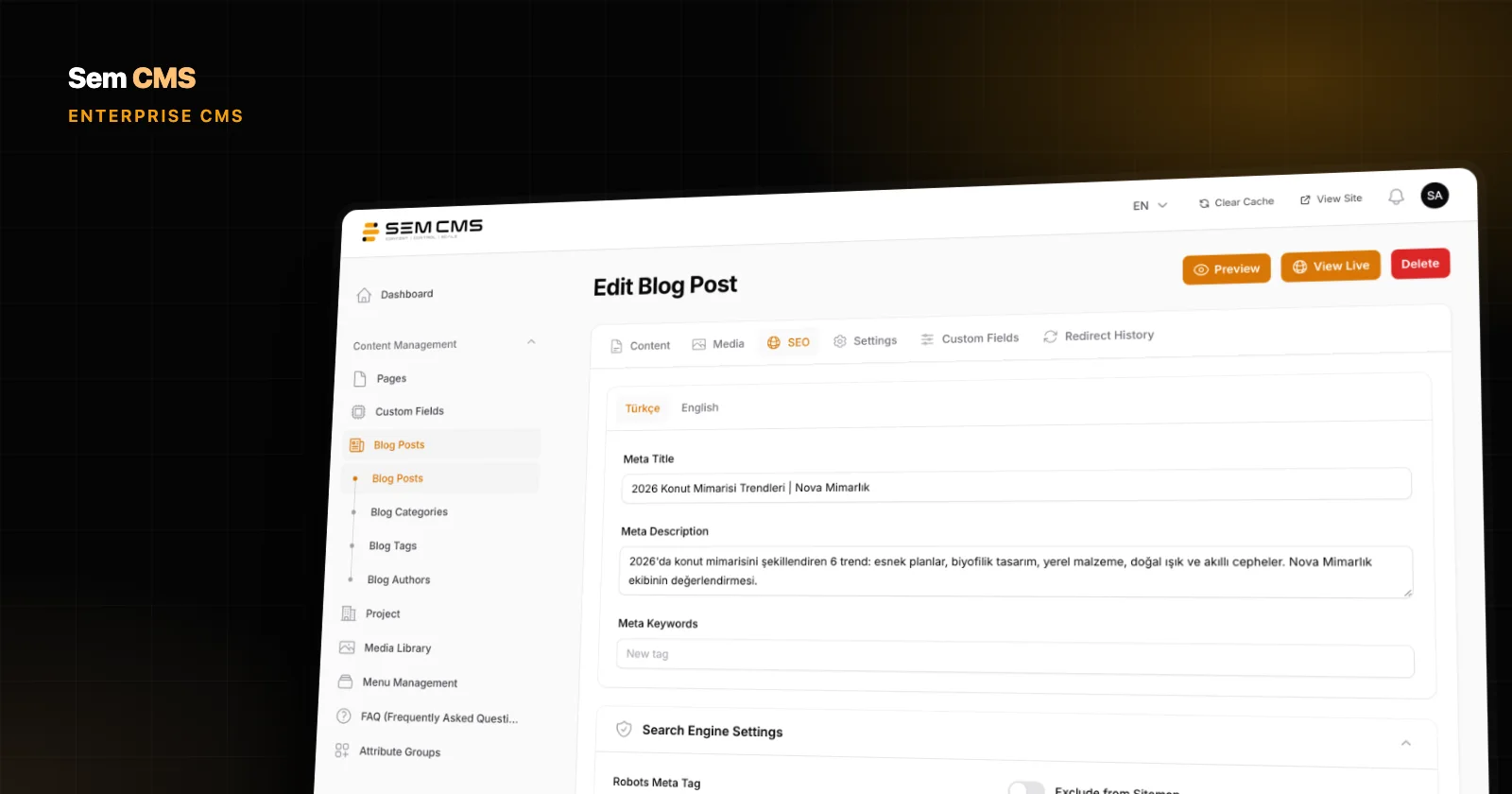
Formats, responsive images, lazy loading, layout shifts and alt text: the core rules of image optimization, a checklist, and how Sem CMS handles it.
A vendor-neutral checklist for choosing an enterprise CMS: content model, technical SEO, multilingual, permissions, security and updates, plus demo tests.
Choose which types of cookies you allow. Necessary cookies are required for the site to work and cannot be switched off. Cookie Policy
Required for core features such as sessions, security and remembering your choices.
Help us measure anonymously how visitors use the site (e.g. Google Analytics).
Used to show ads relevant to your interests and to measure ad campaigns.
Enable embedded content such as videos, maps and live chat.