A URL is a page's identity in search results, in shared links and in the browser's address bar. Yet on most sites, the URL structure isn't a deliberate decision. It's whatever the system did by default: numeric IDs, meaningless parameters, capital letters, mangled special characters and three different addresses leading to the same page.
None of these problems will tank your rankings on its own, but together they make crawling harder, create duplicate-content signals and lower click-through rates. Worse, they're expensive to fix later, because every change to a live URL needs a redirect. This guide covers the rules of an SEO-friendly URL structure, good and bad examples, and what to watch for on multilingual sites.
TL;DR: An SEO-friendly URL is short, readable, lowercase, uses hyphens between words, and doesn't change. Every page should have exactly one official address, with https, www and trailing-slash variants all pointing to it. Keywords in a URL are a small signal; the real payoff is clarity and consistency.
The anatomy of a URL
Before the rules, let's name the parts:
| Part | Example | Why it matters for SEO |
|---|---|---|
| Protocol | https:// | The whole site should be served over https. |
| Host | www.example.com | Pick www or non-www and redirect the other one to it. |
| Language folder | /de/ | Makes the language explicit on multilingual sites. |
| Path | /projects/residential/sea-house | Describes the content and the site hierarchy. |
| Parameters | ?page=2 | For pagination or filters, not for identifying content. |
9 rules for SEO-friendly URLs
1. Keep it short and descriptive
A URL should tell you what the page is about at a glance. /blog/site-migration-guide is easier to read and share than /blog/2026/11/13/everything-you-need-to-know-before-moving-your-website-to-a-new-domain. Use the core of the topic, not the entire headline. Filler words such as "and", "the" or "for" can often go, but keep them if dropping them makes the address hard to read. The test is always whether a person can read and understand it.
2. Separate words with hyphens
Google recommends hyphens (-) as word separators in URLs. Underscores (_) and run-together words (sitemigration) make it harder to tell the words apart, and spaces turn into %20.
3. Use lowercase
The path part of a URL is case-sensitive: /About-Us and /about-us are technically two different addresses. Generating every URL in lowercase reduces duplicate addresses and mistyped links.
4. Handle special characters deliberately
Search engines can process URLs containing UTF-8 characters, but accented letters such as ü or é often turn into encoded strings like %C3%BC when the link is copied and shared. On sites in languages with special characters, transliterating them is the common, practical choice: "Café Menü" becomes cafe-menu. Whichever route you take, be consistent across the site.
5. Don't identify content with parameters
Addresses like /product?id=482&cat=7 tell the visitor nothing, and they produce different URLs for the same content as soon as the parameter order changes. Keep parameters for pagination, sorting and filters; give the content itself a clean path. Tracking parameters such as utm_source belong in campaign links, never in internal links.
6. Skip dates unless they add meaning
On a news site, a date can be meaningful. On an evergreen guide, a /2024/ in the path makes the content look stale even after you update it, and tempts you to change the URL to freshen it up.
7. Don't overdo the hierarchy
Category folders explain site structure: /projects/residential/sea-house makes sense. But five-level paths lengthen the URL and raise the odds that it changes when content moves to another category. Two or three levels are enough for most sites.
8. One page, one address
If the same page loads over http and https, with and without www, and with and without a trailing slash, search engines see four copies. Those variants should 301-redirect to a single official address, and the page's canonical tag should point to it as well.
9. Treat URLs as permanent
The best URL is one that never changes. Links, shares and rankings are tied to the address. If you have to change it, the old URL must point to the new one with a 301 permanent redirect. We explain when to use which in 301 vs 302 redirects.
Good and bad URL examples
| Avoid | Prefer | Why |
|---|---|---|
/?p=482 | /blog/url-structure | Describes the content |
/Blog/URL_Structure | /blog/url-structure | Lowercase, hyphens |
/menu/caf%C3%A9-m%C3%BCnchen | /menu/cafe-munchen | Stays readable when shared |
/category/services/sub/corporate/web/design | /services/web-design | Shallow and short |
/de/projects/sea-house | /de/projekte/haus-am-meer | Words in the target language |
Should you change your existing URLs?
Reading these rules can make you want to fix every address on your current site. Weigh the cost first. Changing a live URL means giving search engines time to discover the new address, transfer the old one's signals and let rankings settle. Temporary fluctuations along the way are normal.
Changes are worth it when the addresses are genuinely meaningless (?id=482), when the same content loads at several URLs, or when the site is being restructured or moved to a new system anyway. Changing a well-performing URL just to add a keyword usually isn't.
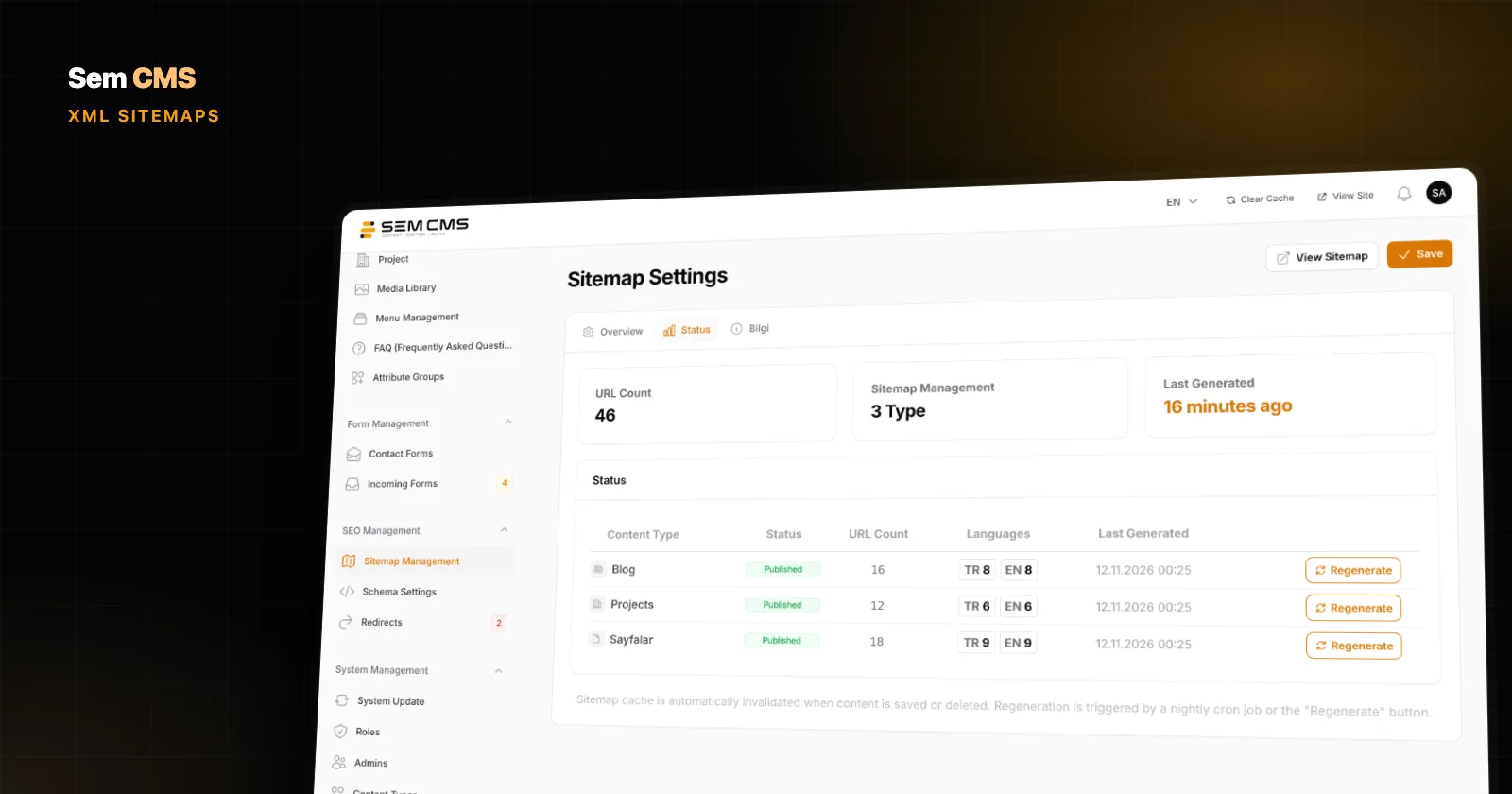
If you do decide to change, work in this order: map every old URL to its new one, 301-redirect each old address to the new one in a single hop, update internal links to the new URLs, refresh your XML sitemap, and watch your 404 log over the following weeks.
URL structure for multilingual sites
Google recommends giving each language version its own URL; switching language based only on cookies or browser settings keeps search engines from seeing the other versions. There are three common models:
- Country-code domains (
example.de): a strong local signal, but every domain means separate management and separate authority. - Subdomains (
de.example.com): flexible to set up, but they split maintenance. - Subdirectories (
example.com/de/): one domain, one pool of authority, the easiest to maintain. For most corporate sites, the most practical choice.
Whichever model you choose, write slugs in the target language: /de/projekte/, not /de/projects/. Language versions are tied together with hreflang tags, which we cover in what is hreflang.
How Sem CMS builds your URL structure
In Sem CMS, most of the rules above are the default behaviour. When you type a title, the slug is generated for you: lowercased, words separated by hyphens, special characters transliterated. A Turkish title like "Işıklı Çatı ve Güneş Odası" becomes isikli-cati-ve-gunes-odasi, and you can always shorten the slug by hand.
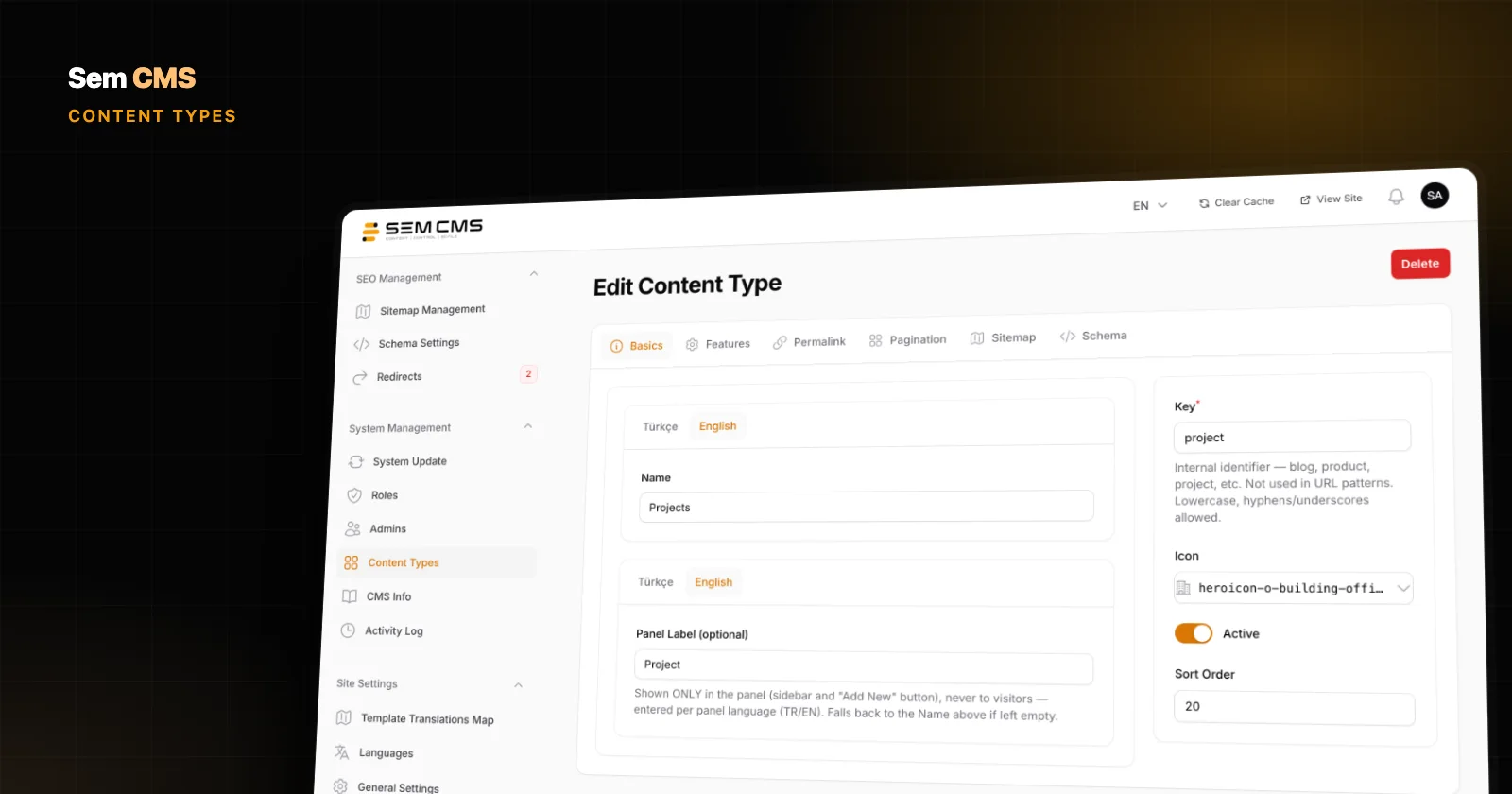
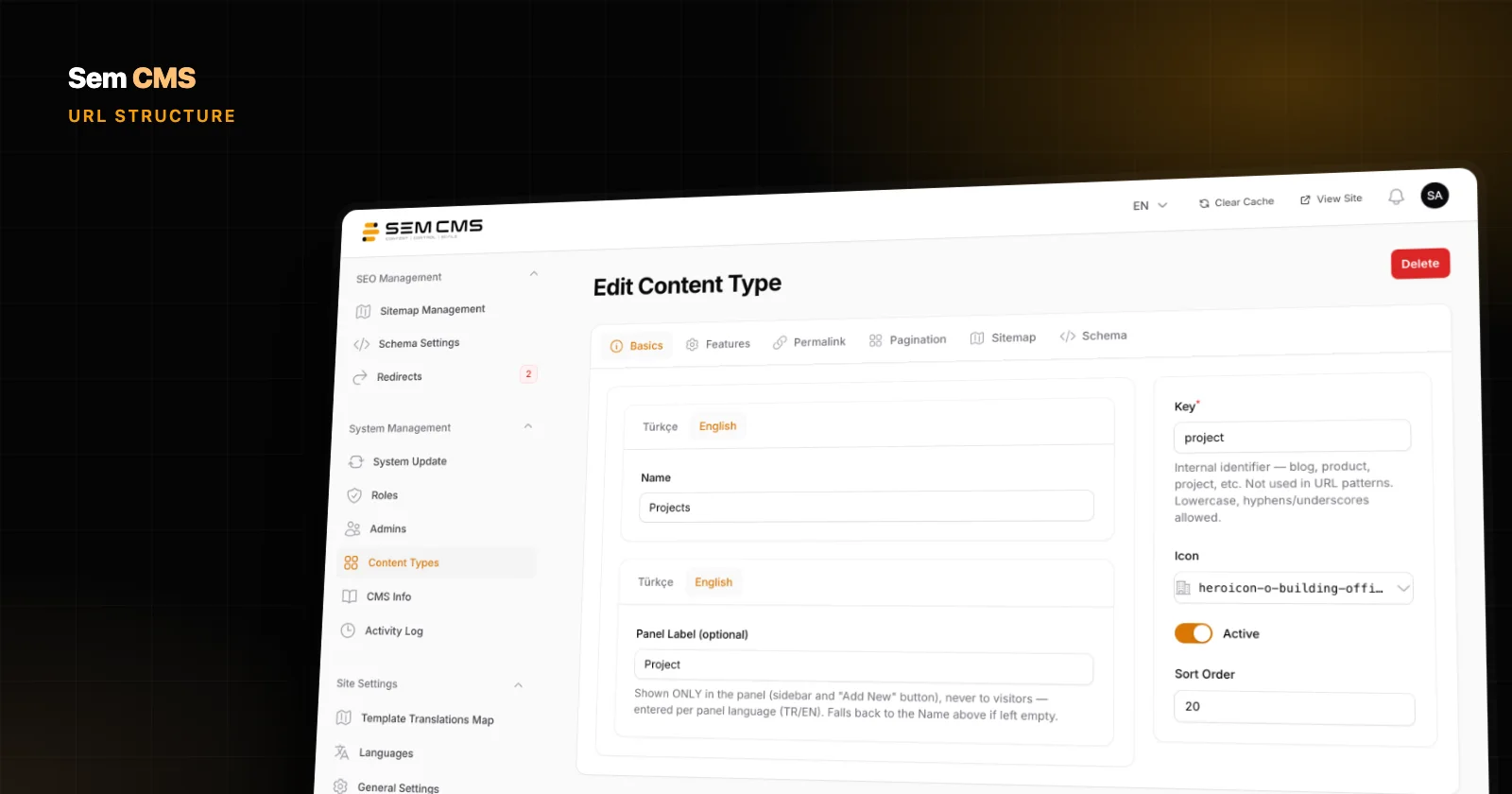
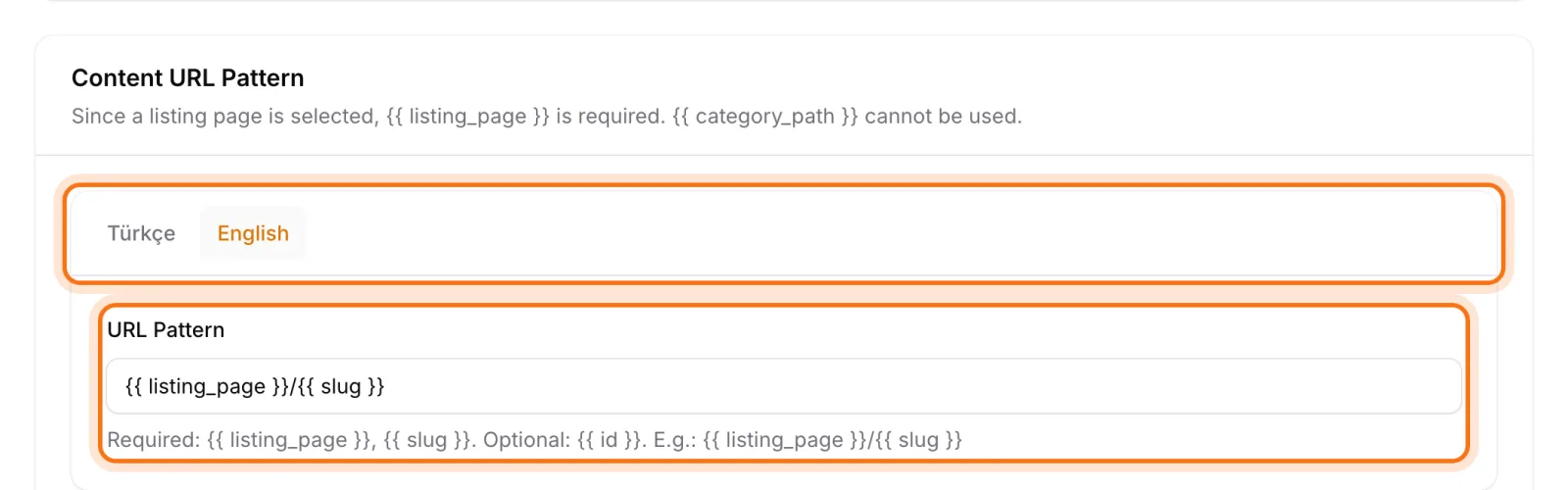
Each content type's URL pattern is defined per language on its Permalink tab. Patterns are built from click-to-insert variables such as {{ slug }}, {{ category_slug }} and {{ category_path }}, and the system rejects any variable it doesn't recognize. That way your English site can use /projects/{{ slug }} while the Turkish site uses /projeler/{{ slug }}, each in the language of its market. The default language has no prefix; other languages are served from their own folder.
The one-address rule is enforced by the system too. Canonical and hreflang URLs are always generated from the site's main address; the www or non-www twin is 301-redirected to the main host, and requests starting with /index.php are 301-redirected to the clean path. The default server configuration also redirects trailing-slash URLs to their no-slash version.
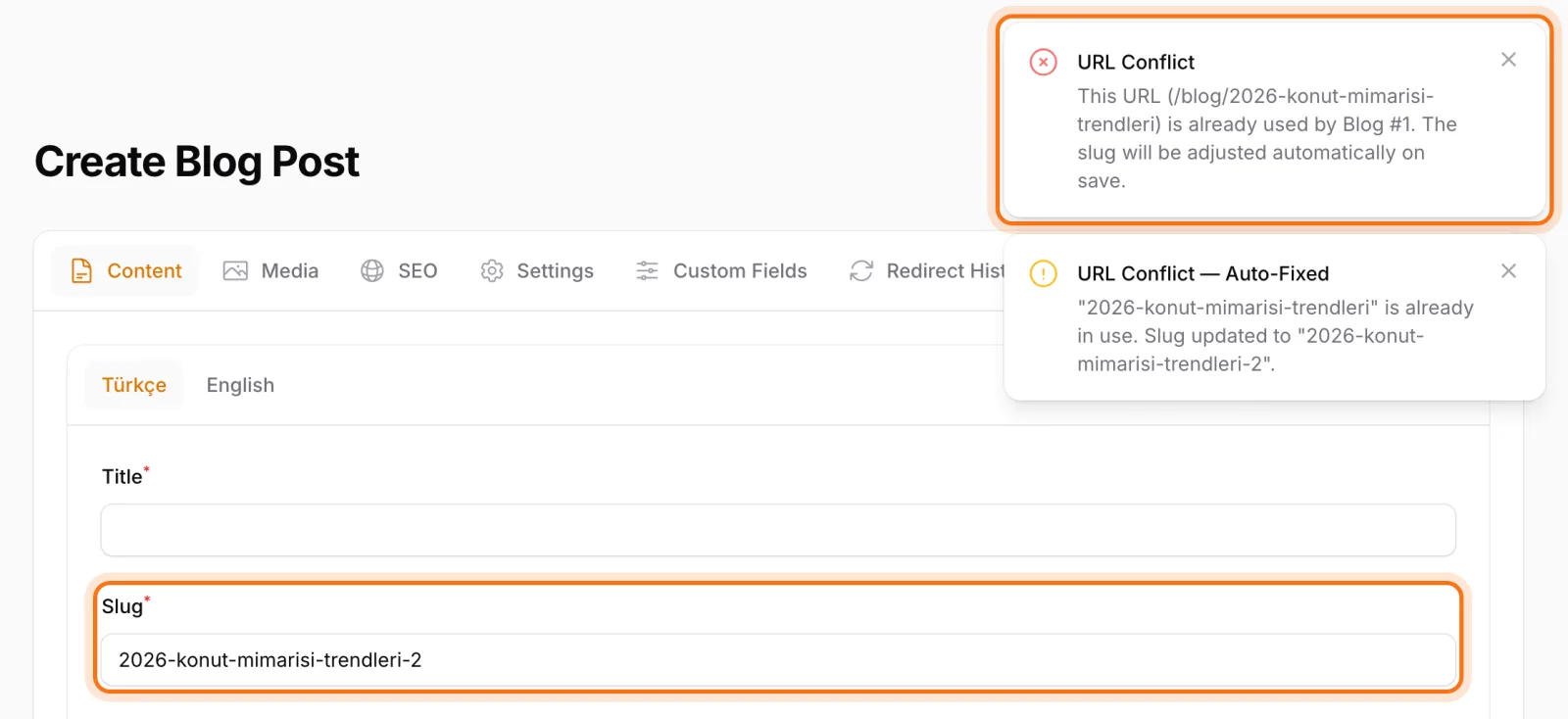
Two records can't end up with the same address either: while you type a slug, you get an instant warning if a page, category or tag already uses it. When you change a slug or a content type's pattern, 301 records are prepared automatically for every affected URL and go live once you approve them. More in URL management and 301 redirects.
Bottom line: get your URL structure right once
An SEO-friendly URL structure isn't a ranking trick; it's long-term order for your site. Short, readable, lowercase, hyphenated addresses; one official address per page; slugs in the target language; and the principle that URLs don't change. Set these up at the start and you won't spend years patching with redirects. If you're restructuring an existing site, our website migration SEO checklist walks you through it step by step.
Read about the rest of Sem CMS's SEO foundation in SEO-friendly CMS and on our Features page, or request a demo and we'll plan your URL structure together.