You launched the English version of your site, yet Google keeps showing the Turkish page to someone searching from London. Or the reverse happens: a visitor in Istanbul clicks an English result, lands on a page they can't comfortably read and leaves within seconds. The content is fine and the translation is fine. The search engine simply doesn't know which version belongs to which audience.
The fix has a name: hreflang. It is only a few lines of markup, but it is one of the most frequently broken SEO settings on multilingual sites. This guide explains what hreflang is, how to write hreflang tags, which mistakes come up again and again, and how to test your setup. At the end we show how Sem CMS generates hreflang automatically.
TL;DR: hreflang tells search engines that a set of pages are language or regional versions of each other. Every version should list all versions, itself included; links must be reciprocal; they should only point to live, indexable pages that return a 200; and language codes must follow ISO standards. hreflang is not a ranking factor. Its job is to put the right version in front of the right searcher.
What is hreflang and why does it matter?
hreflang is an HTML attribute that tells search engines about the other-language or other-region equivalents of a page. If a service page exists in Turkish, English and German, each of the three versions references the other two. Google uses that information to show the version that best matches a searcher's language and location.
One distinction matters here: hreflang will not lift your rankings. What it does is make sure that a page which already ranks appears in the right language rather than the wrong one. The payoff is indirect but real. A result in your own language earns more clicks, visitors stay longer, and more of them convert.
hreflang also handles different regions that share a language. Two English pages for the UK and the US, with different prices and spellings, can carry almost identical copy. hreflang explains that they are versions for different audiences rather than duplicates of each other.
How to write hreflang tags
The most common approach is one link element per language version in the page's <head>:
<link rel="alternate" hreflang="tr" href="https://example.com/hizmetler/ic-mimarlik" />
<link rel="alternate" hreflang="en" href="https://example.com/en/services/interior-design" />
<link rel="alternate" hreflang="x-default" href="https://example.com/hizmetler/ic-mimarlik" />
Those exact three lines belong on both the Turkish and the English page. Each page lists itself and every alternative.
Three ways to implement hreflang
| Method | Where it lives | Best for |
|---|---|---|
HTML link elements | The page's <head> | Most websites; the standard choice |
| HTTP header | A Link header in the server response | Non-HTML files such as PDFs |
| XML sitemap | xhtml:link entries | Very large sites, or when you can't edit the <head> |
All three are equivalent. Pick one and apply it consistently: marking up the same site two ways only makes debugging harder when the two disagree.
Language and region codes
- The language code is required and uses ISO 639-1:
tr,en,de,ar. - The region code is optional, uses ISO 3166-1 Alpha-2 and comes after the language:
en-GB,de-AT,pt-BR. - A region on its own is invalid.
hreflang="gb"doesn't work, because "gb" isn't a language. - A classic slip: the United Kingdom is
en-GB, noten-UK. - If you don't target regions separately, use the language code alone. A single English page tagged
encovers English speakers everywhere.
What is x-default?
x-default names the page to show when a searcher's language matches none of the listed versions. It is usually the version in your main language or a language selector page. It is optional, but recommended, so that a Japanese-speaking visitor doesn't land on a version chosen more or less at random.
Six rules for a correct setup
- Reciprocity: If page A points to page B, B must point back to A. One-way links may be ignored.
- Self-reference: Every page includes itself in the list.
- Absolute URLs:
hrefvalues carry the protocol and domain. Relative paths invite mistakes. - Live pages only: Every target returns a 200, is indexable (no noindex) and doesn't redirect.
- Canonicals that agree: Each language version's canonical points to itself. If the English page canonicalises to the Turkish one, the hreflang signal is wasted.
- One URL format: Mixing
http://andhttps://, orwwwand non-www, makes one page look like several different URLs.
The most common hreflang mistakes
- Listing pages that haven't been translated: pointing the English tag at the home page, or at an empty page, while the English version doesn't exist yet. A version that doesn't exist shouldn't be listed at all.
- Sending every language to the home page: hreflang on inner pages pointing at the home page instead of that page's real counterpart. Category and listing pages are frequent offenders.
- Deleted or redirected targets: tags that still reference the old URL after a slug change.
- Mixed protocols and domains:
http://or a different hostname in the tag set. - Forced redirects by IP: pushing visitors to another language based on location can stop crawlers from ever seeing some versions. Suggesting a language is safer than forcing one.
- Hand-maintained lists: trying to update hundreds of pages by hand every time a language is added or removed. At any real scale, this breaks.
How to test hreflang
- View source: Open each language version and confirm the hreflang lines contain the same set, with correct URLs.
- URL Inspection: Search Console's URL Inspection tool shows how Google sees a page and which canonical it chose. If Google's chosen canonical differs from the one you declared, review your hreflang setup too.
- Site crawlers: Desktop SEO crawlers report missing return links and hreflang targets that 404 or redirect, across the whole site in one pass.
Search Console's old International Targeting report has been retired, so a regular crawl is now the most dependable check.
How Sem CMS generates hreflang
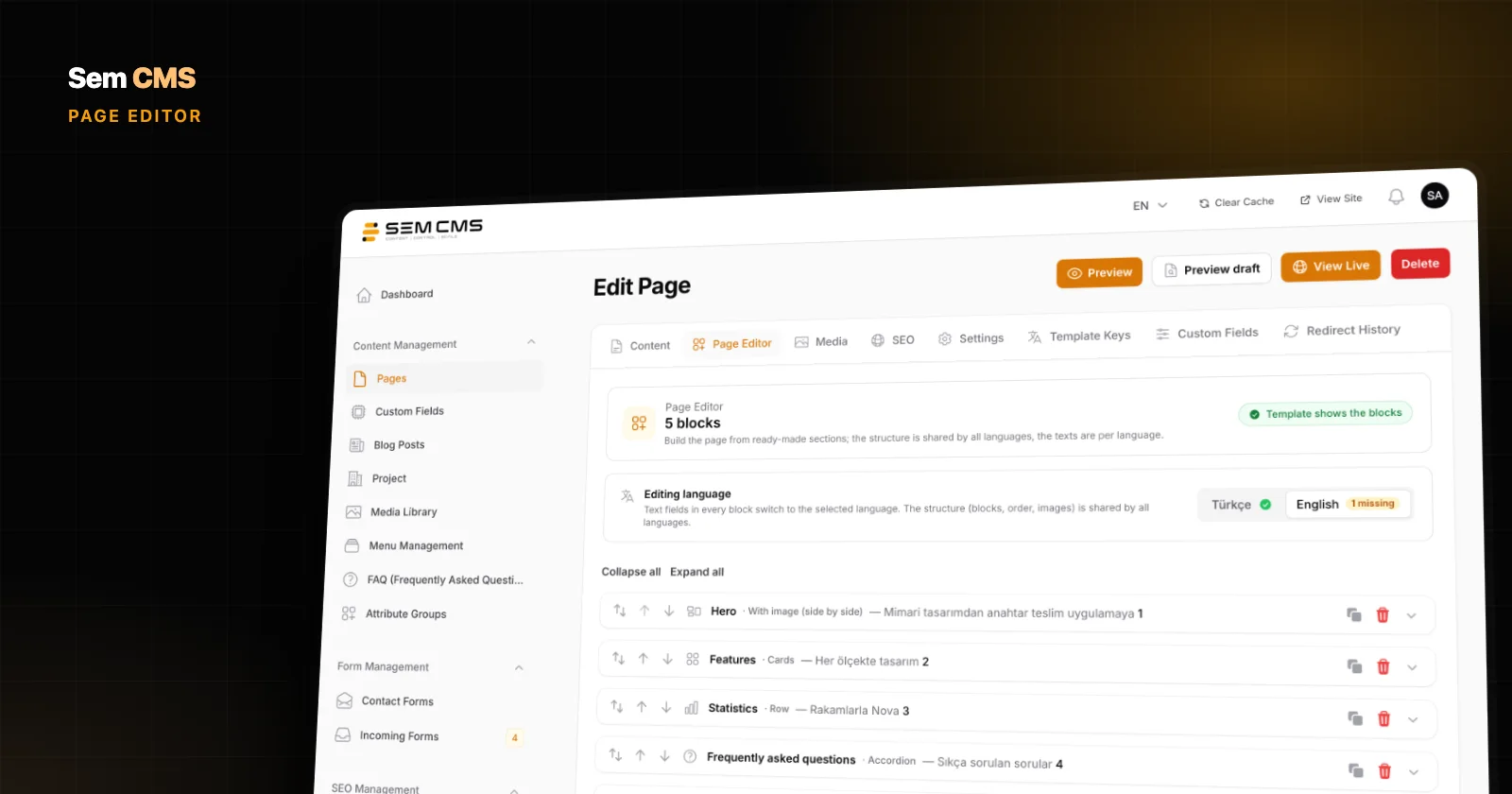
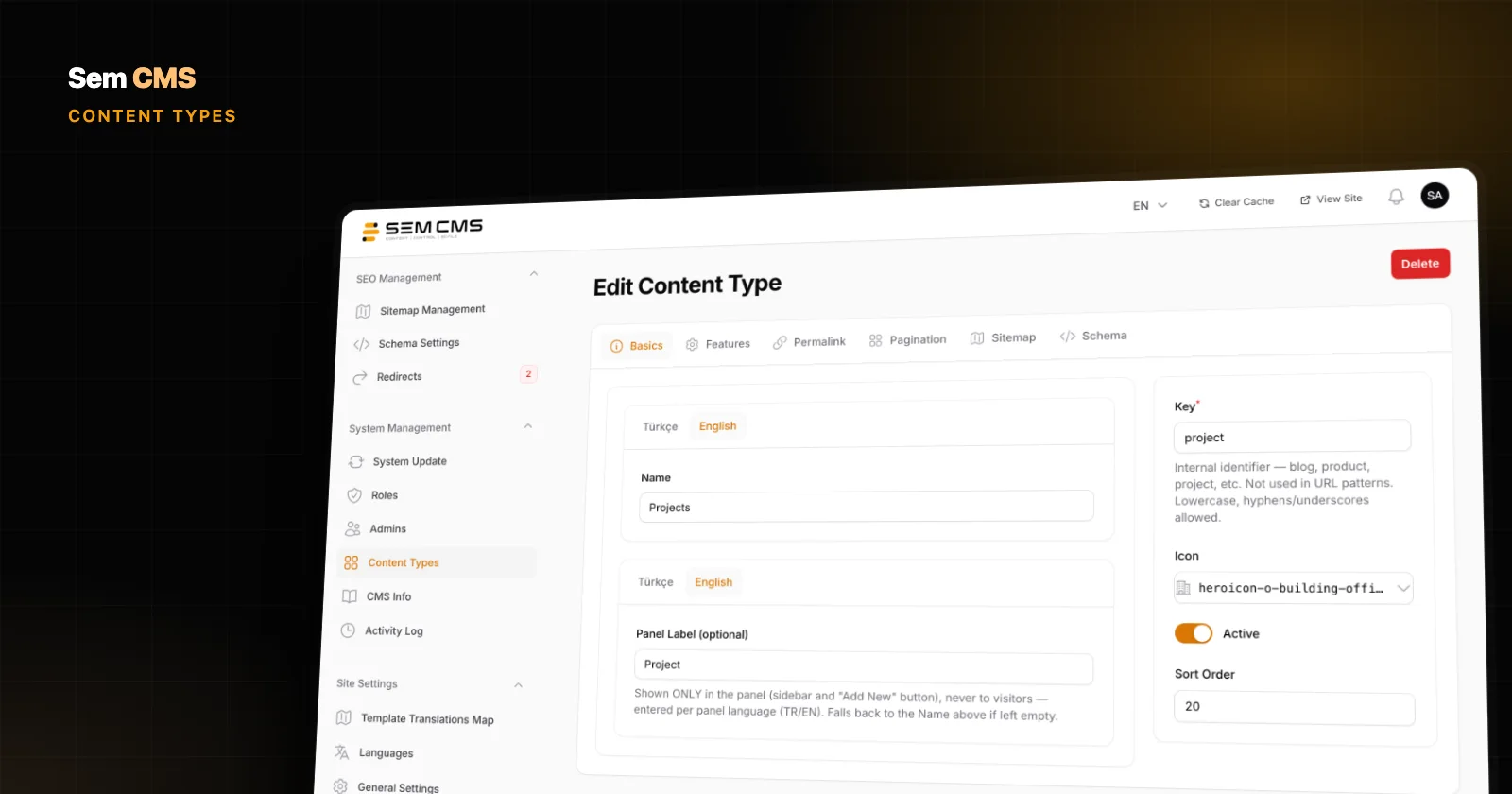
Most of the rules above break when tags are written by hand. In Sem CMS you never touch hreflang: the system builds the tags for every page from the real state of your content.
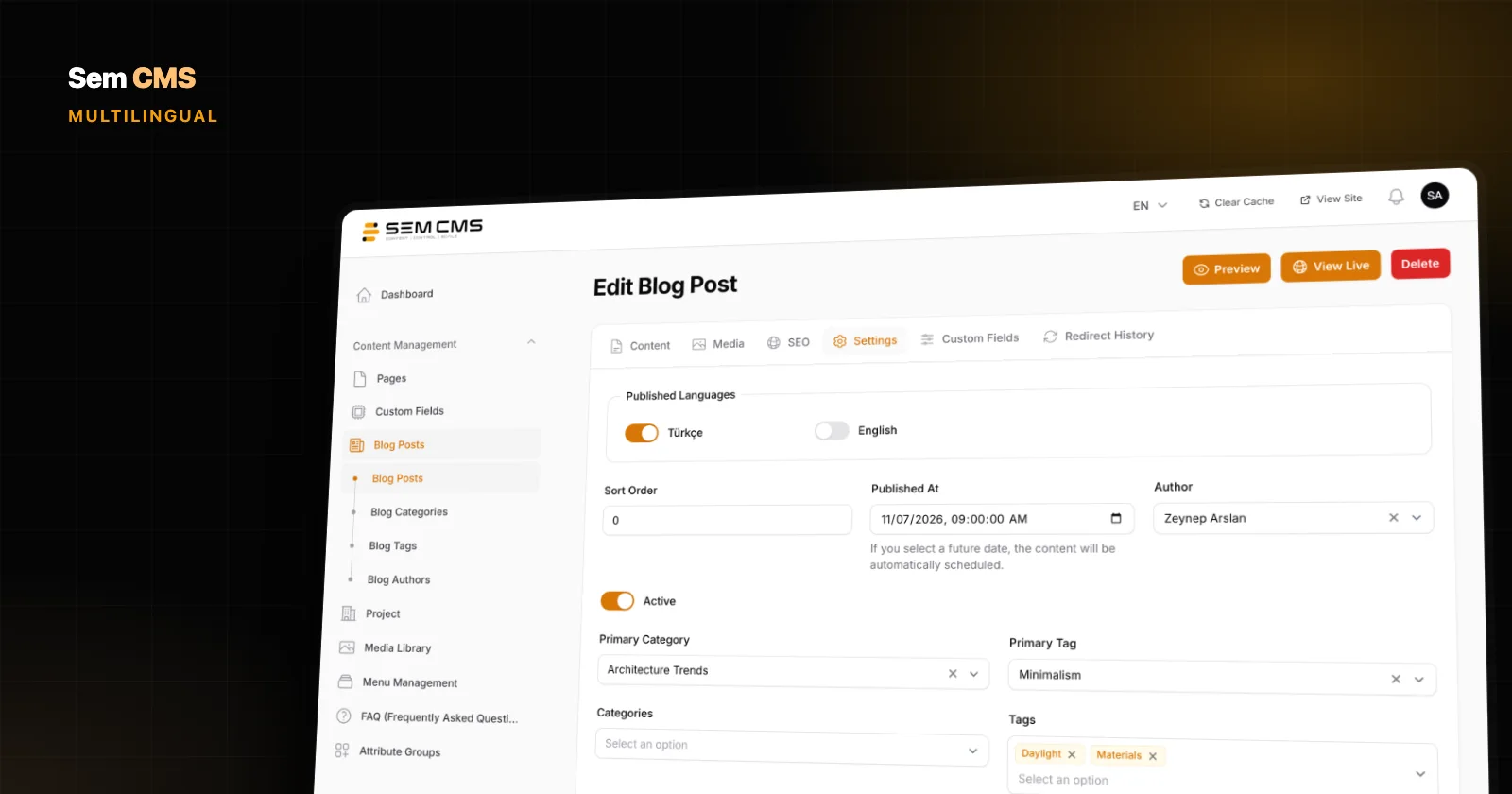
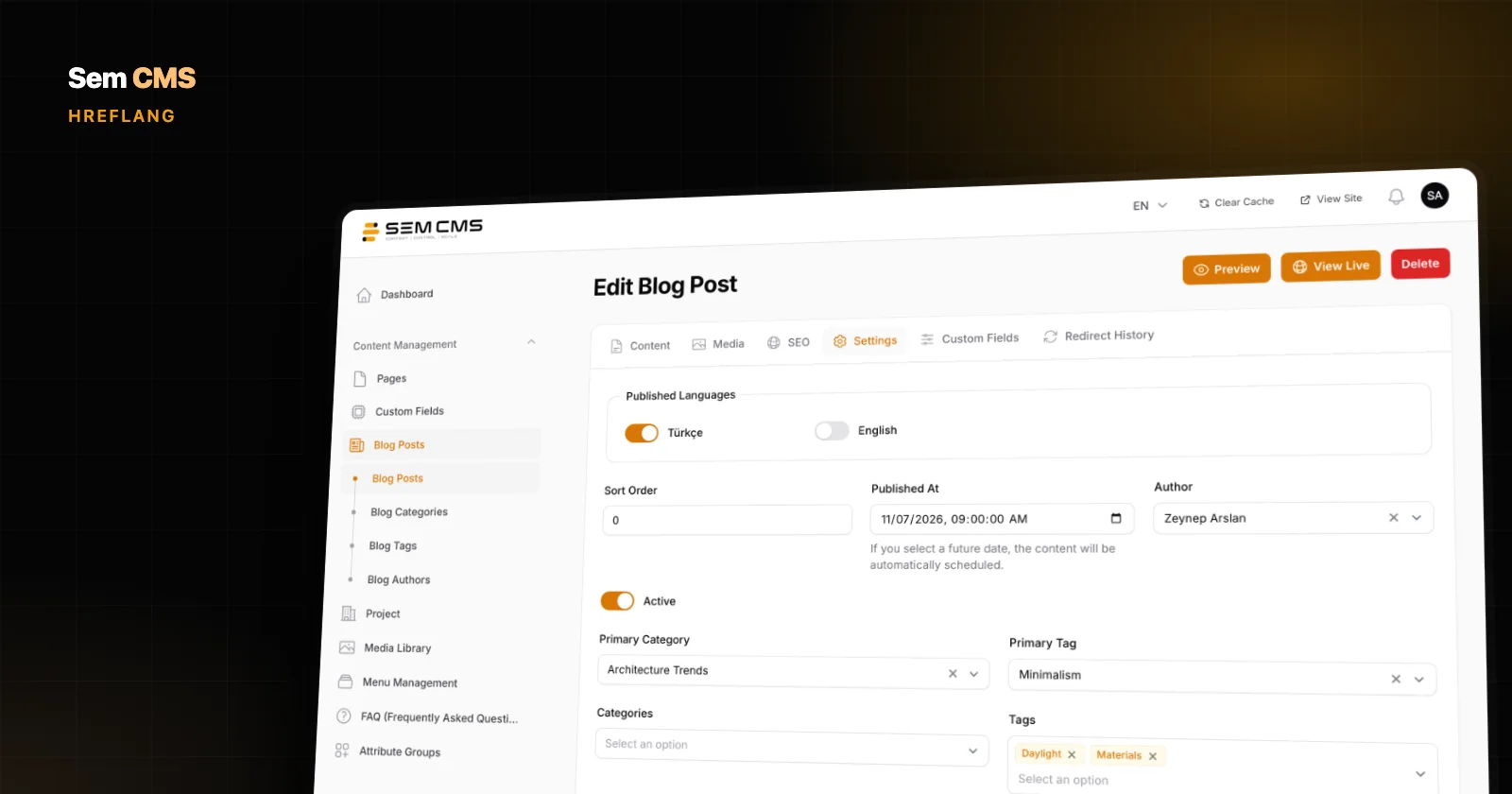
A language version only makes it into the tag set when three conditions are met together: the language is active on the site, the item has a slug in that language, and it is published in that language. A post whose English translation isn't ready produces no English hreflang line. Deactivate a language and it is removed from every record's published languages, and from the tags with it.
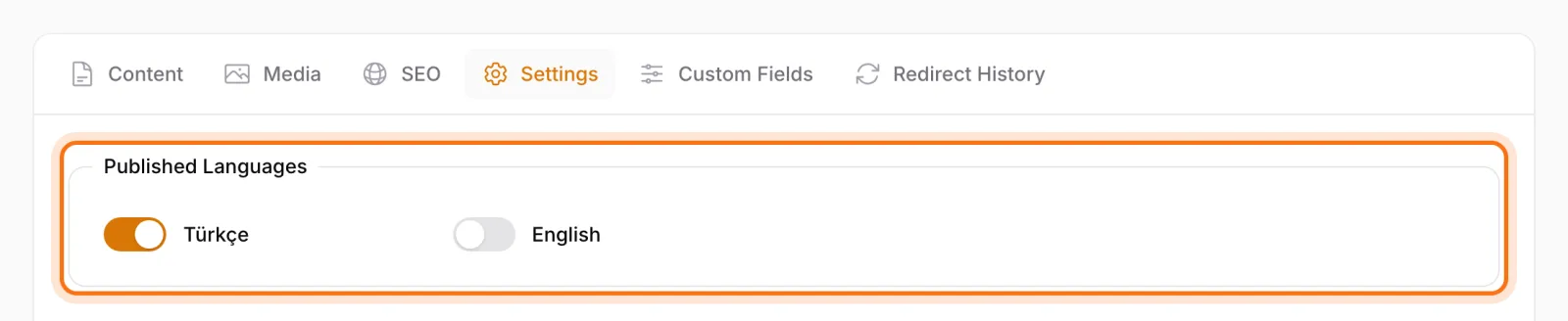
Because every language version outputs the same set, reciprocity and self-reference come for free. x-default is added automatically and points to the default-language version; if the item isn't published in that language, it falls back to another live version. The default language is served without a URL prefix, while other languages get their own.
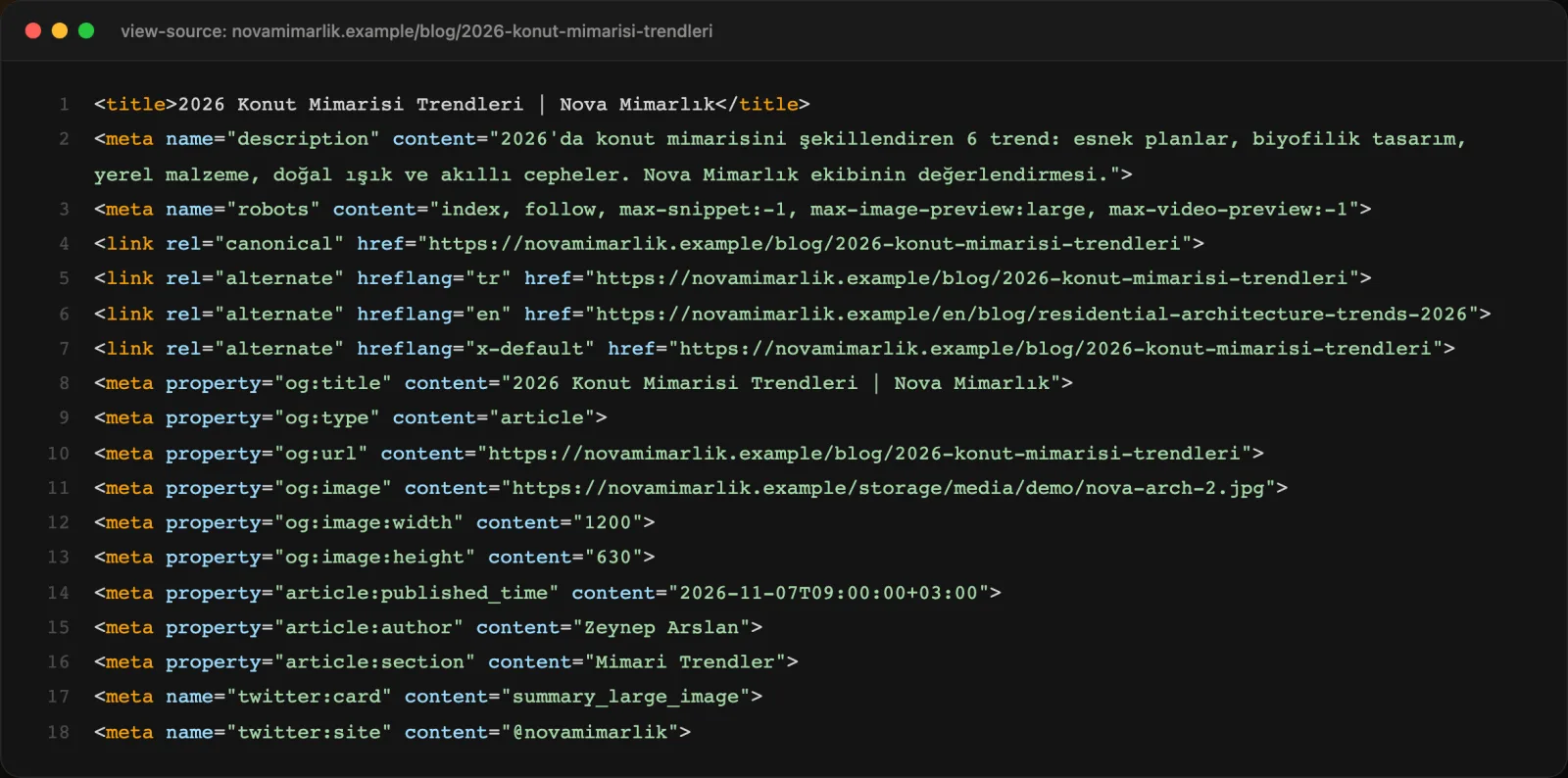
The rest of the mistakes list is handled at system level too:
- Listing pages: on a module's listing page, hreflang points to each language's own listing URL, not to the home page.
- URL format: canonical and hreflang URLs are always built with the site's main domain and protocol, so
http://or/index.phpvariants never end up in the tags. Requests to thewwwor non-wwwtwin of the main host get a 301 to the main address. - Slug changes: tags are generated from the current slug, and a 301 record is prepared for the old URL in every affected language.
- 404 pages: pages that aren't found output no canonical or hreflang tags.
The language switcher follows the same logic. Themes only offer the languages a page has actually been translated into, and on a single-language site the switcher doesn't appear at all. Nobody gets sent to a version that doesn't exist.
Bottom line: set hreflang up once, then let it stay right
The rules of hreflang are simple: reciprocal, self-referencing, absolute tags that point only at live pages. The hard part is keeping them true across hundreds of pages, every new translation and every slug change. A system that derives the tags from publishing status moves that job off your checklist and into the infrastructure.
For the bigger picture, read our guide to multilingual website management, and see what makes a CMS SEO-friendly for canonicals and meta tags. If you're planning content for new markets, our multilingual content strategy guide covers translation versus localization. Explore everything on our Features page or request a demo.