Whether a website shows up on Google often depends on its foundation before its content. Most content management systems leave SEO to add-on plugins: one manages meta tags, another builds the sitemap, a third tries to connect your language versions. Plugins clash, updates reset settings, and eventually nobody knows exactly what the site is telling search engines.
In Sem CMS, SEO is not a plugin; it is the system itself. In this post we walk through what makes a CMS SEO-friendly and show, with screenshots, how each piece works in the Sem CMS admin panel.
6 essentials of an SEO-friendly CMS
- Per-content meta control: A separate title and description for every page and post, in every language.
- Indexing control: You decide which pages appear on Google, and the sitemap follows that decision automatically.
- Correct canonical tags: Paginated lists and duplicate URLs don't split your rankings.
- Automatic hreflang: On multilingual sites, every language version points to its counterparts correctly.
- Social sharing tags: Open Graph and Twitter Card tags show the right image and title on every share.
- No-code integrations: Analytics, Tag Manager and Search Console verification without a developer.
Meta title and description for every piece of content, in every language
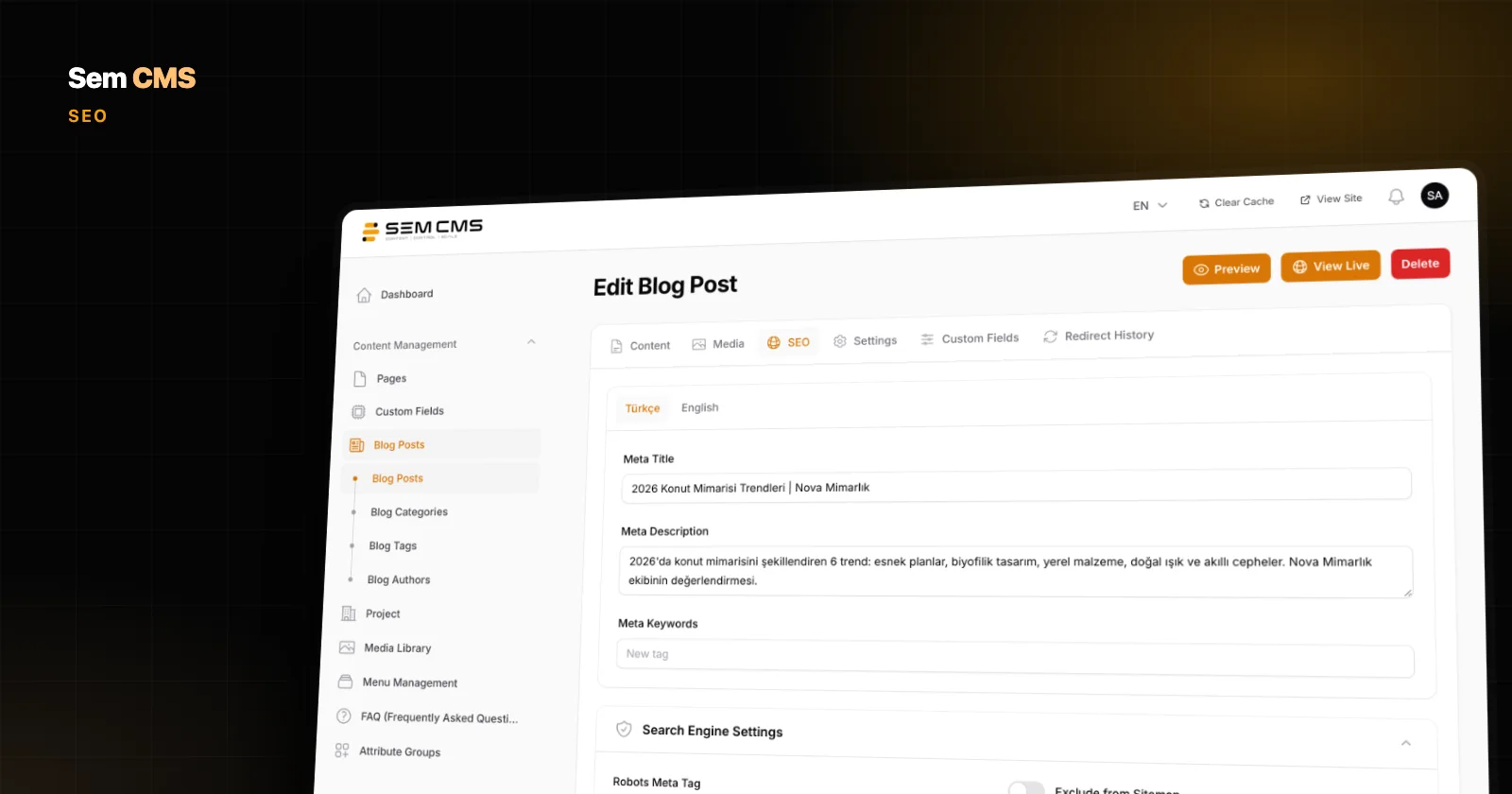
In Sem CMS, every blog post, page, category and tag has its own SEO tab. The meta title and meta description are entered on a separate tab for each language. The description you write for your Turkish page doesn't touch the English version, so you can write a title that matches how each market actually searches.
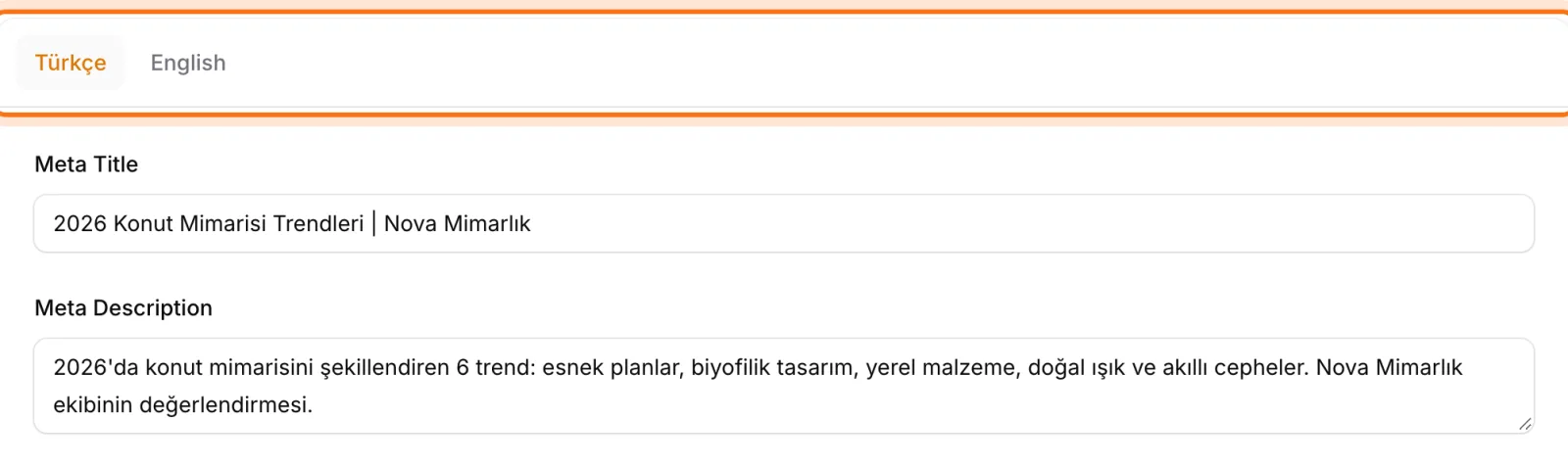
Leave the meta title empty and the page still won't go out untitled. The system falls back to the content's own title, then the site's default meta title, and finally the site name. The description follows a similar fallback chain. Even with a large editorial team, no page reaches Google with an empty title.
You decide which pages get indexed
Every piece of content has a robots setting with four options: index, follow, noindex, follow, index, nofollow and noindex, nofollow. Thank-you pages, expired campaign archives or internal pages can be removed from search with a single click.
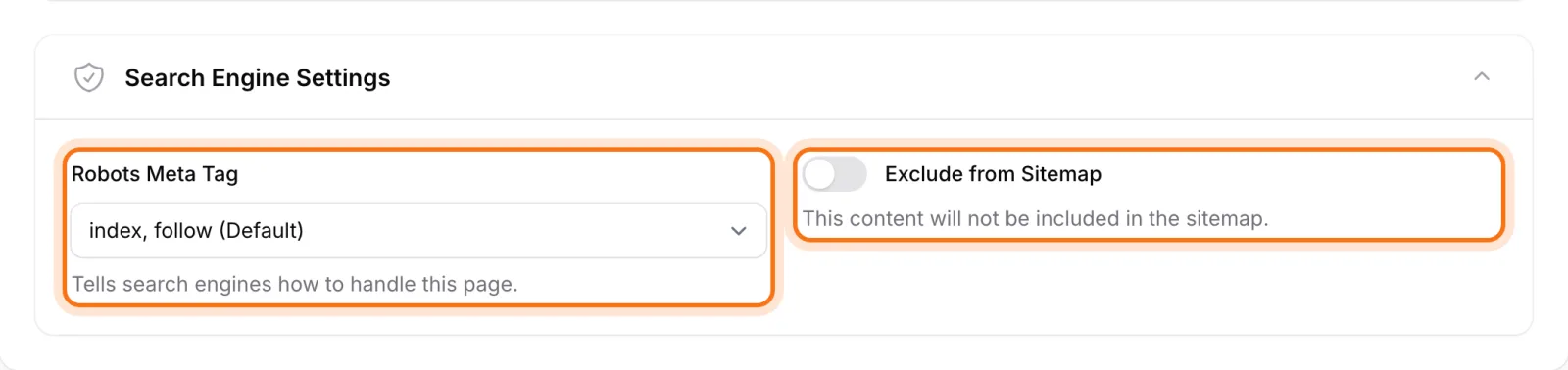
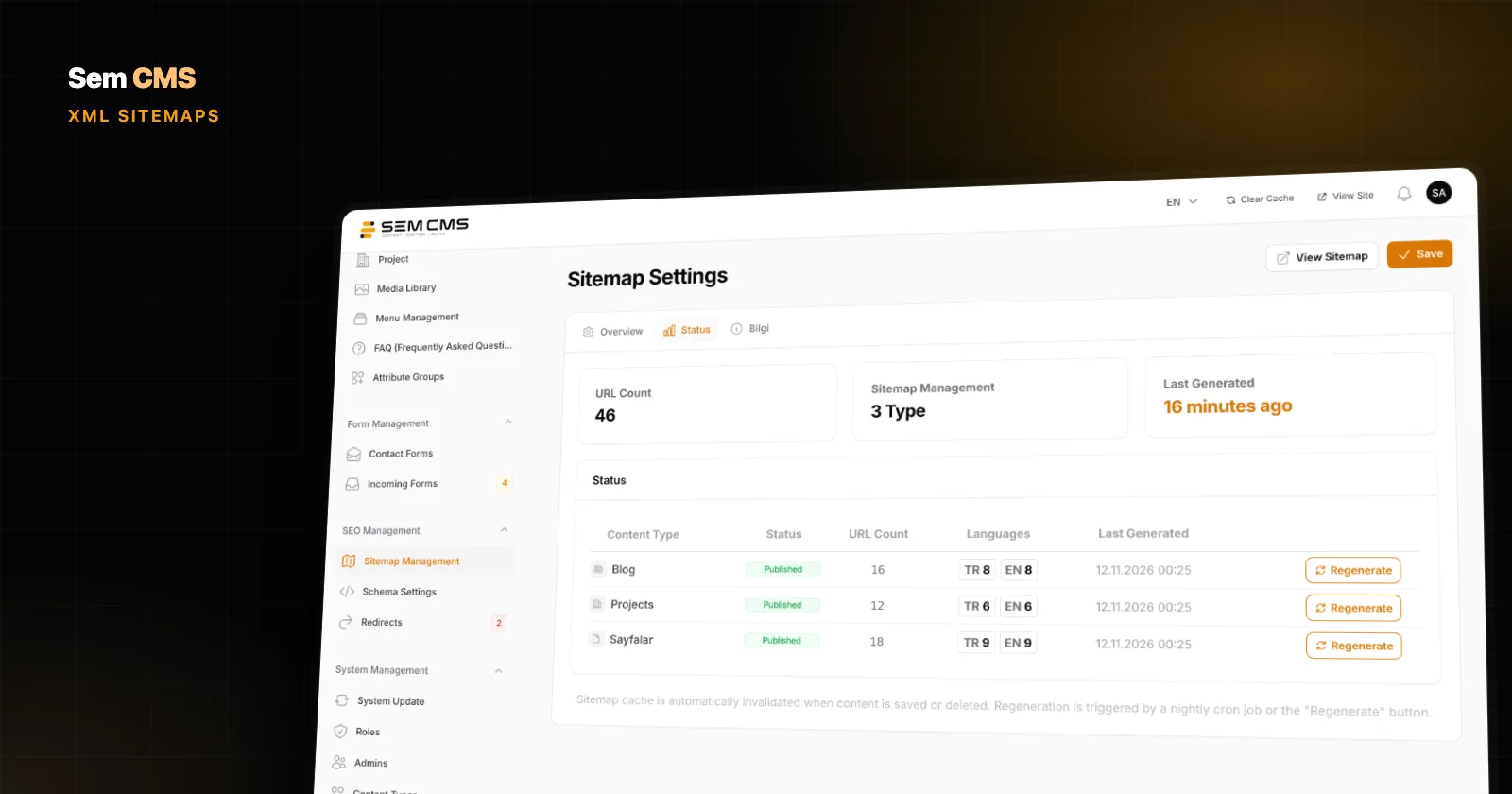
Here's a detail most systems miss: when you set a page to noindex, Sem CMS automatically removes it from the sitemap as well. You never end up telling Google "don't index this page" while your sitemap says "please crawl it". That contradictory signal, a common Search Console warning, is prevented from the start.
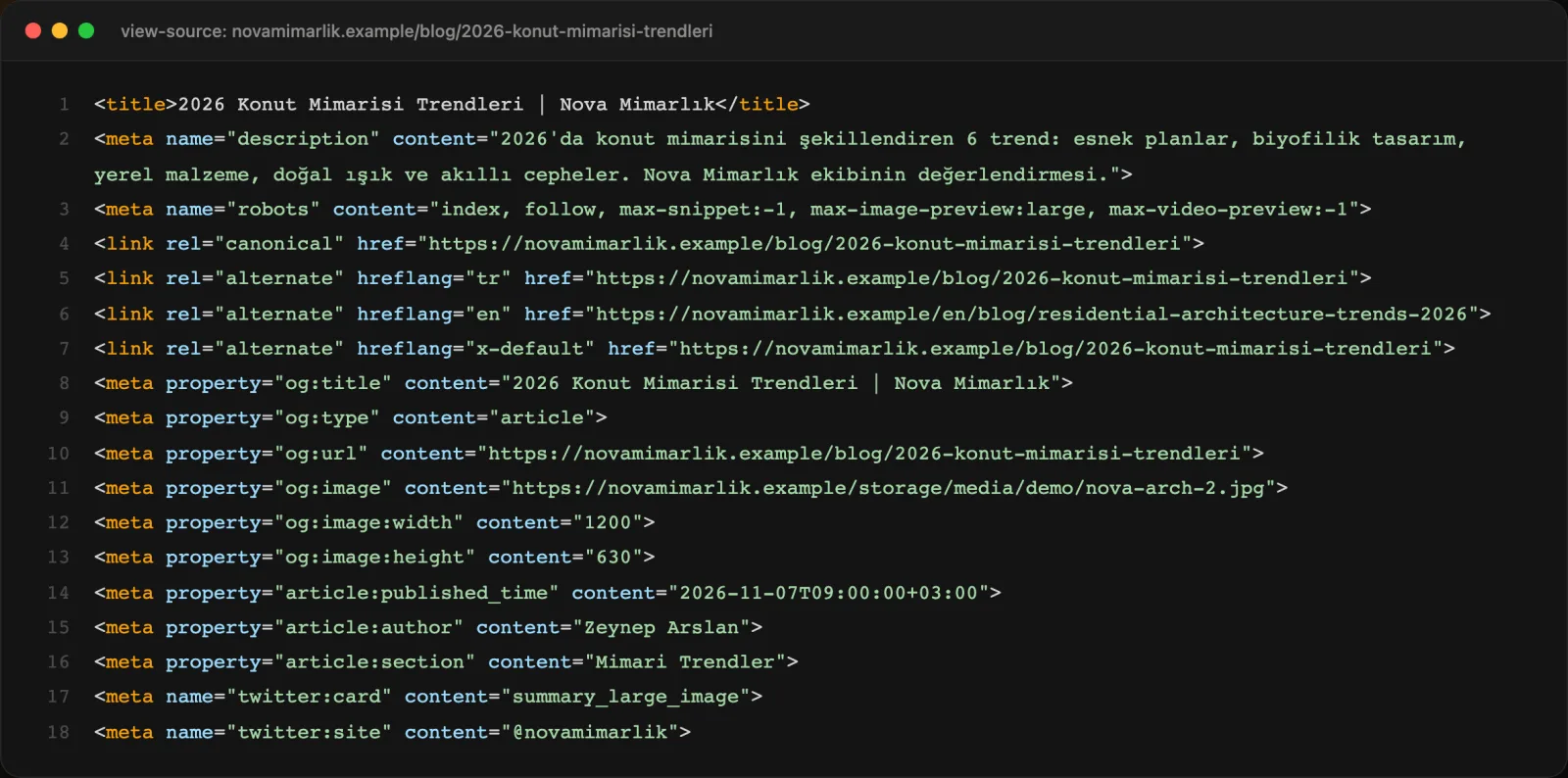
Pages without an explicit robots value don't just get index, follow. The system also adds max-image-preview:large and max-snippet:-1, which allow Google to show large image previews and full-length snippets. That's a real advantage for visibility in Google Images and Discover.
Pagination that doesn't split your rankings
Blog and project listings grow, get paginated, and misconfigured pagination causes SEO problems. In Sem CMS every paginated page is self-canonical: the page at ?page=3 points to itself, not to page one. Google can keep reaching your older, deeper posts.
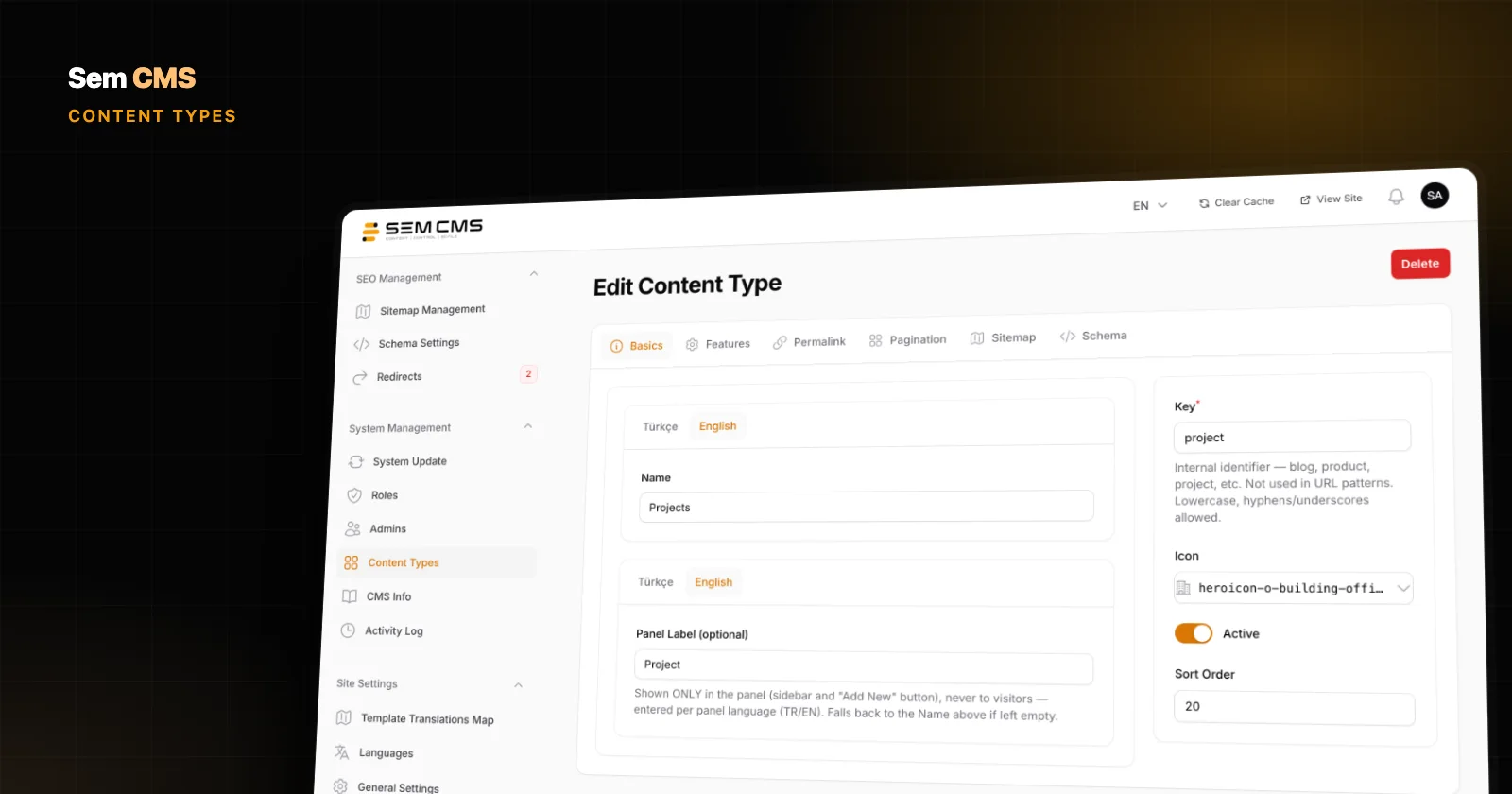
If you prefer, you can mark page 2 and beyond as noindex, follow for each content type. Those pages stay out of search results while their links are still followed. You choose what fits your content strategy with a single switch.
Automatic hreflang on multilingual sites
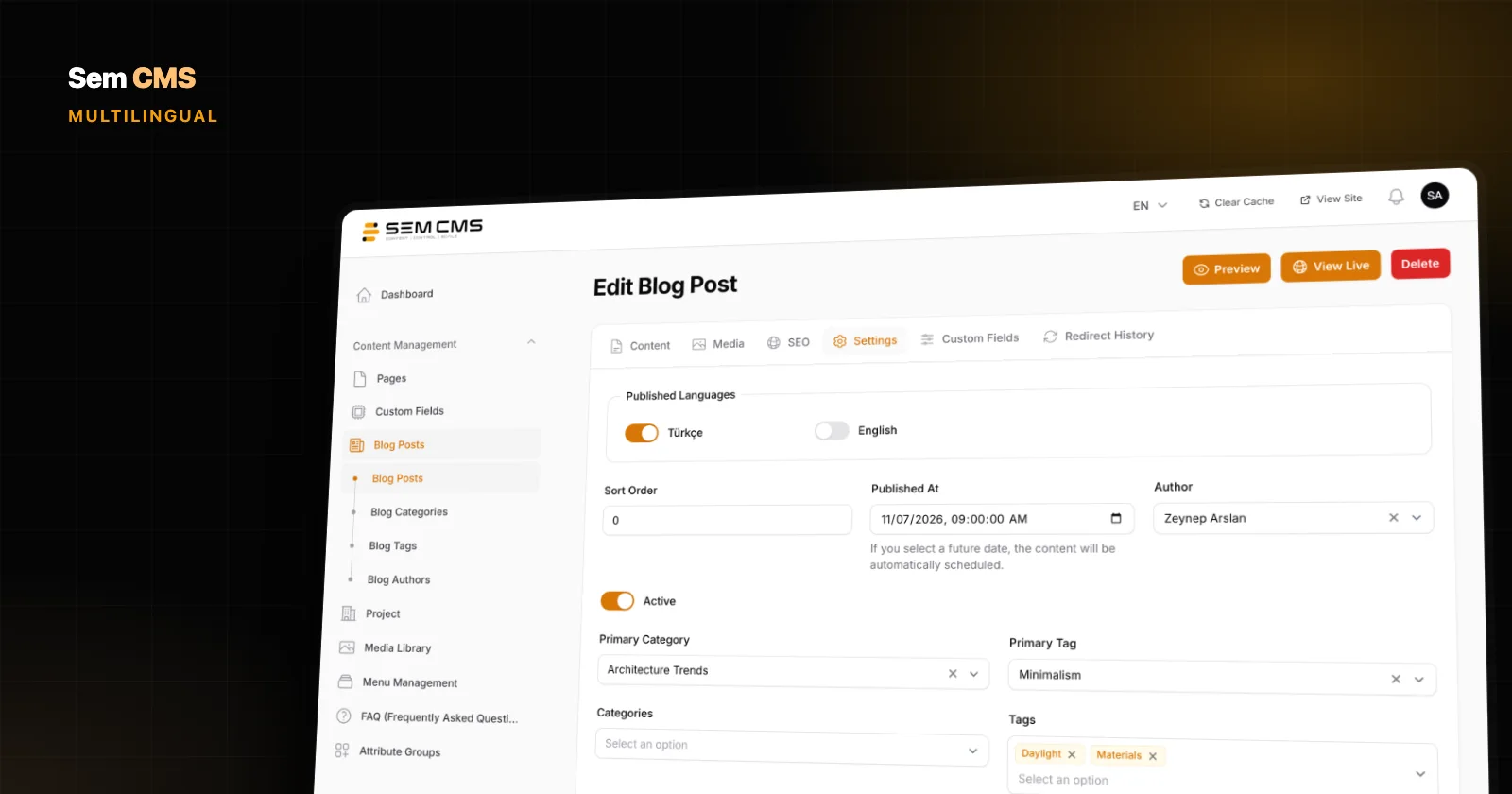
On a multilingual site, hreflang tags tell Google which page is the equivalent of which in another language. Managed by hand, it's one of the most error-prone areas of SEO. Sem CMS generates these tags on every page automatically, and it does so intelligently: only language versions that are actually published are listed. A page that hasn't been translated yet never advertises an English URL that doesn't exist. An x-default tag is always included.
Looking right on social media: Open Graph and Twitter Cards
When a post is shared on LinkedIn, WhatsApp or X, the title, description and image come from Open Graph tags. Sem CMS generates them for every page automatically:
- For blog posts,
og:typeis article, and the published date, modified date, author and section are included. - The share image is served at the 1200×630 size social networks recommend, using the content's featured image.
- For pages without a featured image, you can set a default share image, and even a different one per language.
- Twitter Card tags are added automatically, along with your site's X handle.
Analytics, Tag Manager and Search Console: just paste the ID
The SEO tab in Settings holds the site's default meta title and description (per language), your X handle, your Google Analytics 4 measurement ID, your Google Tag Manager ID, and Google and Bing site verification codes. No code to add, no theme files to edit.
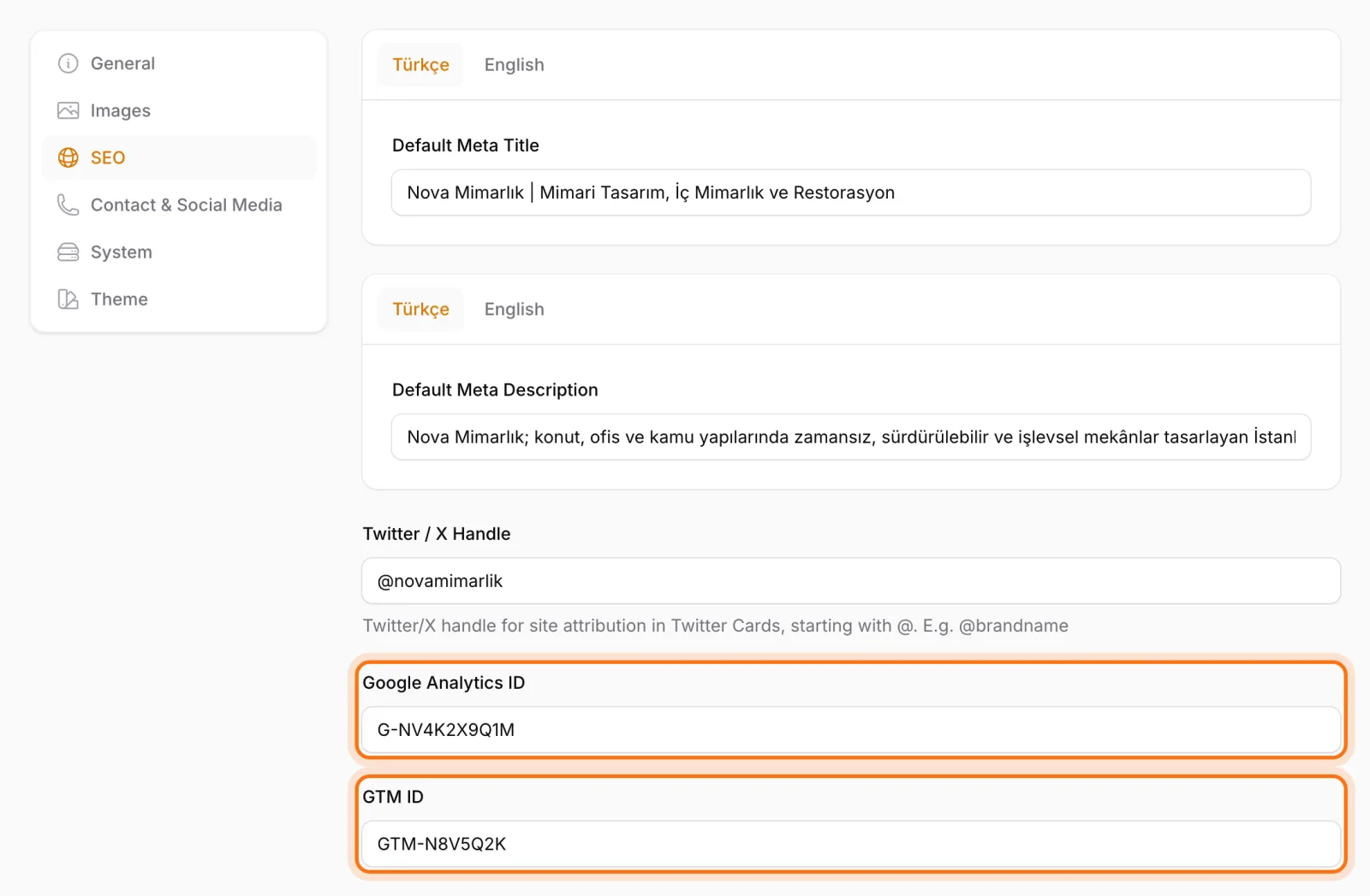
If a Tag Manager ID is set, the system loads Tag Manager; otherwise it adds the Analytics tag directly. It never loads both, so you avoid the double-install mistake that counts every visit twice.
Bottom line: trust SEO to the foundation, not to plugins
Good content earns rankings when it sits on the right foundation. In Sem CMS, meta management, indexing control, canonicals, hreflang and social tags come built in and work together. You spend your time creating content, not managing plugins.
This is the first part of our series on Sem CMS's SEO infrastructure. Watch for our posts on structured data (JSON-LD), URL management and automatic sitemaps. See the full feature list on our Features page, or request a demo to see it live.