Choosing a CMS for a corporate website often comes down to whichever panel looked best in the demo. Six months later, the real questions surface: how do we add a second language, why can the marketing team break the layout, why is nobody willing to run an update, and why are old URLs returning 404?
Replacing a CMS costs far more than choosing one. Content has to be migrated, URLs rebuilt, the team retrained. The questions you ask at decision time determine whether you get years of smooth publishing or years of patching. This guide gives you a vendor-neutral checklist for choosing an enterprise CMS, the tests to run during a demo, and the mistakes we see most often.
TL;DR: Choose an enterprise CMS against a five-year usage scenario, not a feature list. The criteria that matter most are a flexible content model, built-in technical SEO, real multilingual support, roles with an audit trail, safe updates, and a design layer that's separate from the core. Test every one of them with your own content during the demo.
Start with requirements: what does "enterprise" mean for you?
"Enterprise CMS" is less a product category than a set of requirements. Before you look at a single vendor, write down your answers to these:
- Content inventory: What kinds of content does the site hold? Beyond a blog, do you need projects, services, a product catalogue, team profiles, locations or press releases?
- Languages and markets: How many languages today, and how many in three years? Will each market create its own content, or will you translate?
- Team: How many people will use the admin panel? What should editors, translators, marketers and your agency each see and be allowed to change?
- Organic traffic: Does the site drive revenue or leads? What would losing search traffic cost?
- Technical ownership: Who runs updates and maintenance: an in-house team, an agency, or the vendor?
With that list in hand, you have a concrete yardstick for comparing candidates. The criteria below map directly onto those needs.
How to choose a CMS: 8 criteria that matter
1. A flexible content model
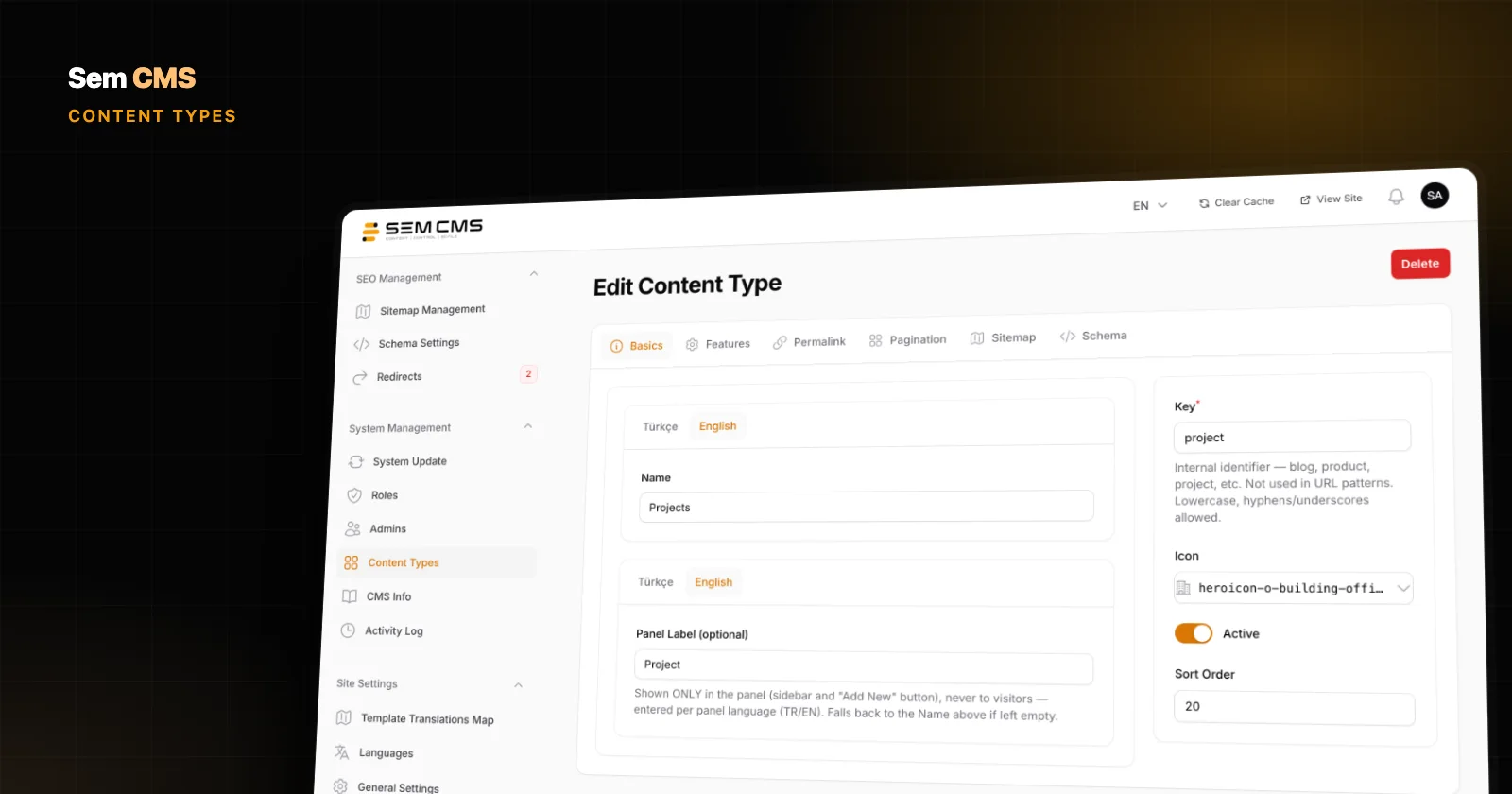
A system that forces everything into "pages" and "posts" quickly produces messy content and templates held together by copy and paste. A good enterprise CMS lets you configure new content types, such as Projects or Locations, along with their own fields: location, year, size, status. Ask: does adding a new content type take a developer day, or a few minutes of configuration?
2. Technical SEO in the core, not bolted on
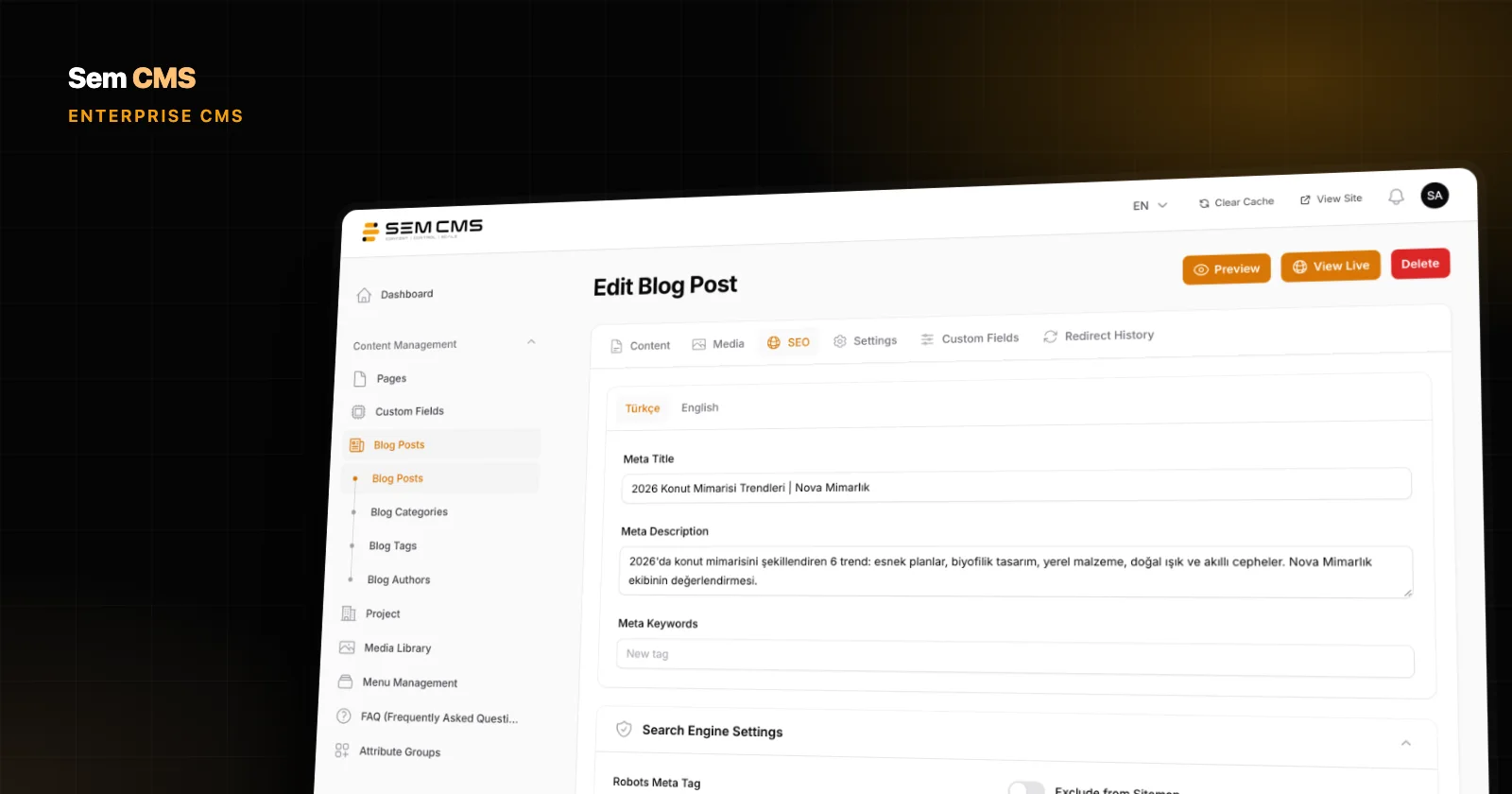
Meta tags, canonicals, robots directives, XML sitemaps, structured data and 301 redirects are infrastructure for a corporate site, not optional add-ons. When they are spread across separate tools, you get conflicts and gaps. Ask: what happens when a page's URL changes? Does the sitemap update on its own? Can an unpublished language accidentally be announced to search engines?
3. Real multilingual support
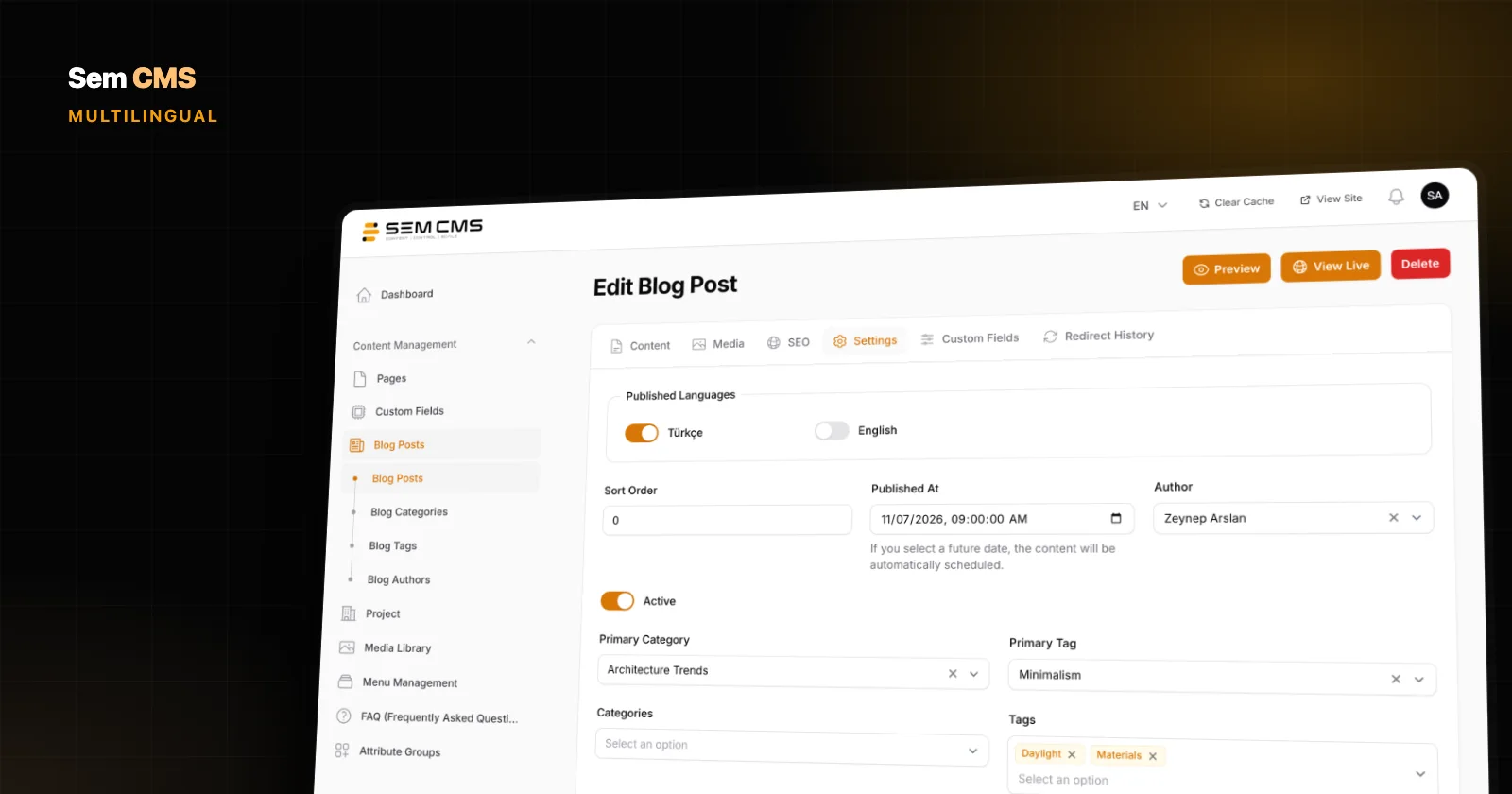
Multilingual is more than translated text. Every language needs its own URL, its own metadata, its own publishing status and correct hreflang annotations. If content isn't ready in one language, that language shouldn't go live or be signalled to search engines. Ask: can I publish a post in English and keep the German version in draft? Can each language use a different URL pattern?
4. Roles, permissions and an audit trail
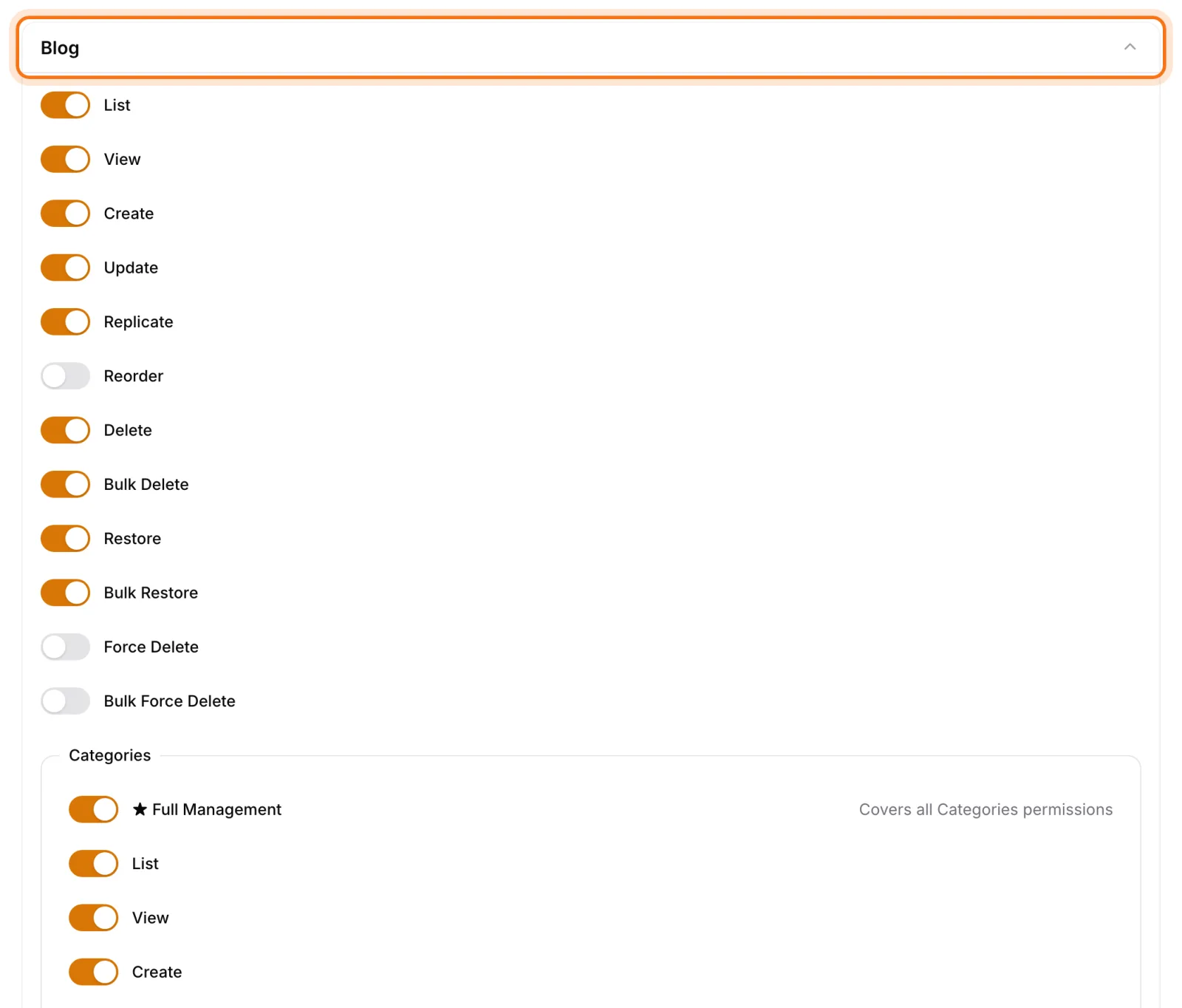
Once several people work in the panel, letting everyone touch everything is both a security risk and a quality risk. Permissions should be definable per content type and per action (view, create, delete, permanently delete), and every change should be recorded with who made it and when. Ask: can I let an editor manage the blog but lock them out of settings? Can I see the before and after of a change?
5. Secure defaults
Most corporate sites don't get into trouble through sophisticated attacks. They get into trouble through simple gaps: unsafe file uploads, unprotected forms, components nobody updated. Ask: are uploaded files sanitized? Are forms rate-limited? How is access to the admin panel protected? How do security fixes reach my site?
6. Updates and maintenance
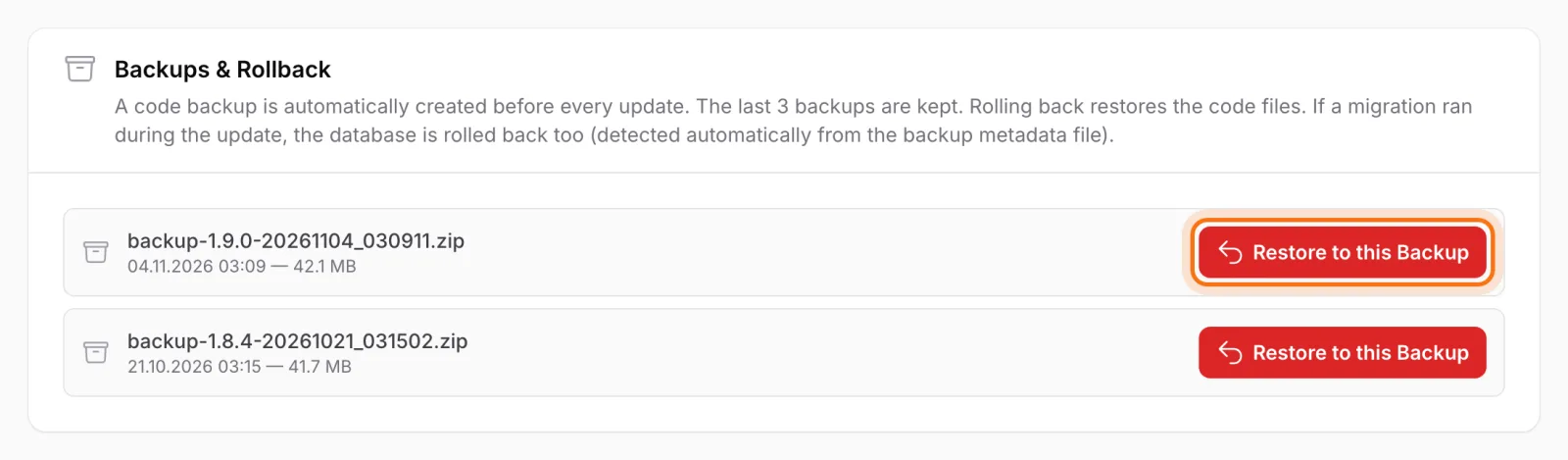
A CMS that doesn't get updated slowly turns into security debt. Updates only stop being scary when backups, automatic rollback on failure and protection for your customizations are part of the process from day one. Ask: what happens if an update fails halfway? Will my customizations be overwritten?
7. Performance and media
Images are the heaviest part of most corporate sites. Serving appropriately sized images in a modern format such as WebP, with CDN support, shouldn't depend on editors optimizing every file by hand. Ask: when an editor uploads a 4000-pixel photo, what actually gets sent to a phone?
8. Design separated from the core
Brands evolve and sites get redesigned. If design files are tangled up with the system core, every redesign puts updates at risk and every update puts the design at risk. Ask: are design updates and system updates independent of each other?
Five tests to run during the demo
Don't just watch the presentation. Take the controls and run these tests with your own content:
| Test | What to look for |
|---|---|
| Change a post's slug | Is a redirect prepared for the old URL, or does it simply 404? |
| Ask for a new content type | Can it be set up in minutes, without writing code? |
| Publish an item in only one language | Does the other language still show up on the site, in the sitemap or in hreflang? |
| Log in as a restricted editor | Are the menus and actions they shouldn't have actually hidden? |
| View the page source | Are canonical, hreflang, Open Graph and JSON-LD correct and consistent? |
Common CMS selection mistakes
- Planning for today only: a system picked for a single-language site may need a rebuild the day a second language arrives.
- Confusing plugin count with capability: a separate component for every need means a separate compatibility risk with every update.
- Skipping the editor experience: if the people who will use the panel daily aren't part of the evaluation, even the best system ends up underused.
- Ignoring migration cost: switching without a plan to preserve and redirect existing URLs can sink organic traffic. Our website migration SEO checklist covers this step by step.
How Sem CMS answers this checklist
We built Sem CMS around exactly these questions. Here's how it maps:
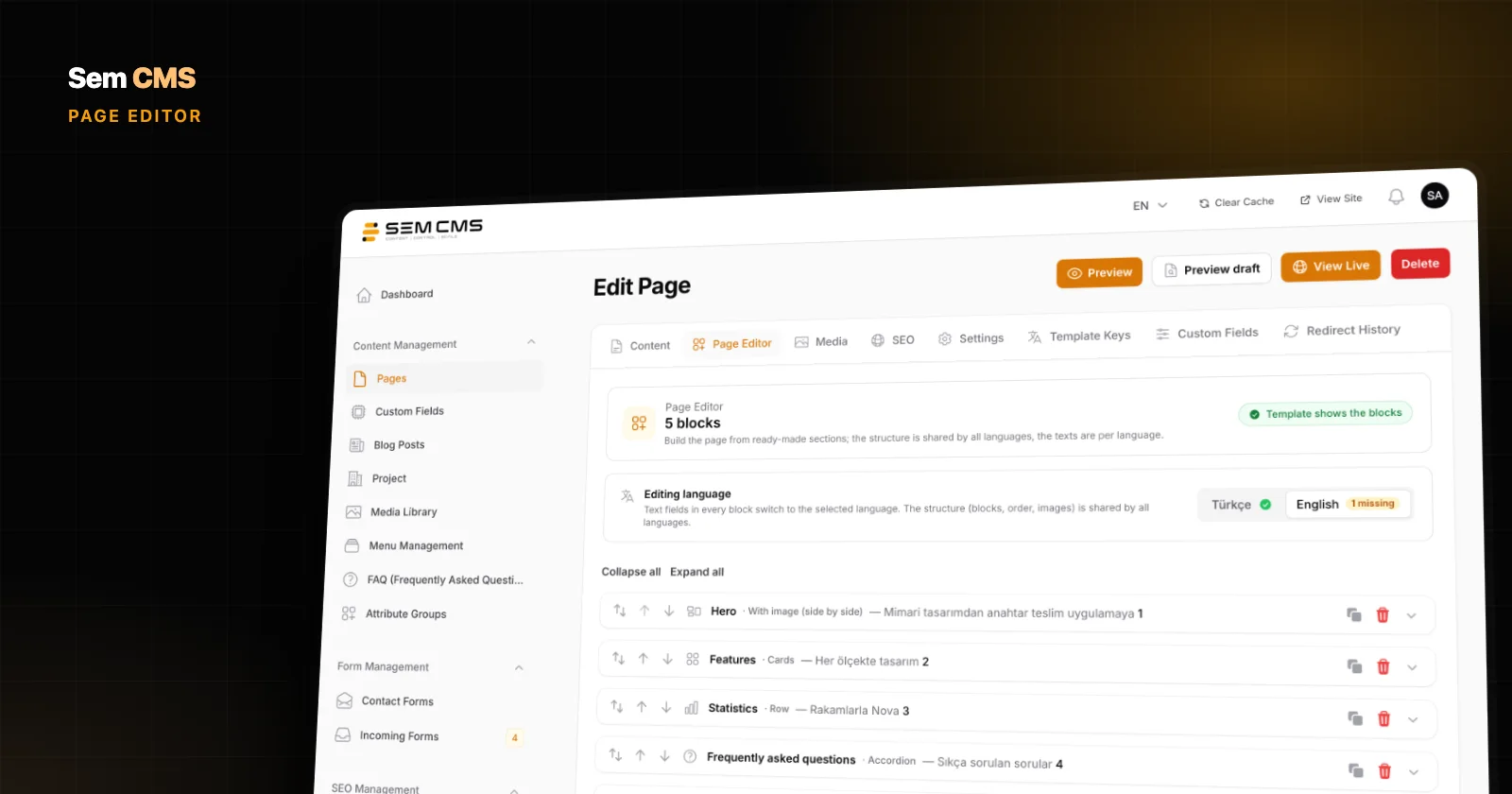
- Content model: new content types are created from a form in the panel, each with its own URL pattern, pagination, sitemap and structured data settings. Custom field groups offer 14 field types. More in no-code custom content types.
- Technical SEO: per-language meta fields, robots options, canonicals, automatic XML sitemaps, a connected JSON-LD graph and 301 records prepared when a slug changes are all part of the system. See SEO-friendly CMS.
- Multilingual: every item is published per language; hreflang is generated only for published, active languages, plus x-default. Each content type gets its own URL pattern in each language.
- Permissions and audit: the role editor offers 12 separate action permissions for every content type, and a non-super-admin can't grant a permission they don't hold. The activity log shows the old and new values of content and page changes side by side.
- Security: uploaded SVG files are stripped of malicious code; forms are rate-limited and CSRF-protected.
- Updates: a code backup is taken automatically before each one-click update and the last three are kept; if something fails, the system rolls back on its own, and customized files aren't overwritten. See one-click updates.
- Media: images are served on the site as 400, 800, 1200 and 1600 px WebP variants sized to the screen, and a CDN is a single setting away.
- Design: themes live in their own folder and aren't part of core updates; theme updates arrive through a separate channel.
Bottom line: shortlist with a checklist, decide with a demo
The right enterprise CMS isn't the one with the longest feature list. It's the one that creates the least friction across your next five years. Write your requirements down, put the same eight criteria to every candidate, and verify each claim with your own content during the demo. Whichever product you pick, that approach protects you from an expensive second migration.
If you're an agency choosing for several clients, read our guide to choosing a CMS for agencies as well. You can explore everything Sem CMS does on the Features page, or request a demo and run the tests above with your own content.