For an agency, launching a website is where the work starts, not where it ends. The real cost comes later: a client's editor breaks the homepage by accident, an update wipes out custom work, and because five clients run on five different setups, every maintenance ticket begins with relearning how that particular site works. Margins don't disappear on new projects. They disappear in those quiet maintenance hours.
That's why choosing a CMS as an agency is a different exercise from choosing one for a single site. The question isn't "what's the best system for this project?" but "how do we run twenty clients with the same team at the same quality?" This guide offers a vendor-neutral checklist for evaluating a CMS for agencies, plus a repeatable delivery process you can adopt whatever you choose.
TL;DR: The right CMS for an agency keeps design separate from the core, protects customizations during updates, lets you give client teams narrow and safe permissions, builds new content structures without code, and works the same way on every project. A standard setup lets you spread maintenance costs across your whole portfolio.
Why agencies need different criteria
A company choosing a CMS focuses on the needs of one site. An agency manages a portfolio. Every new system, every different plugin combination and every one-off workaround is one more thing your team has to keep in its head. As the client list grows, that knowledge load eats into productivity.
Three variables decide whether agency work is profitable:
- Setup time: how fast can you stand up a new project?
- Maintenance load: how many hours a month go into updates, security fixes and small requests?
- Support tickets: how much can the client's team do in the panel on their own, and how much lands back on your desk?
Every criterion below moves at least one of those numbers.
The agency CMS checklist
1. Are design and core kept apart?
If client-specific design files are tangled up with the system core, every update puts the design at risk. What an agency needs is for everything client-specific to live in its own portable layer that core updates never touch. That's how very different designs can safely share one core.
2. Do updates protect your customizations?
Agencies tend to avoid updates because something usually breaks. When evaluating, check three things: is a backup taken automatically before the update? Does the system roll back on its own if it fails? Are manually modified files detected and left alone? Without all three, every update is a separate risk project for every client.
3. Can you give the client team narrow, safe permissions?
Handing the client a full admin account is the fastest route to support tickets. Ideally, the client's editors see only the content areas they need, while settings, theme and user management stay with the agency. Permissions that work per content type and per action, plus a record of who changed what, also put an end to "who broke the site?" debates. We cover this in more depth in content team permissions.
4. Can new content structures be built without code?
An architecture firm wants projects, a hotel wants rooms, a holding company wants subsidiaries. Spending developer time on each one stretches setup. Content types and custom fields that are configured in the panel let the same team spin up projects across very different industries.
5. Does multilingual mean extra work?
For clients that export or expand abroad, multilingual support can't be an afterthought. Per-language URLs, metadata, publishing status and hreflang should be built in, and adding a second language should be a configuration task.
6. Is handover easy?
A clean panel, clear labels and an interface in the editor's own language shorten training. When recurring needs such as forms, media and menus are built in, you can give every client the same training session.
7. Is maintenance status visible?
If you can see at a glance whether scheduled tasks are running, whether jobs are piling up and which version a site is on, you catch problems before the client does. Invisible maintenance only gets noticed when something breaks.
8. Have you planned for the end of the relationship?
It sounds backwards, but good agencies plan from day one for the possibility that a client will one day work with someone else. Does the site run on the client's own domain with its own database? Can content, form submissions and translations be exported? Are customizations documented? Clear answers build trust and give you a real edge in sales conversations. A setup that feels like lock-in may look like loyalty in the short term, but it costs you referrals in the long run.
The same logic applies inside your team. If only the developer who built a project can understand it, maintenance stops the moment that person goes on leave or moves on. A standard system and a written handover document make every project something anyone on the team can pick up.
A repeatable delivery process
Following the same steps on every project matters as much as the system itself. Here's the flow we recommend to agencies:
- Discovery: content inventory, languages, number of editors, permission needs.
- Content model: content types, categories and custom fields; URL patterns are decided here.
- Design: a client-specific theme, in a layer separate from the core.
- Roles: narrowly scoped roles for client editors; admin rights stay with the agency.
- SEO check: metadata, sitemap, structured data and a 301 plan for the old site's URLs.
- Training and handover: a short session with editors using their own accounts and their own content.
- Maintenance plan: update schedule and responsibilities, in writing.
How Sem CMS fits an agency workflow
With Sem CMS, every client site runs as its own installation with its own domain and database, and all installations share the same core. Your team learns it once and uses the same panel on every project. The panel's login path can be set per installation.
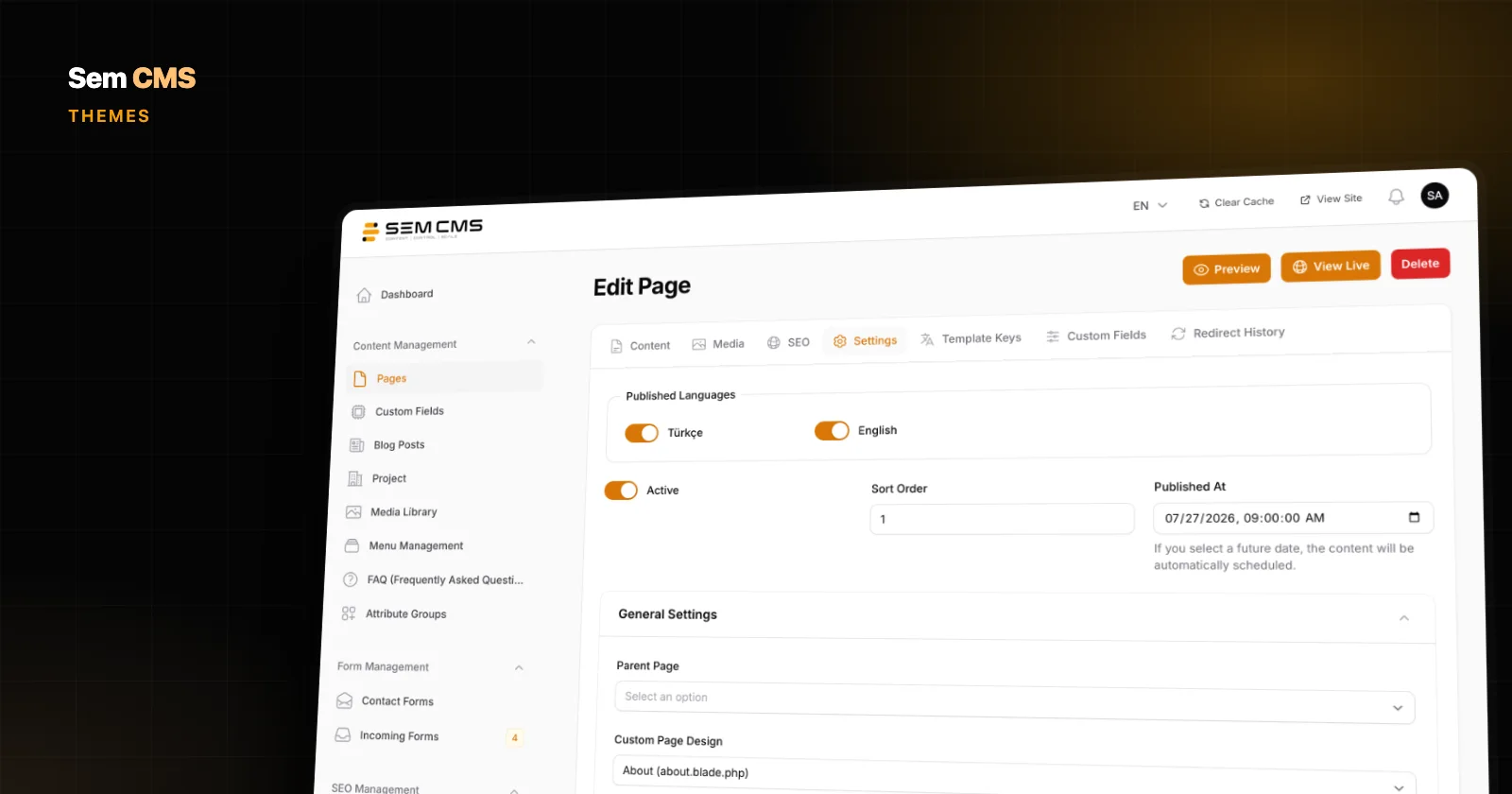
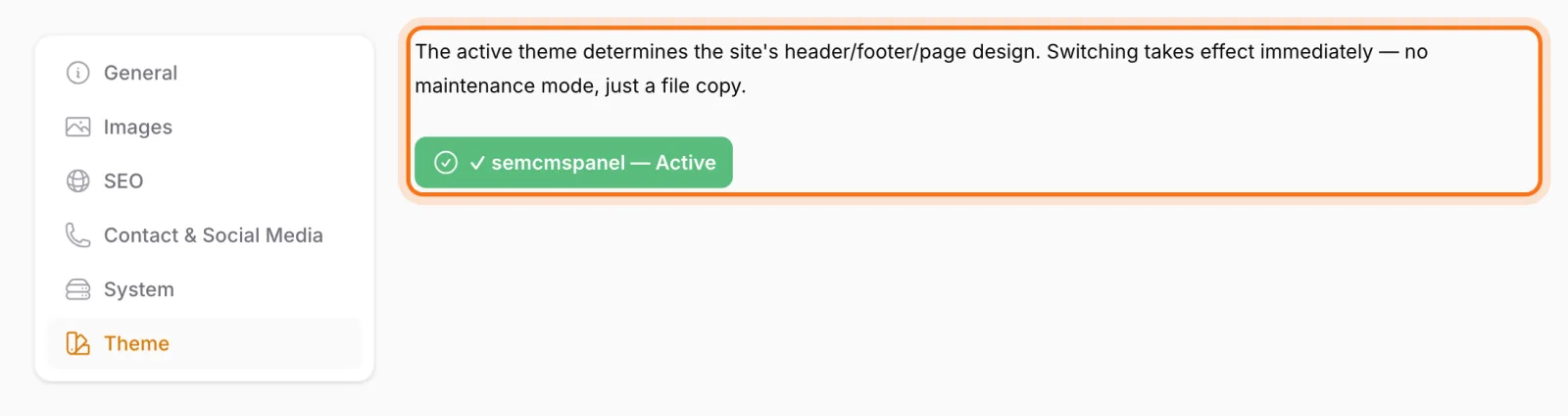
Design is separate from the core. Themes live in their own folder together with their templates, language files and images, and the active theme is chosen on the Theme tab in Settings. Themes aren't part of core updates. Theme updates come through a separate channel: they're installed in a staging area first and pass a compatibility check, local edits are detected, and anything that fails is rolled back automatically. A theme can also declare its own custom fields, which are synced without touching fields created in the panel. More in theme system and template hierarchy.
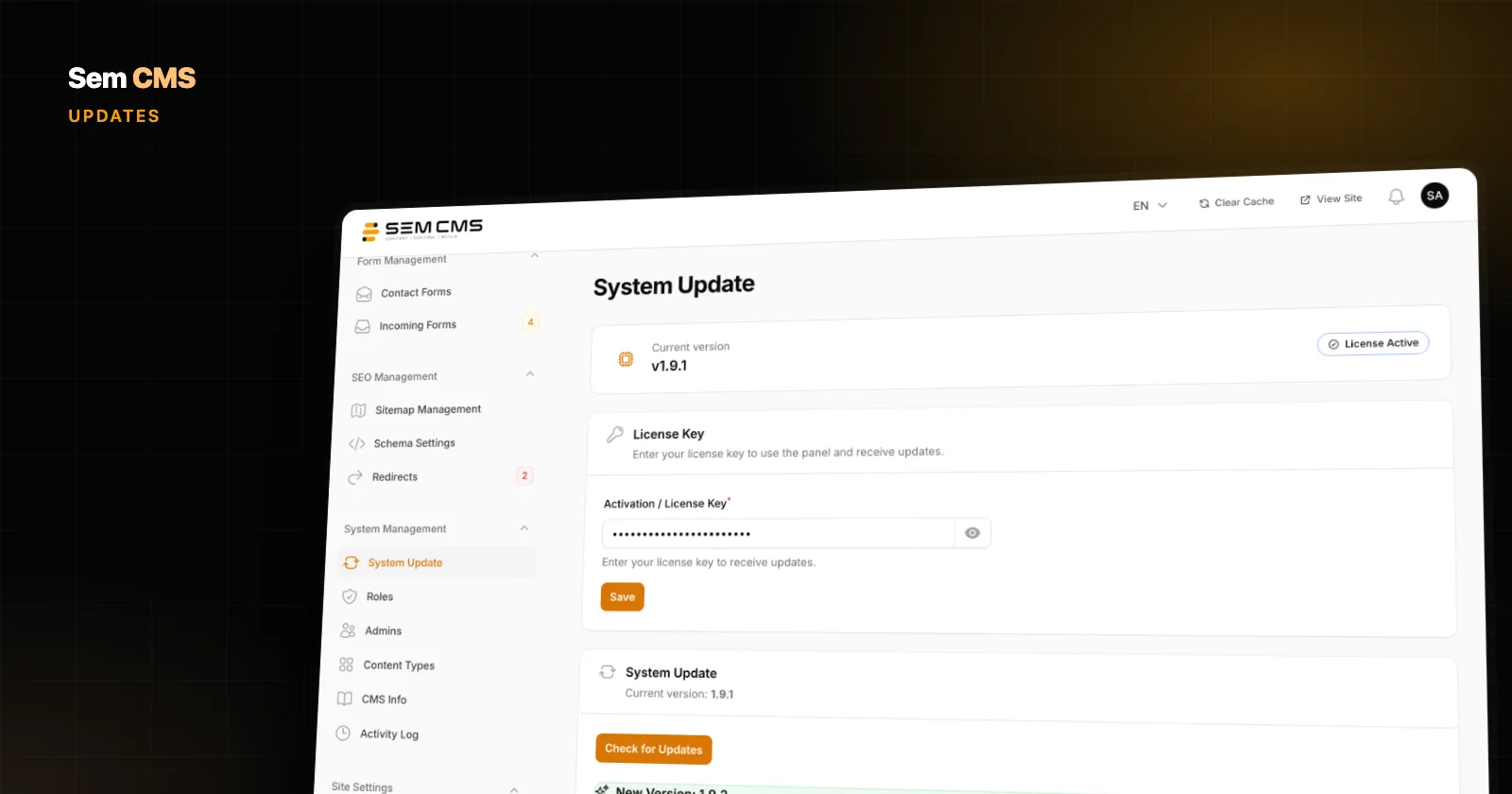
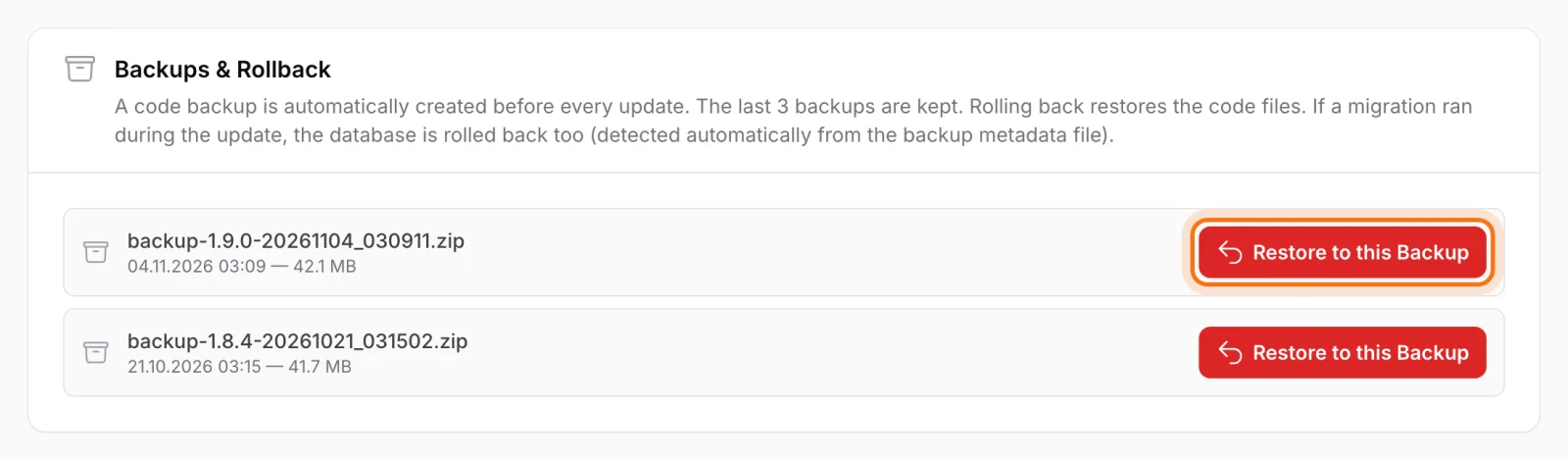
Updates protect your customizations. A code backup is taken automatically before each one-click update, and the last three are kept. The site goes into maintenance mode during the update, and if something fails, the system rolls back on its own. Manually modified files are detected by comparison and not overwritten. When a new version is available, super admins get a notification in the panel. See one-click updates.
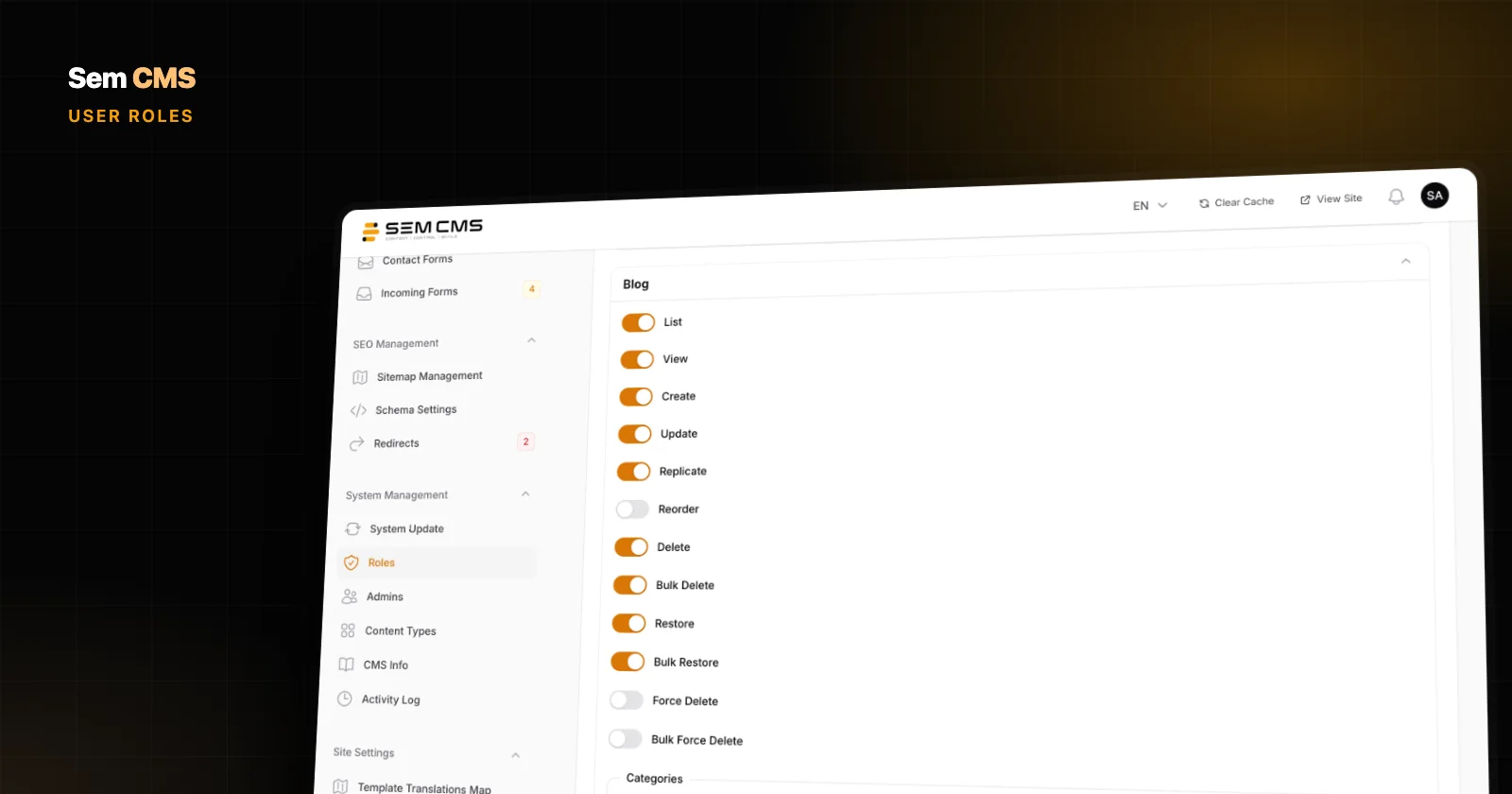
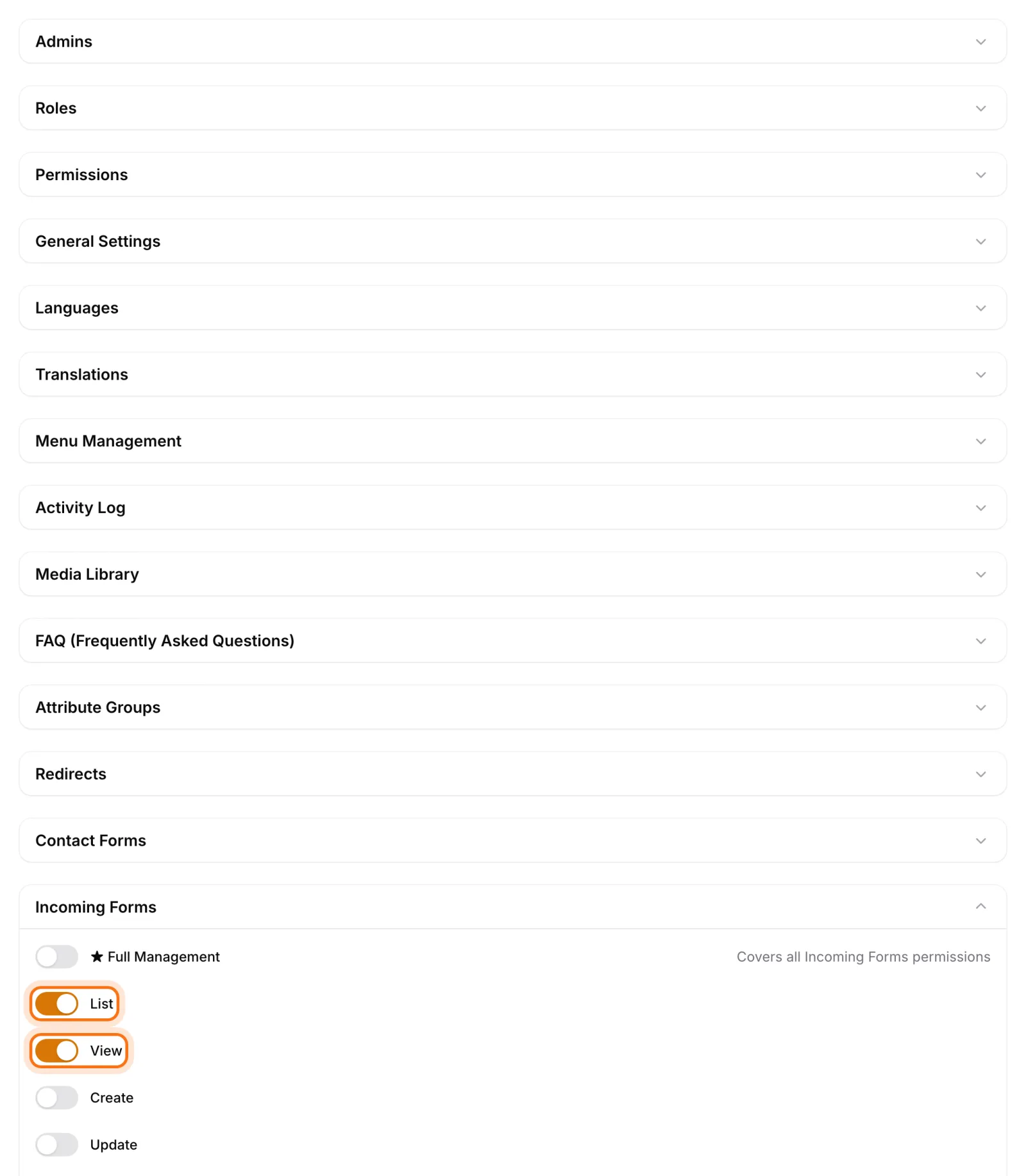
Narrow permissions for client teams. The role editor offers 12 separate action permissions for every content type, and system areas such as settings, users, menus and redirects are switched on or off individually. A non-super-admin can't grant another role a permission they don't hold themselves. The activity log shows the old and new values of content and page changes side by side. See roles and permissions.
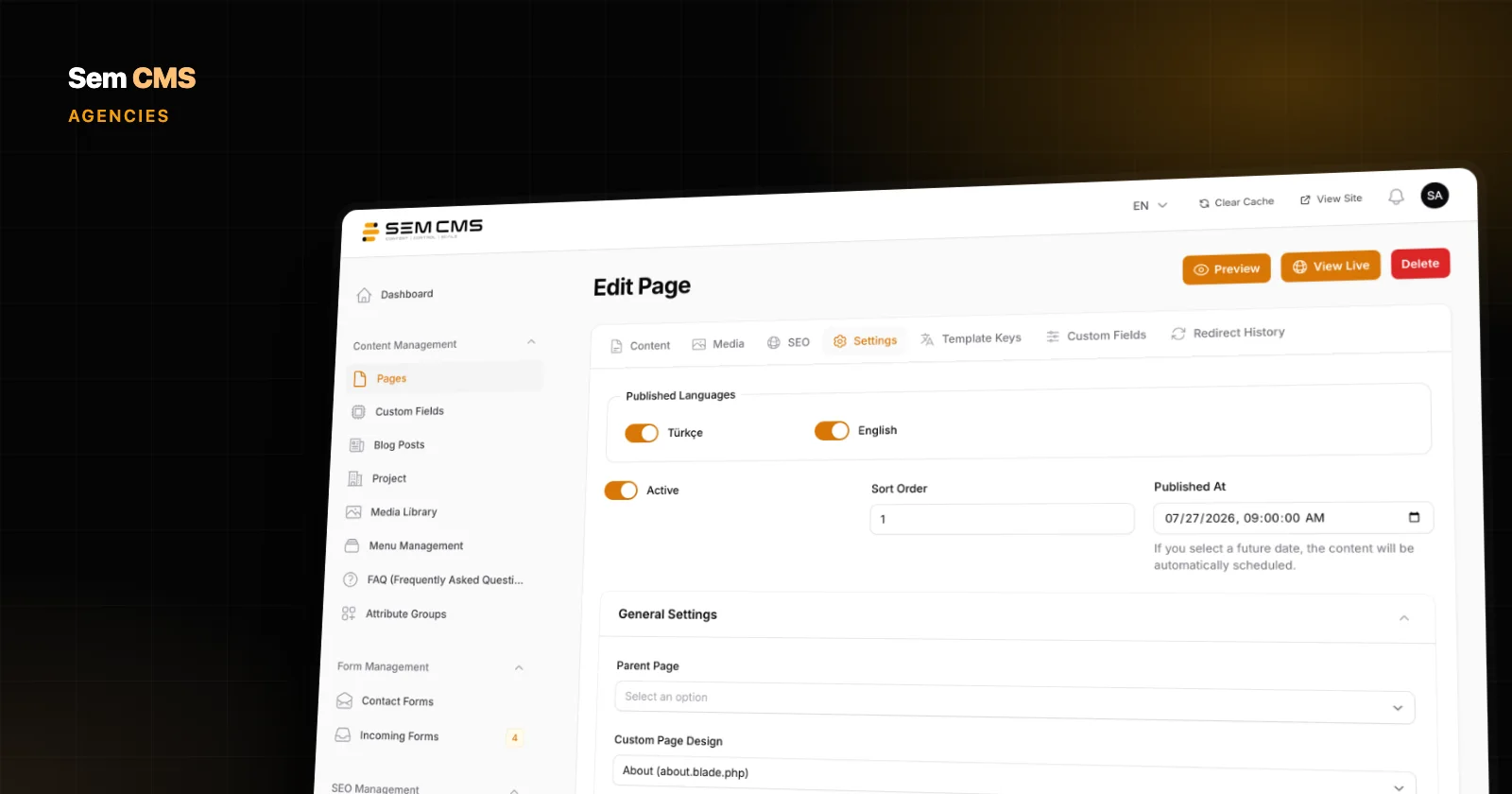
Fast setup, easy handover. Content types and custom field groups with 14 field types are built in the panel, and their permissions are created automatically. A form builder, media library, menus and FAQ come with every installation. Each user can choose Turkish or English for the panel interface. The CMS Info page shows the version, when scheduled tasks last ran and whether jobs are waiting, and gives you the server schedule lines ready to copy.
Bottom line: agency profit lives in standardization
The right CMS for an agency isn't the most flexible or the most popular one. It's the one that lets you run your whole portfolio on a single standard. Design kept apart from the core, safe updates, narrow client permissions and no-code content modelling spread maintenance hours across projects and make every new client faster to deliver than the last.
If you're running a deeper evaluation for a single client, our enterprise CMS checklist will help too. See everything Sem CMS can do on the Features page, or request a demo to see how it fits your agency workflow.