Most companies treat a second language as a translation job. The source pages go to a translator, the translated copy comes back, someone pastes it into the CMS, and the box gets ticked. A few months later the new language barely gets any traffic, and the handful of visitors who do arrive leave without filling in a form. The copy is grammatically flawless. It just doesn't use the words people in that market search for, the formats they expect or the details they care about.
The problem is rarely the quality of the translation. It's the lack of a strategy. This guide covers translation vs localization, the decisions you need to make before you add a language, and how those decisions show up in a content management system.
TL;DR: Translation carries text from one language to another. Localization adapts content to a market: keywords, URLs, date and currency formats, examples, imagery and contact details. A solid multilingual content strategy starts by deciding which languages and pages you actually need, researches keywords separately for each language, never publishes half-translated pages, and connects language versions for search engines with hreflang.
Translation, localization and transcreation
The three terms get used interchangeably, but they describe different jobs:
| Approach | What it does | Good enough for |
|---|---|---|
| Translation | Renders the meaning of the text faithfully in another language. | Technical documentation, contracts, spec sheets |
| Localization | Adapts content to the language habits, formats and expectations of a target market. | Service pages, blog posts, contact and conversion pages |
| Transcreation | Rewrites the message so it lands with the same effect in another culture. | Slogans, campaign copy, homepage headlines |
On a typical company website, most pages need localization. A call to action translated word for word is understandable but rarely sounds natural. And the proof a buyer looks for on a service page often differs by market: one audience wants local references, another wants certifications.
What actually changes when you localize
Localization goes well beyond the body copy. When you prepare a new language version, work through this list:
- Keywords: The literal translation of a term is often not what people search for. Run separate keyword research for each market.
- URLs and slugs: An English page should have an English address.
/en/projects/sea-housesends a clearer signal to people and search engines than/en/projeler/deniz-evi. - Meta titles and descriptions: Write them from search intent in that language, not as a translation of the page copy.
- Formats: Dates (13/11/2026 vs 11/13/2026), decimal separators, currency, units of measurement and phone number formats.
- Examples and imagery: Local references, projects from that market, culturally appropriate photography.
- Contact and legal details: Regional phone numbers, opening hours, privacy notices.
- Forms and interface text: Button labels, error messages, success messages. A form that switches language halfway through costs you trust at the exact moment you need it.
A multilingual content strategy, step by step
1. Define markets and scope
You don't have to translate every page into every language. Decide which markets you expect business from and which pages those markets genuinely need. A local news item or an event that only happens in one country may not belong in the other versions at all. A narrower scope leaves budget to localize the remaining pages properly.
2. Research keywords per language
Translating your keyword list is the most common mistake in international SEO. Research the phrases that have real search volume in the target language, then write titles, slugs and meta descriptions around that list. The English page can have a slightly different focus from the original, as long as it covers the same topic and serves the same purpose.
3. Build a glossary and a style guide
Put your company name, service names and industry terms into a single glossary, with the approved form in every language. Document tone decisions too: formal or conversational, how you address the reader. If more than one translator or editor touches the site, this is the only way to stay consistent.
4. Never publish a half-translated page
A page with an English title and a body in another language is a bad signal for visitors and search engines alike. Search engines may misread the page's language, and visitors bounce. A language version should stay unpublished, and out of the language switcher, until it's complete.
5. Connect the language versions
Different language versions of the same page should reference each other with hreflang annotations. That's how a search engine knows to show the German version to users in Germany and the English one elsewhere, rather than treating them as duplicates. We cover the rules and common pitfalls in What is hreflang?
6. Have a native speaker review it
However the first draft is produced, someone who speaks the language natively should read it before it goes live. Machine translation tools can speed up drafting, but they don't replace human judgment on brand voice, terminology and local conventions.
7. Measure each language on its own
Segment your analytics by language. Which versions earn traffic? Where do conversions drop off? A multilingual strategy isn't a one-off project. The data tells you which language deserves the next round of investment.
Common mistakes
- Serving every language on the same URL and switching by cookie or browser setting. Search engines only ever see one version.
- Force-redirecting visitors to another language based on their IP address.
- Listing untranslated languages in the switcher and sending visitors to empty or half-finished pages.
- Maintaining details that should be identical everywhere, like the address or phone number, separately in every language until they drift apart.
- Changing the slug in one language and leaving the old address without a redirect.
How Sem CMS handles multilingual content
Many of the decisions above depend on whether your CMS lets you make them. In Sem CMS, multilingual support isn't a layer bolted on later; it's built into the structure of every record.
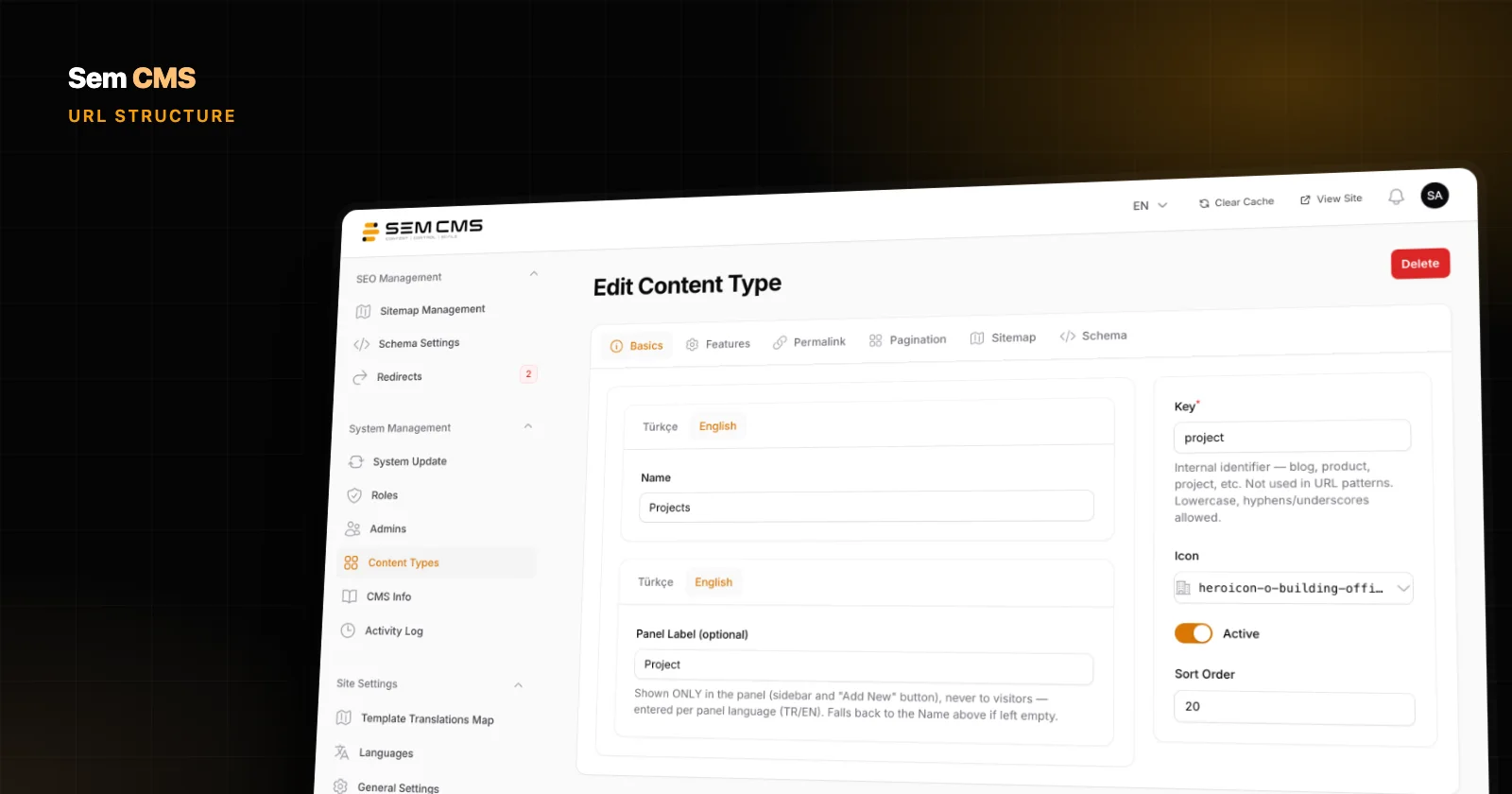
Slugs, meta and URL patterns per language. Content items, pages, categories and tags each have their own title, slug, meta title and meta description in every language. Content type URL patterns are defined per language too, so Turkish projects can live under /projeler/ and English ones under /projects/. The default language has no URL prefix; every other language gets its own.
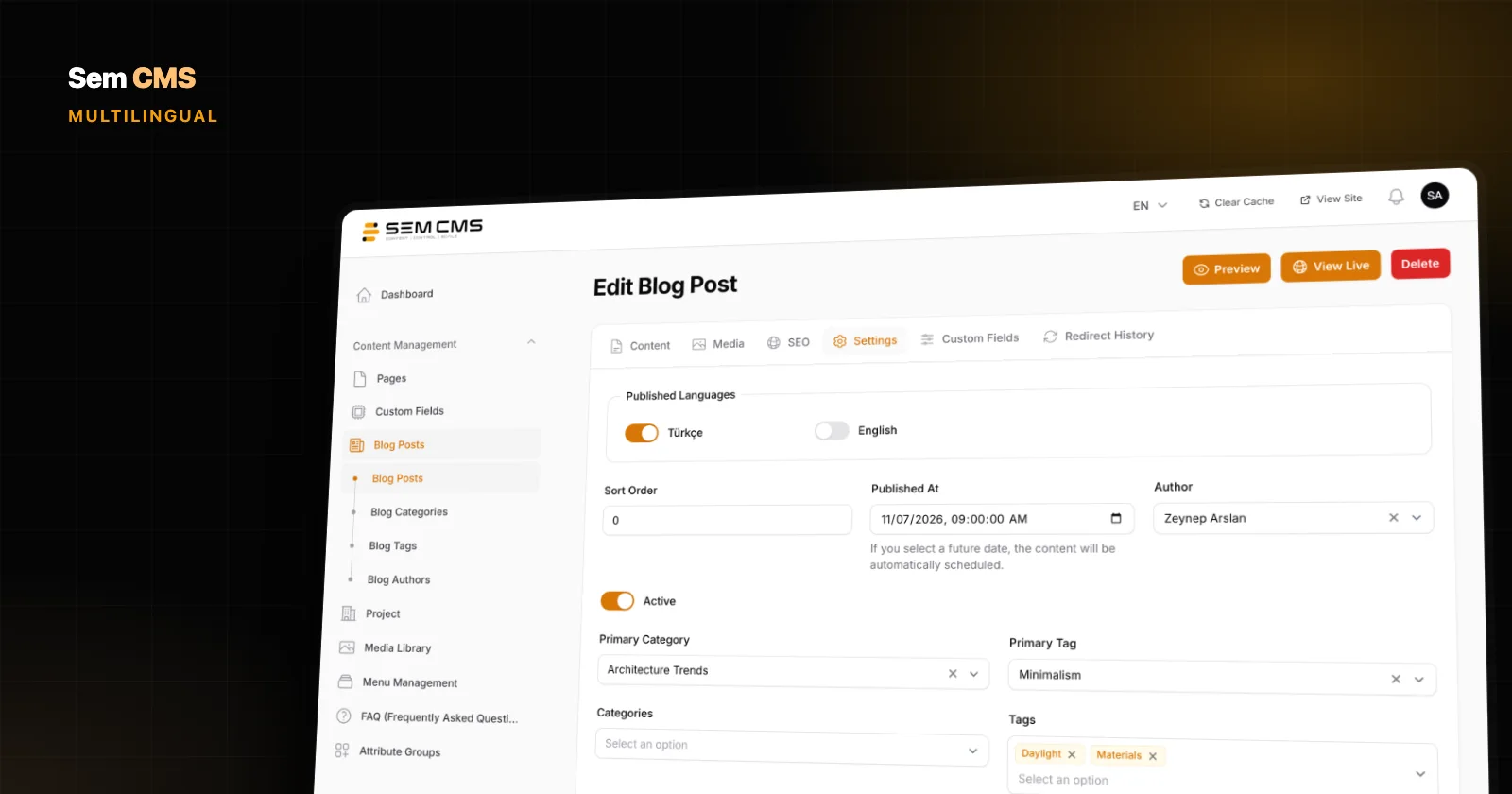
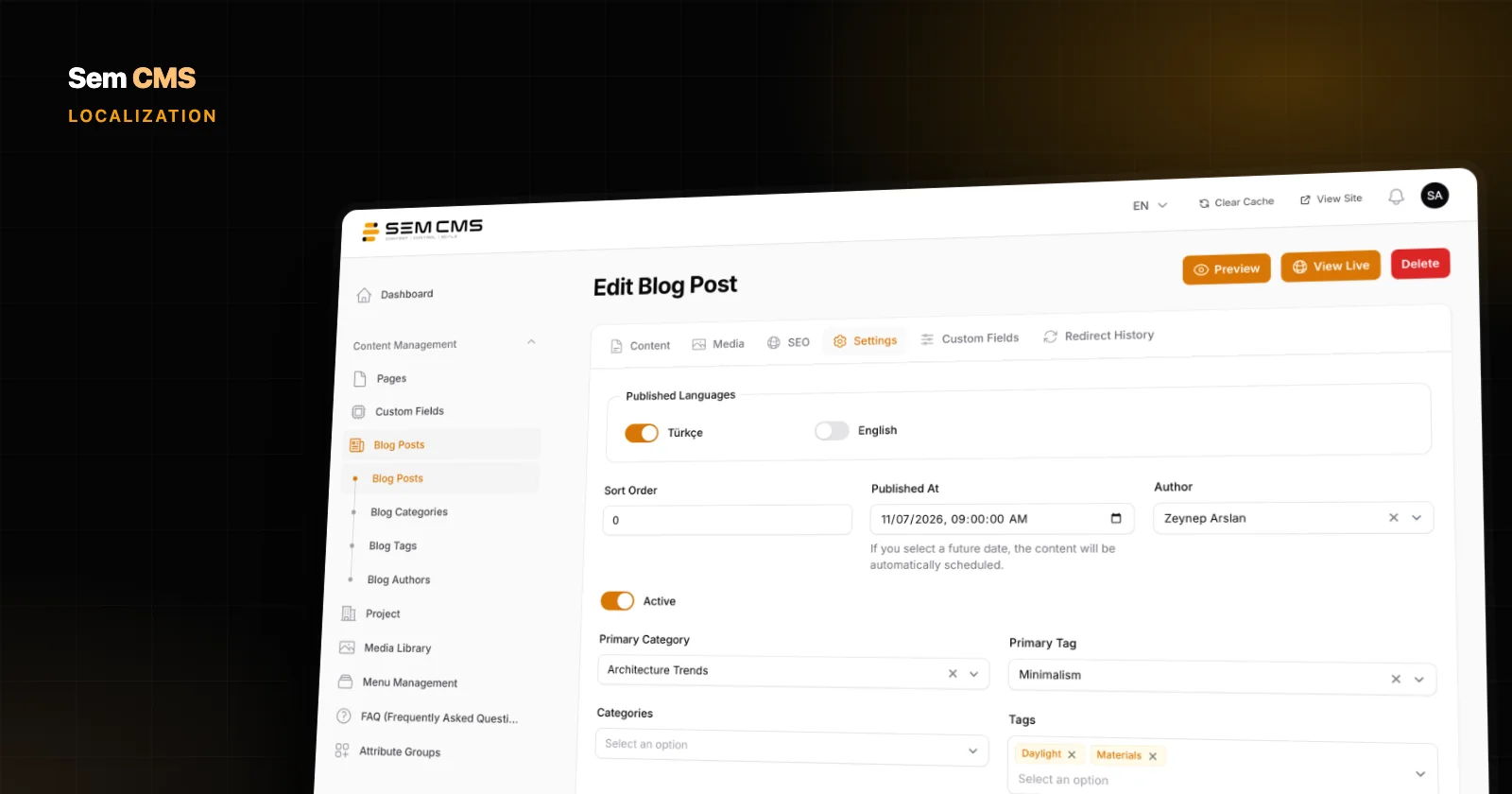
Per-language publishing switches. On every record you choose which languages it's published in. A language can only be switched on once it has a title and a slug. A project without a finished English version goes live in Turkish only. The language switcher shows only the languages a page is actually translated into, and hreflang tags are generated only for published language versions, plus x-default.
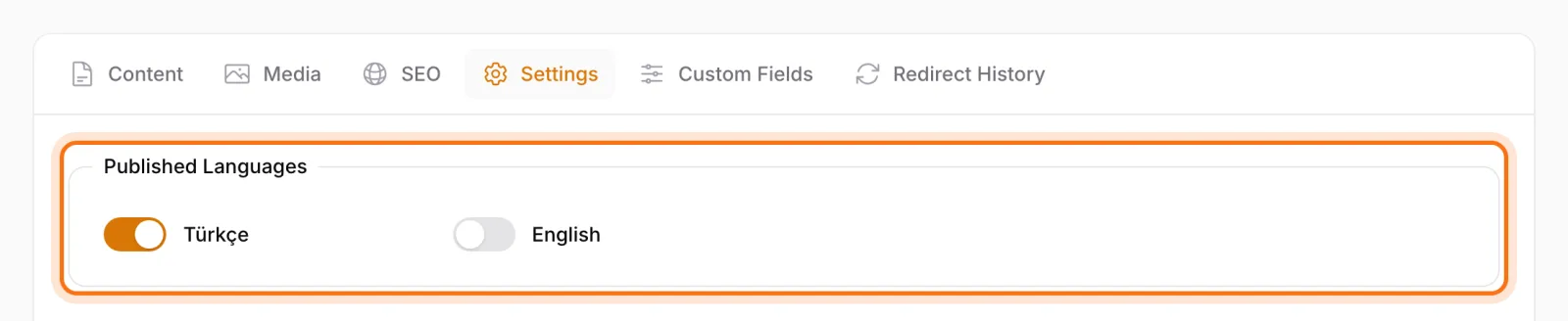
No mixed languages: a page is live only where it's ready. If a page has no version in a language, it isn't published in that language and is left out of the language menu, the sitemap and the hreflang tags. Another language's text is never swapped in. The strategic takeaway: you don't have to translate the whole site at once to open a language. Prepare your priority pages, publish them, and fill in the rest over time.
Optional AI translation, with you in charge. The AI assistant in the panel translates a page into the language you choose without breaking its block layout, giving you a first draft in seconds. Nothing goes live on its own: you or a native reader review the text, then publish it. You can also keep the feature switched off and work with your translator. That way the native-speaker review gets faster, but it never gets skipped.
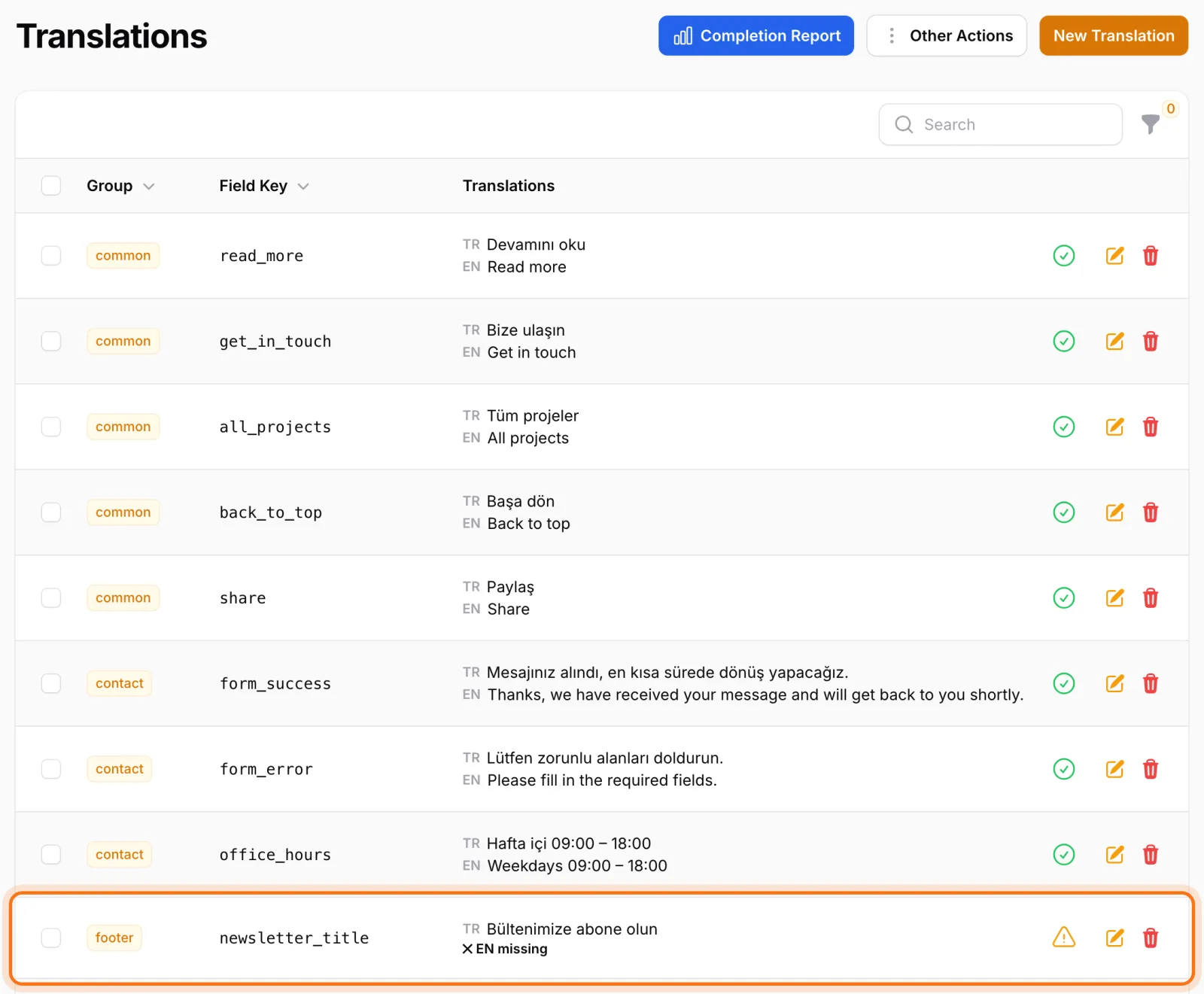
A Translations screen for interface text. Interface strings such as button labels and theme text are managed on the Translations screen, with a tab per language. An "incomplete" filter and a completion report show exactly what's missing in which language, and JSON export and import let you send those strings to a translator as a file and load them back. Form field labels, options and success messages are entered per language as well.
Shared details, managed once. Settings such as address, email, phone, social links and logo have a "same in all languages" switch. Turn it on and the value is maintained in one place; turn it off when a market needs its own regional phone number.
Language-specific templates. If a page needs a different design in one language, the theme can include a template file for that language; when there isn't one, the shared template is used. You can give one market a different homepage layout without forking the whole site.
Slug changes are handled per language as well: a 301 record from the old address to the new one is prepared only for the language that changed. See URL management and 301 redirects for the details.
Bottom line: strategy first, translation second
A multilingual site doesn't succeed because its text exists in another language. It succeeds when each market gets the right words, the right addresses and complete pages. Define your scope, research each language separately, keep unfinished versions offline and connect the versions properly. Your CMS should make those decisions easier, not harder.
See language management in Sem CMS, with screenshots, in Multilingual website management, and read about the SEO foundation in What makes a CMS SEO-friendly. Browse everything on our Features page, or request a demo to walk through your own markets.