Not long ago, adding an FAQ section to a page and marking it up with FAQ schema was the easiest way to take up more space in search results, with expandable questions right under your listing. So plenty of sites put FAQs everywhere: on product pages, service pages, and on almost every blog post.
Then Google changed the rules and that display disappeared for most sites. The question now is whether FAQ schema is still worth the effort. This post explains what FAQPage markup is, how Google uses it today, how to write a good FAQ page, and how Sem CMS automates the whole thing.
TL;DR: Since August 2023, Google shows FAQ rich results only for well-known, authoritative government and health websites. For everyone else, FAQ schema no longer earns a visual boost in search results. A well-written FAQ section still answers your visitors' questions, though, and the markup still spells out your question-and-answer structure for machines. Don't count on rich results; follow the guidelines and keep the markup identical to what's visible on the page.
What is FAQ schema (FAQPage)?
FAQ schema is structured data that describes the frequently asked questions on a page, and their answers, using schema.org's FAQPage type. It is usually added to the page source as JSON-LD. Each question is a Question, and each answer is an Answer in that question's acceptedAnswer property:
{"@type": "FAQPage", "mainEntity": [{"@type": "Question", "name": "How long does delivery take?", "acceptedAnswer": {"@type": "Answer", "text": "Orders ship within 3 business days."}}]}
Visitors never see this code; they see the FAQ section on the page. Search engines read the same information without having to guess at its structure.
Who gets FAQ rich results in Google today?
In August 2023, Google announced two changes to simplify its search results. HowTo rich results were dropped, and FAQ rich results were limited to well-known, authoritative government and health websites. For an agency site, an online store or a corporate blog, that means FAQ markup will no longer produce expandable questions in your search listing.
In the same announcement, Google noted that structured data it doesn't use causes no problems in Search. So you don't need to strip out existing FAQ markup; just don't expect a visual payoff from it. Search features keep changing, so Google's official structured data documentation is the place to check the current state.
So is FAQ schema still useful?
The honest answer: not for rich results, but it isn't worthless either.
- Clarity for machines: Structured data states the question-and-answer relationship on your page with no room for interpretation. Search engines and other systems that read your content can use that structure, but don't assume any of them guarantees to.
- The section itself has value: A good FAQ settles the last doubts before someone buys or gets in touch, and it gives you text that matches long-tail searches like "how long does..." or "what's included in...".
- Low cost: If the content is already on the page, marking it up correctly is no extra work, especially when the system does it for you.
What's wrong is writing an FAQ purely for the markup, or treating FAQ schema as a ranking trick. No structured data earns rankings on its own.
How to write an FAQ section that works
- Start from real questions. Sales emails, support tickets and question-style queries in Search Console are your best sources. Don't invent questions nobody asks.
- Phrase questions the way customers do. Not "Our service scope" but "What's included in the maintenance plan?"
- Answer in the first sentence. Then add a sentence or two of context if needed, and link to a fuller page for anything longer.
- Stay on topic. FAQs on a project page should be about that project; don't paste your company-wide FAQ onto every page.
- Skip the sales pitch. An FAQ is not ad space, and Google's guidelines don't allow advertising content in FAQ markup.
- Keep it current. When a price, timeline or policy changes, update the answer.
A dedicated FAQ page or FAQs on each page?
Both have their place. A dedicated FAQ page gathers company-wide questions (payment, delivery, support, contracts) in one spot and helps visitors find answers on their own. Grouped by topic, it stays scannable even when it gets long.
On-page FAQs answer questions specific to one service, product or project, right where the visitor is deciding. Most sites get the best results from combining the two: general questions on the FAQ page, topic-specific ones on the relevant page. Just don't copy the same list everywhere.
FAQ schema guidelines: what to watch for
- Marked-up content must be visible. Questions and answers have to appear on the page where visitors can see them. Q&As that exist only in the code break the guidelines.
- Your site writes the questions. For forum-style pages where users ask and several people answer,
QAPageis the right type, notFAQPage. - Repeated FAQs get marked up once. If the same Q&As appear on several pages of your site, Google recommends marking up only one instance.
- Use the full text. Each question and answer should contain the complete text shown on the page.
- Match the language. An English page needs English questions in its markup; on multilingual sites this slips through easily.
Common mistakes
- Page text and markup drifting apart over time (one gets updated, the other is forgotten).
- Two separate
FAQPageblocks on the same page, one from a theme component and one from a plugin. - The same generic FAQ list on every page.
- HTML tags and broken character entities leaking into the answers in the markup.
- Publishing default-language questions in every language of a multilingual site.
FAQ page checklist
- Do the questions come from real customer questions?
- Does every answer respond in its first sentence?
- Is every marked-up Q&A visible on the page?
- Is there exactly one FAQPage block on the page?
- Does each language's markup contain that language's text?
- Is the goal user value rather than a rich result?
How FAQs and FAQ schema work in Sem CMS
Most of the mistakes above come from managing the page text and the markup in two different places. In Sem CMS, both come from the same source. FAQs live in groups on the panel's FAQ screen, with questions and answers written separately for each language and reorderable within a group.
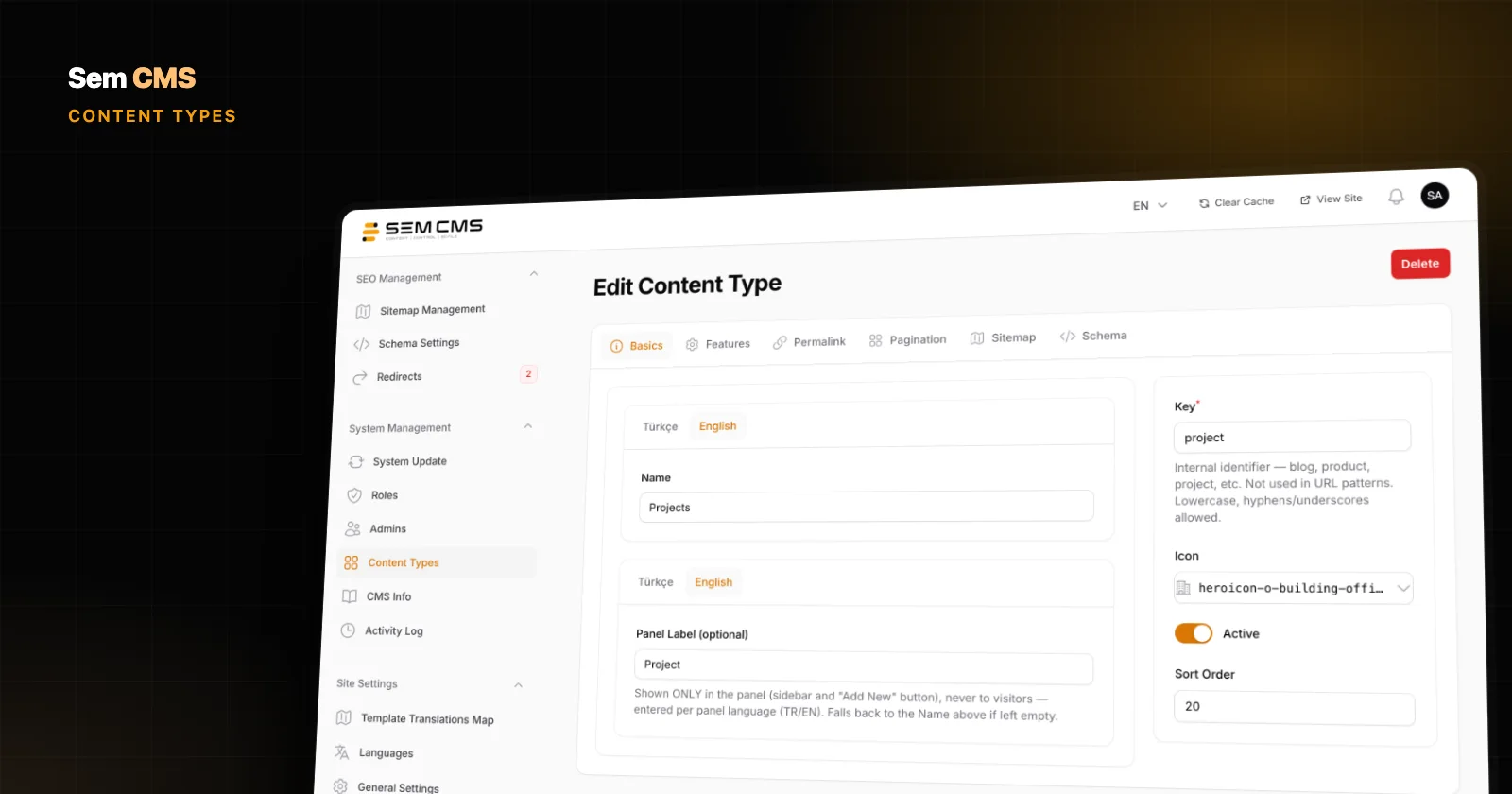
You attach an FAQ group to a blog post, a record in a custom content type, a page, a category or a tag using the picker on its edit screen. Write the questions once, reuse them on as many records as you need.
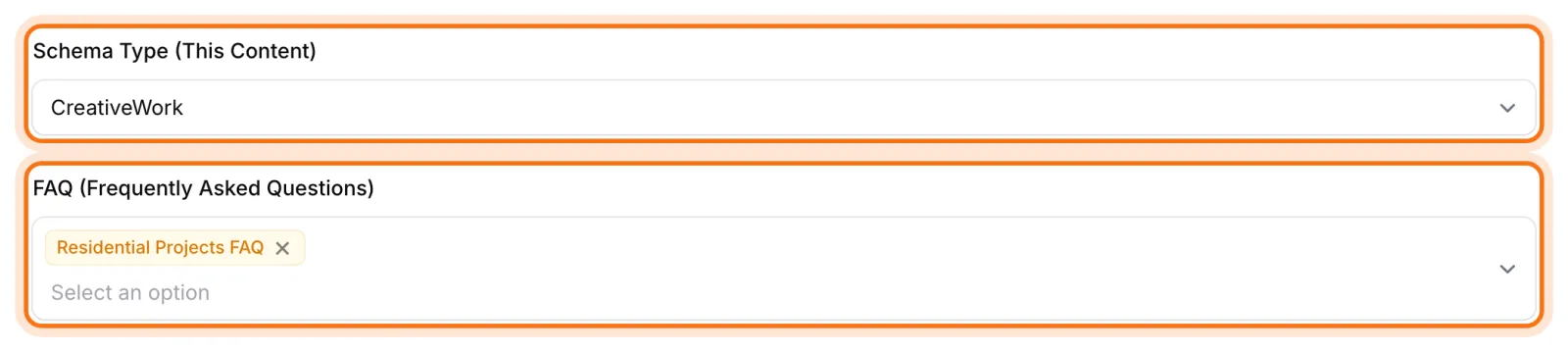
The default content and page templates show the attached questions on the page, and the system generates the FAQPage structured data automatically from the same data. That means:
- Visible content and markup match. Update an answer in the panel and the page and the structured data change together.
- One FAQPage per page. If several groups are attached to a record, their questions are merged into a single
FAQPagenode, so the same Q&As are never published twice. - The right language. Each language version marks up only the questions written in that language; questions without an answer are skipped.
- Clean text. HTML tags and character entities in answers are converted to plain text in the structured data.
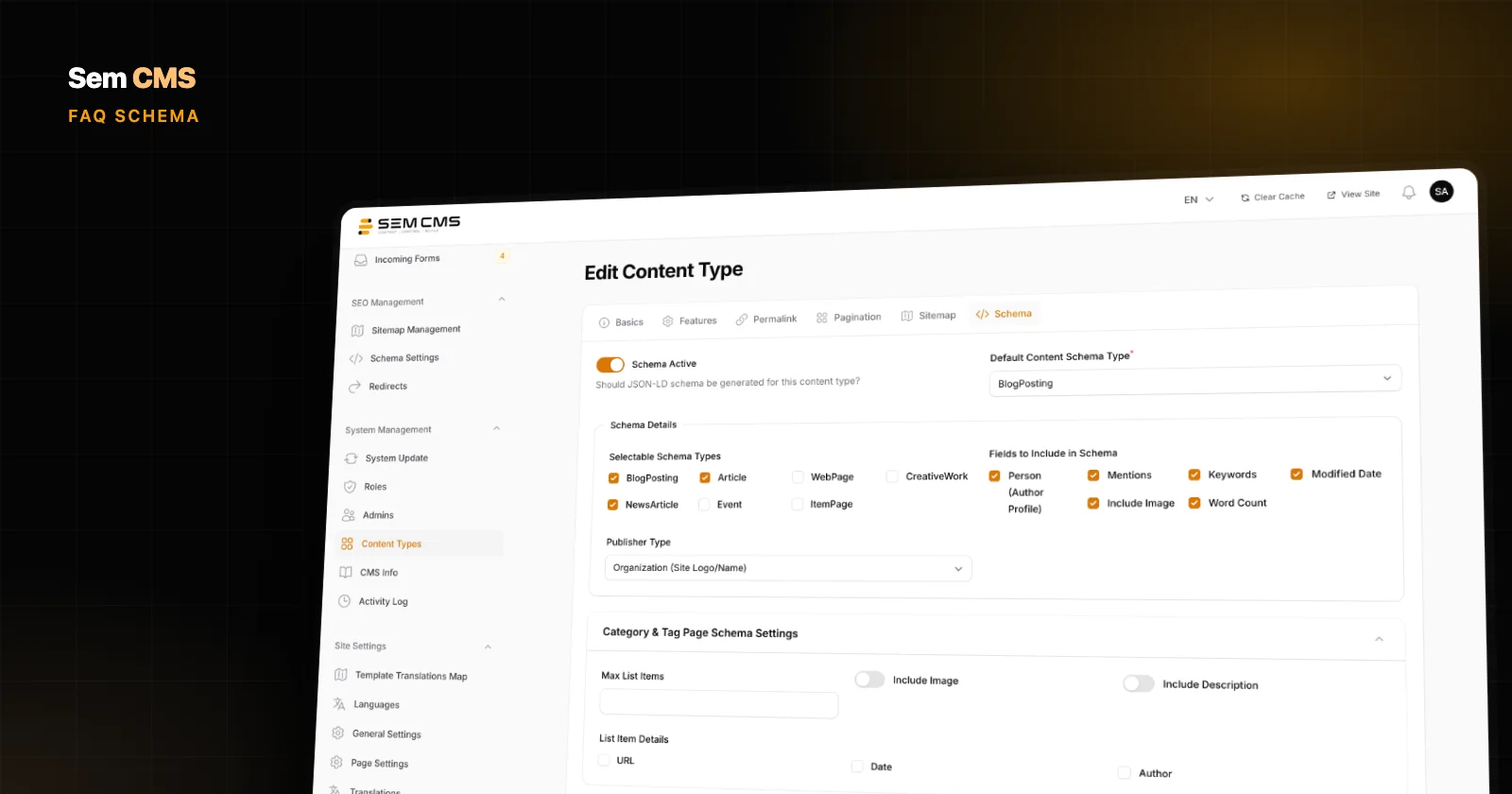
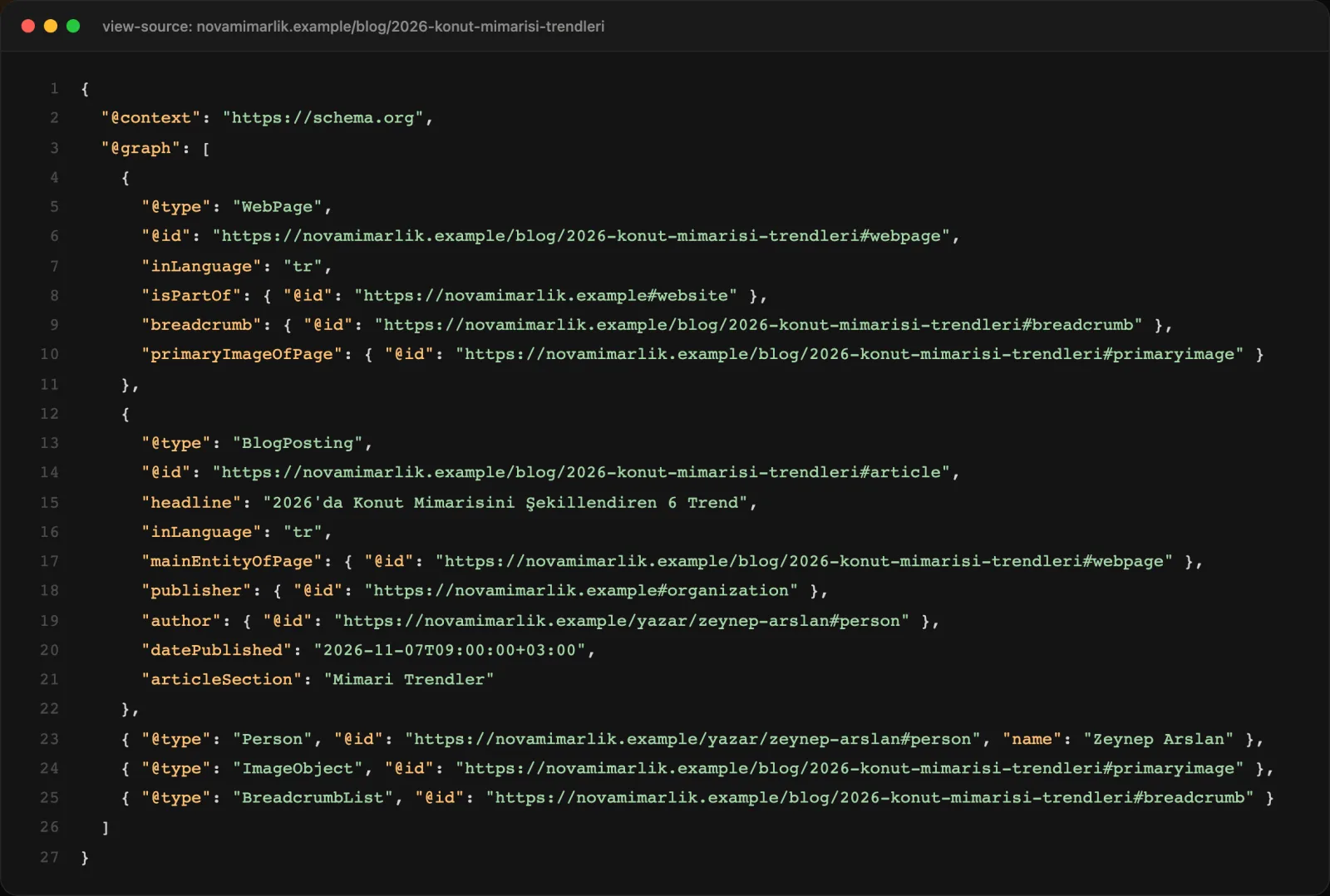
The FAQPage node sits alongside the page's other structured data (WebPage, article, author, breadcrumbs) in one connected @graph block. For static pages made up entirely of questions and answers, you can also pick FAQPage as the default page type in Schema Settings.
Bottom line
For most sites, FAQ schema no longer brings an eye-catching search result, so be skeptical of anyone promising one. A well-written FAQ still serves your visitors, and correct markup still describes your content clearly to machines. What matters is that the markup always matches the page and is right in every language, and the easiest way to get there is to let the system handle it.
For every schema type Sem CMS generates, read our post on structured data and JSON-LD; for meta tags and canonicals, see SEO-friendly CMS; and for the multilingual groundwork, see multilingual website management. Explore everything on our Features page, or request a demo to see it with your own content.